SOFTWARE UPDATES
6-1
SIG-QG-20-02 JANUARY 2021
Version : A.2
SECTION 6 SOFTWARE UPDATES
6.0 SOFTWARE UPDATES GCP 4000/5000
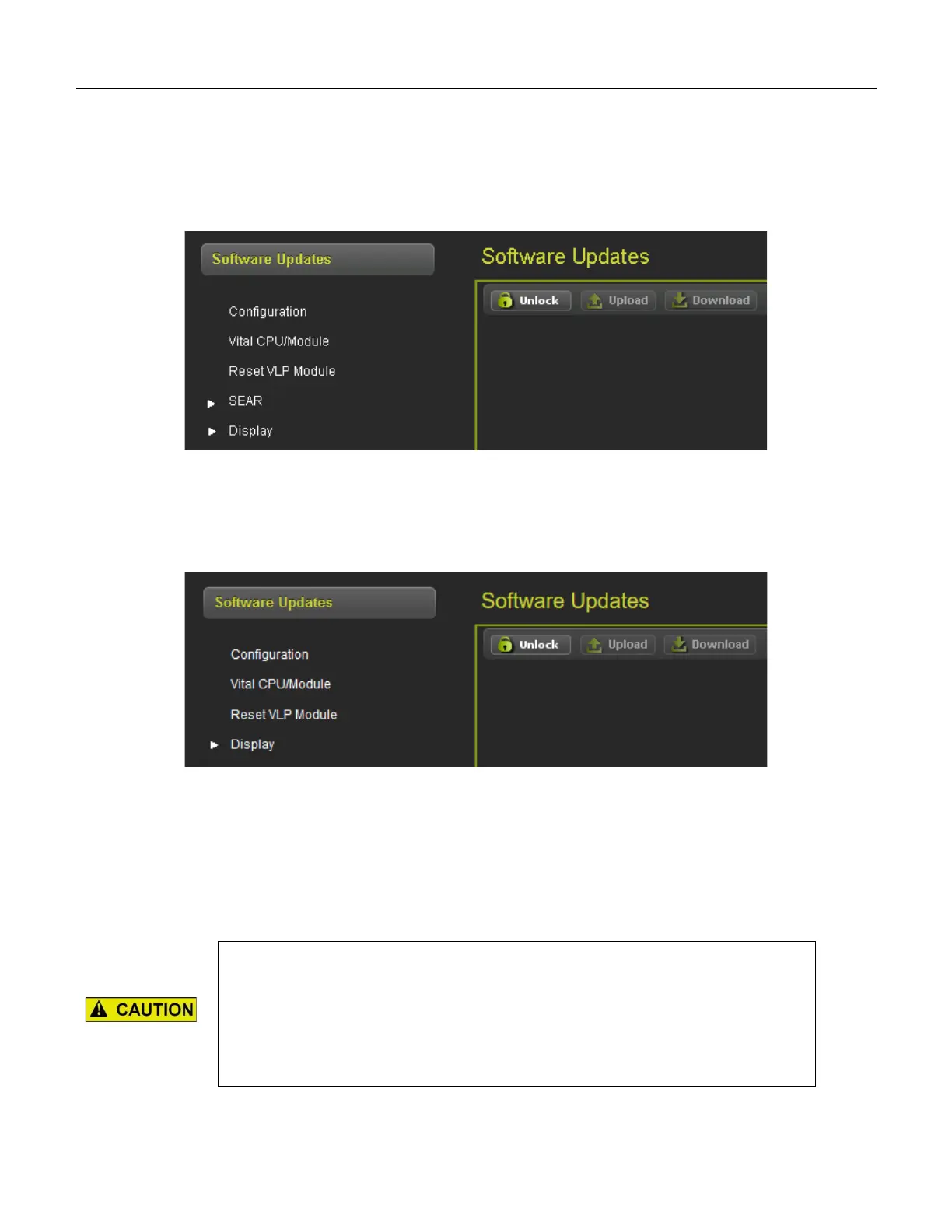
When the software updates icon is selected, the WebUI will show the menu options illustrated in the
following figure. The screen will open with the Configuration options.
Figure 6-1 WebUI Software Updates
6.1 SOFTWARE UPDATES GCP 3000+
When the software updates icon is selected, the WebUI will show the menu options illustrated in the
following figure. The screen will open with the Configuration options.
Figure 6-2 WebUI Software Updates
6.1.1 Configuration
This menu is used to download the configuration file (PAC file) from the GCP or to upload a new one.
The configuration file is known as the PAC file. The PAC file can be opened offline using the OCE tool
(See manual SIG-00-11-15). The PAC file can be used as a back up to the GCP configuration and
loaded back into the system using the Upload Configuration step described below.










 To Next Page