Operating Manual - English Triax QUATTRO
Copyright Silca 2011 - 15 -
3 MACHINE INSTALLATION AND PREPARATION
It is the customer’s task to install the machine, which does not require special skills.
The key-cutting machine is supplied ready for use and does not need assembling; however, the machine should
be checked and prepared for use.
3.1 CHECKING FOR DAMAGE
Triax QUATTRO is a solid compact machine which will not break if transport, unpacking and installation are
carried out according to the instructions in this manual. In any case check the condition of the machine.
3.2 ENVIRONMENTAL CONDITIONS
To use the key-cutting machine efficiently the following environmental parameters are important: environments
with high humidity and poor air circulation are not advisable.
The optimum environmental conditions for the machine are:
temperature 10°C to 40°C; relative humidity: approx. 60%.
3.3 POSITIONING
Follow the procedure described below:
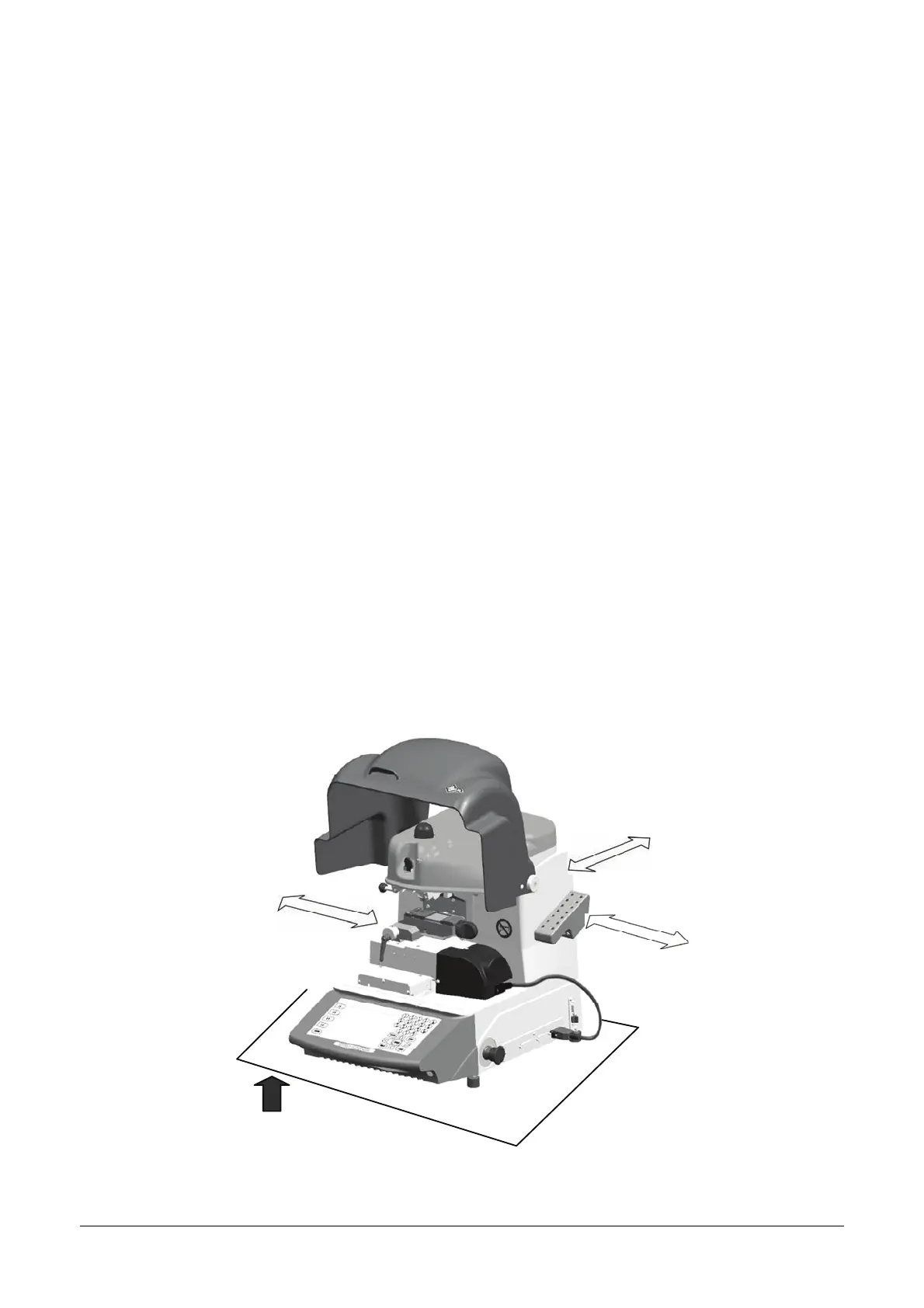
1. Place the key-cutting machine on a horizontal work bench solid enough to take its weight (51.5 Kg) and
big enough to allow comfortable access to the working parts. The work bench should be at the same
height as the operator’s hips. We recommend leaving a clearance of at least 30 cm at the back and
sides of the machine to ensure good ventilation (Fig. 9).
2. Take the USB PEN from the tool holder and insert into its port.
3. Make sure the mains voltage is suitable for the machine and that it has an earth connection and
differential switch.
4. Connect the power lead to the socket and plug.
100 cm
30 cm
30 cm
30 cm
Fig. 9



 To Next Page