Operating Manual - English Triax QUATTRO
Copyright Silca 2011 - 23 -
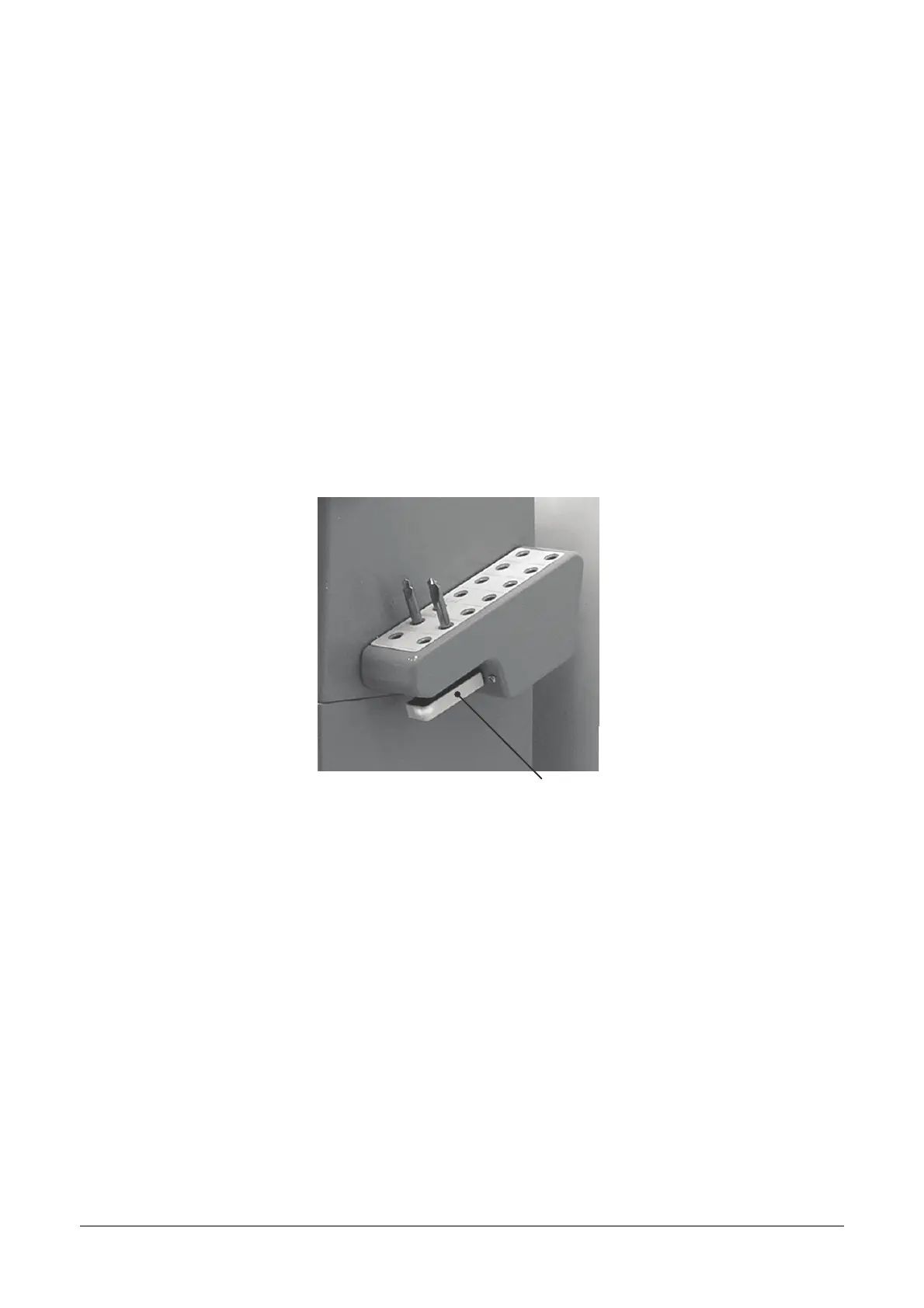
4.6 USING THE USB PEN
ATTENTION: the USB pen can be removed and/or inserted in its holder on the key-
cutting machine in one of the following ways:
PROCEDURE:
1. With the key-cutting machine off the USB PEN can be removed or inserted.
2. With the key-cutting machine on the USB PEN must be disabled. This operation is possible from the
main menu (with numerical key 2) or from the sub-menus where a USB pen icon appears (function
button). USB pen status goes to OFF and the luminous LED on the pen goes off.
USB PEN
Fig. 21



 To Next Page