EasyManua.ls Logo

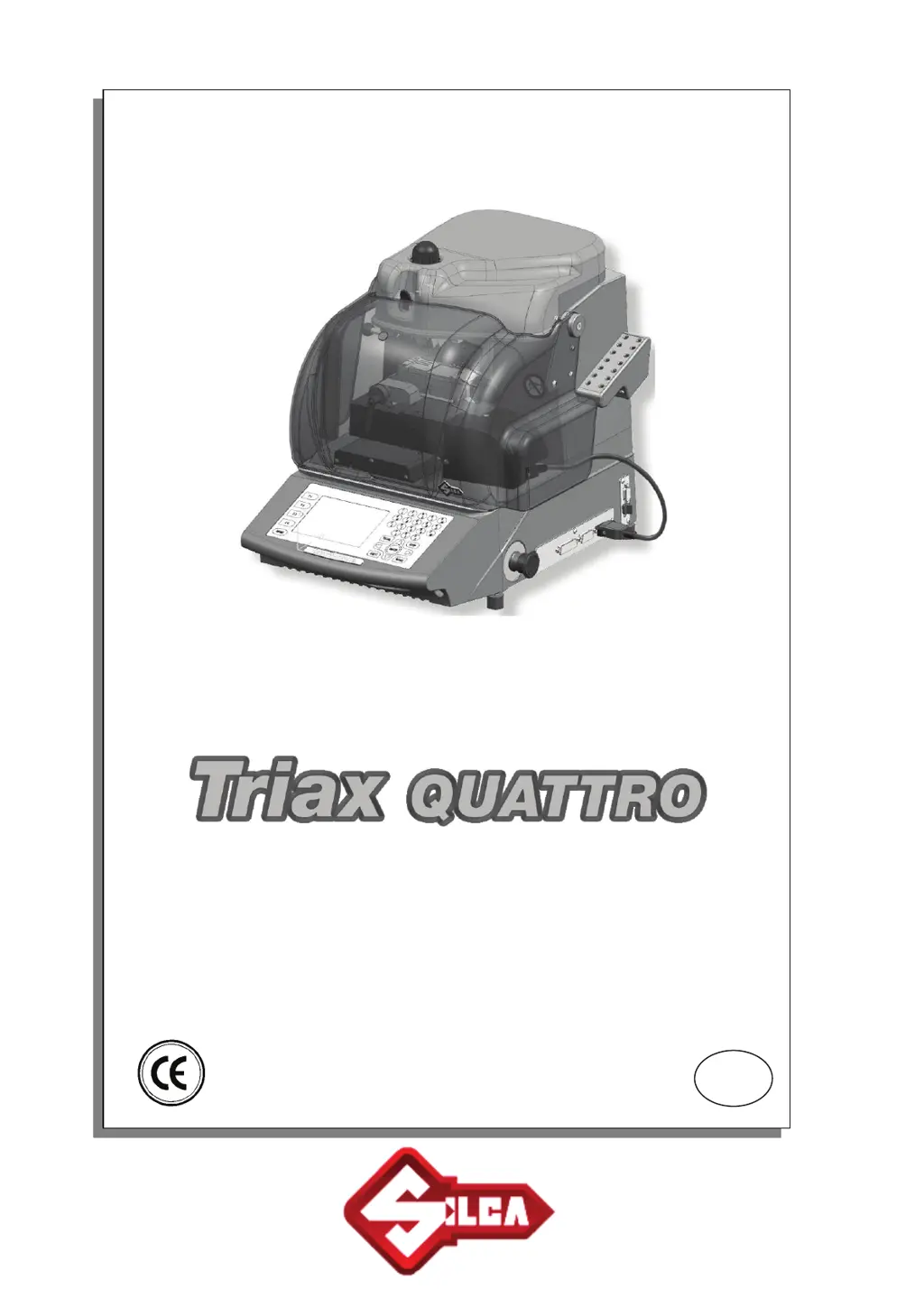
Silca Triax Quattro - User Manual

Silca Triax Quattro
118 pages
Print Icon
To Next Page IconTo Next Page
Loading...
Operating Manual
D4372
4
8XA
Vers. 3.0
Original Instructions
Operating Manual
D4372
4
8XA
Vers. 3.0
Original Instructions
GB

Table of Contents

Questions and Answers

  • L
    Leslie RodriguezAug 4, 2025
    How to troubleshoot a blank display on my Silca Power Tool?
    • N
      Nancy AndersonAug 4, 2025
      If your Silca Power Tool machine is on but the display is blank, try the following: * Verify the emergency button is not activated. * Check the general fuses on the power socket. * Ensure the ON switch on the back of the machine is in the ON position. * Confirm the power lead is connected. * Inspect fuses F4 or F3. Also check that the fan on the back of the machine is working. In addition, check the connection cable between the display and the electronic circuit board and make sure it is properly placed. Finally, the display itself may be faulty.
  • J
    James RussellAug 13, 2025
    What to do if Silca Triax Quattro Power Tool display shows “Cutting or decoding in progress, etc.” but axes are not moving?
    • D
      douglasjohnsonAug 13, 2025
      If the Silca Power Tool displays “Cutting or decoding in progress, etc.” but the X-Y-Z axes aren't moving and no buttons work, here's what to check: * Inspect the cut-out fuse F2 on the circuit board. * Test the X-Y-Z axis motors using test digital inlets. * Examine the X axis connection cable. * Ensure the connection cables for the X-Y-Z axes are properly fixed to the circuit board and that the connectors are correctly inserted. * Consider the possibility of a faulty electronic circuit board.
  • L
    Lisa HarrisAug 22, 2025
    Why is the cutter motor not turning on my Silca Triax Quattro Power Tool?
    • C
      Catherine FowlerAug 22, 2025
      If the cutter motor on your Silca Power Tool isn't turning, consider these potential causes: * The closed safety shield might not be properly engaging the safety microswitch. * Fuse F6 or F7 on the motor circuit board could be blown. * The motor cable might not be correctly inserted into the connector. * The electronic circuit board could be faulty. * Fuse F5 might be blown.

Summary

General Warnings and Safety

General Usage Guidelines

Key instructions for safe and proper operation of the machine.

Safety Regulations

Essential safety rules for machine operation and maintenance.

Warning and Prohibition Signs

Explains the meaning of safety symbols and mandatory actions.

Machine Working Parts

Triax QUATTRO Overview

Overview of the machine's main components.

Provided Accessories

List of tools, hex keys, and fuses included with the machine.

Technical Specifications

Specifications like power supply, motor, dimensions, and weight.

Safety Features

Details on safety shield and emergency stop functionality.

Transport and Handling

Packing and Unpacking

Instructions for packaging, unpacking, and checking the machine.

Machine Handling Guidelines

Guidelines on safely lifting and moving the machine.

Installation and Preparation

Initial Setup Steps

Steps for checking damage, environmental needs, and machine placement.

Work Station Description

Identifies the main controls available to the operator.

Machine Operations

Key Cutting and Engraving

Core procedures for cutting keys and engraving using clamps and cutters.

USB Pen Usage

Instructions for inserting and removing the USB pen from the machine.

Operating Guide

Keypad and Basic Operations

Understanding the keypad and initial operational steps.

Searching for Key Systems

How to search for key systems using various criteria like make, code, or SSN.

Lock System Functions (SSN)

Functions related to lock systems, including decoding and cutting.

Engraving Operations

Procedures and options for engraving text on keys and medals.

Calibration and Maintenance

Procedures for calibration and routine maintenance of the machine.

Machine Options and Settings

Configuring machine settings such as language, units, and keypad behavior.

Troubleshooting and Messages

Warning Messages

Displays common warning messages encountered during operation.

Error and Alarm Messages

Lists and explains various error and alarm codes and their potential causes.

Troubleshooting Guide

Guide to diagnose and resolve common faults and issues with the machine.

Cleaning and Maintenance

Cleaning Procedures

Instructions for cleaning the machine to maintain optimal performance.

General Maintenance Guidelines

General guidelines for machine maintenance and part replacement.

Component Replacement

Procedures for replacing common components and accessing internal parts.

Sensor and Photocell Replacement

Detailed procedures for replacing sensors and photocells on different axes.

Circuit Board, Microswitch, and Tower Replacement

Replacing circuit boards, microswitches, tower components, and the battery.

After-Sales Service

Applying for Service and Warranty

Steps to follow when requesting after-sales service or warranty repairs.

Electrical Diagrams

Appendix 1 - Diagrams

Contains various electrical diagrams for the machine's components.

Silca Triax Quattro Specifications

General IconGeneral
BrandSilca
ModelTriax Quattro
CategoryPower Tool
LanguageEnglish

Related product manuals