Operating Manual - English Triax QUATTRO
- 64 - Copyright Silca 2011
1
5.13 PROTECTED SSN (DISABLE)
F1
From the screen press MENU and/or F4 to enable the
function.
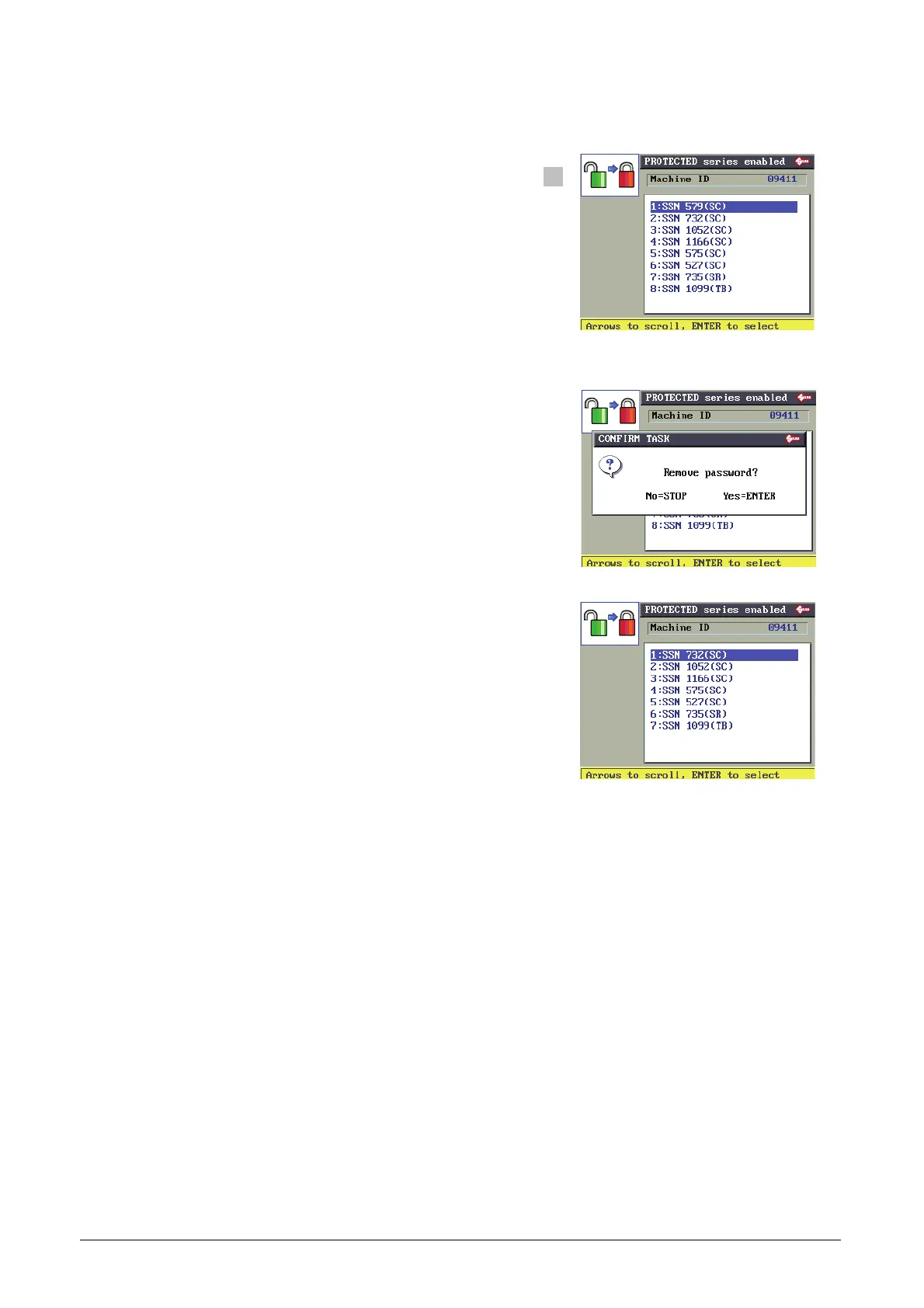
List of protected systems already enabled.
They can be protected again.
Use the arrow keys (up and down) to select the protected
system already enabled.
F1 to protect the SSN again.
The display shows another message requiring confirmation of removal:
STOP to quit the operation without editing.
ENTER to confirm.
After confirmation the display will show.



 To Next Page