Operating Manual - English Triax QUATTRO
Copyright Silca 2011 - 91 -
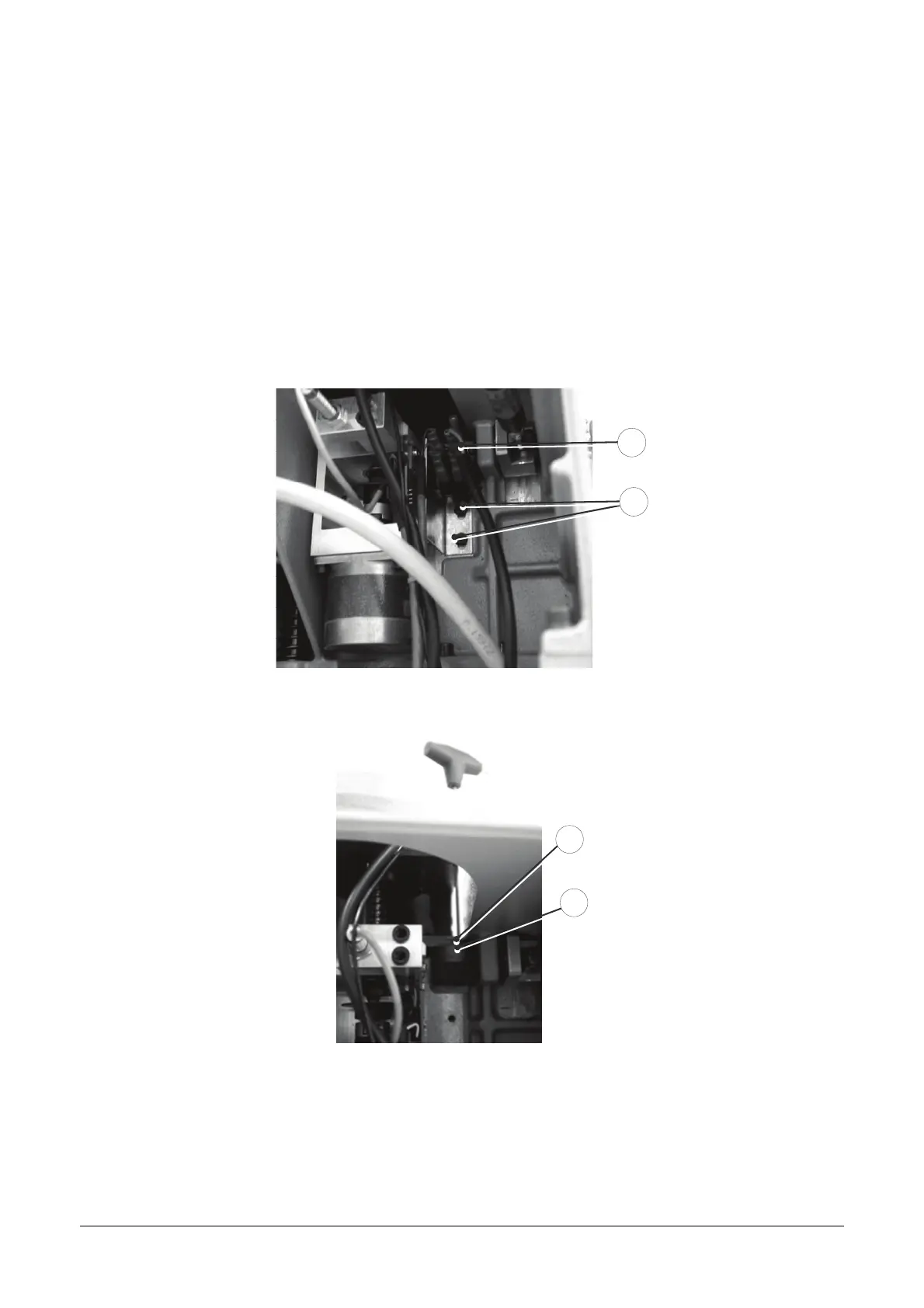
7.13 CHECKING AND REGULATING SAFETY MICROSWITCHES
1. Remove the rear metal plate.
2. Check the wires connecting the two microswitches (J4).
3. Check that the “Digital Inlets-Cover Micro” test is successful.
If not, check that the cam (J6) makes the two microswitches click. If necessary, regulate the cam as
follows:
4. Remove the belt cover and lower the safety shield (V).
5. Use the 2.5mm T wrench to loosen the grub screw (J5).
6. Hold the wrench in the seat for the grub screw (J5), turn the cam (J6) until the microswitches click.
J1
J4
Fig. 46
J6
J5
Fig. 47



 To Next Page