2-10
Home Menu:
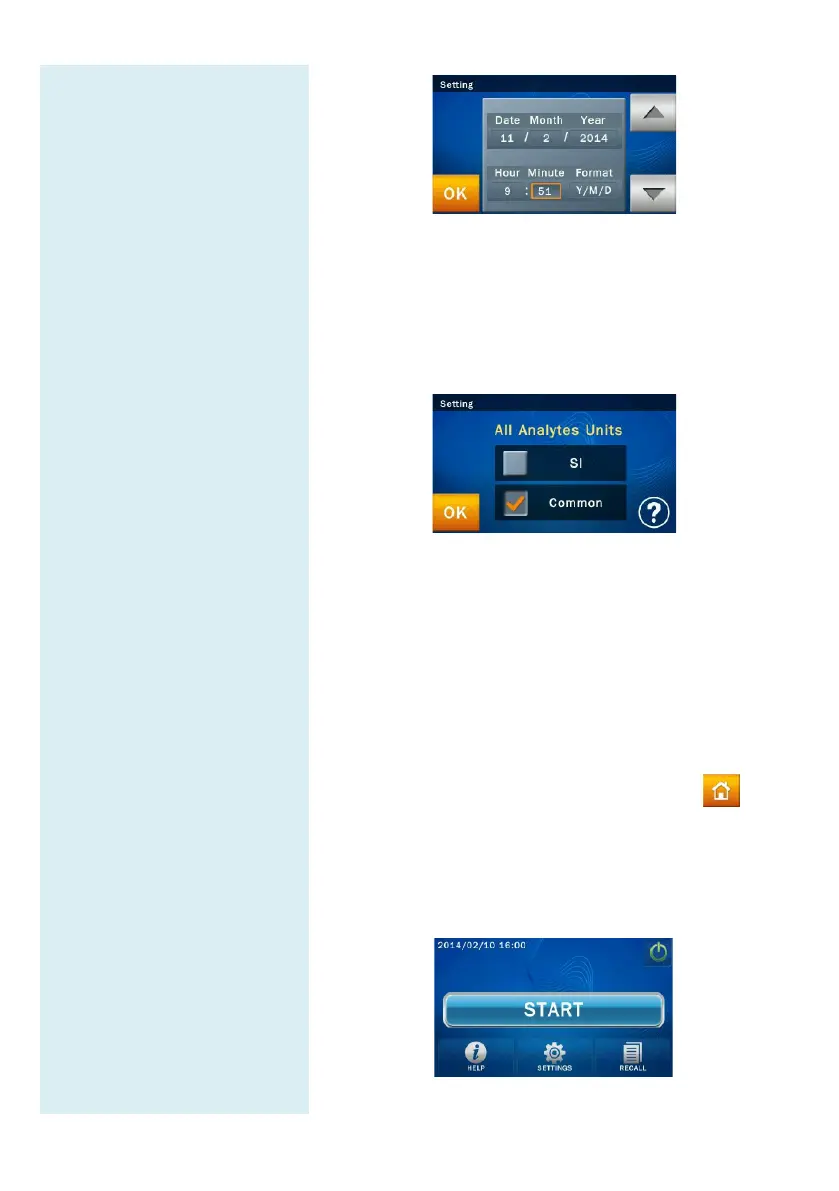
When the “START” icon
appears on screen, sample
analysis may begin.
After completing the date and time setting, the
analytes units setting menu will appear
and press “OK”
to complete setting. The system
processing
will take about 10 seconds, and it will
automatic be directed to the system homepage.
Home Menu
After completing the warm-up and system self-
“START”
icon will appear on screen for sample analysis
to be commenced.
The screen displayed at this time is referred to as the
Home (top level
) menu. You can return to the home
menu from any stage by simply pressing the
icon.
Press the “START
” icon on screen and the reagent disc
drawer at
the front of the analyzer will automatically
open up. Place the prepared reagent disc inside to start
the analysis.



 To Next Page