B-1
Appendix II: Backup Records Data Export Specifications
The skyla
TM
Clinical Chemistry Analyzer provides export of analysis results to a USB
drive connected via the USB port. The file is named as
DumpToUSB_yyyymmddhhmmss.csv.
(i.e., DumpToUSB_20121107152039.csv)
Sample export is listed below, with each field separated by a comma.
Example of analysis results:
29032012144130, Liver panel, 2013/3/11, 14:41:30, Patient, 5586245, John, 120101000,
1234, Male, 40 Year, 103, min.90, 98,min.90, 101,min.90, 109,min.90, 95,min.90,
131, min.90, 99, 90-110, 103, 90-110, 98, 90-110, 101, 90-110, 109, 90-110, 95, 90-110,
99, 90-110, 101, 90-110, 98, 90-110, 100, min.90, 123, min.90, 0, ++, +, 50, 25, 30,
ALB, 5, 4.5, 7.5, 4.5, 7.5, g/dL, 1
Definition of each field:
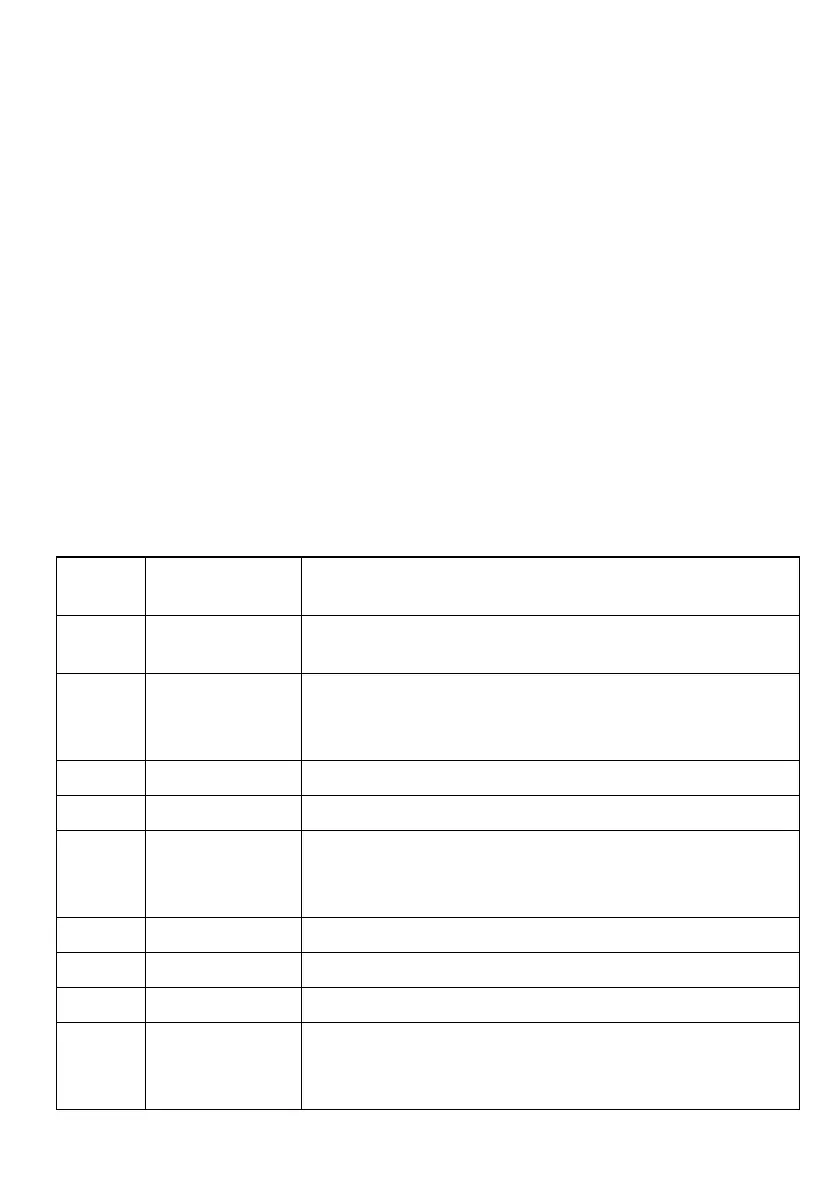
Field
number
Example Definition
1 29032012144130
Index code: The serial number of
this data within the test
result database
2 Liver panel
Panel name: E.g.
“General”, “Metabolic”, “Basic”,
“Liver” or “ER”. If panel name is unknown, “Unknown”
will be output.
3 2013/3/11
Date.
4 14:41:30
Time.
5 Patient
Sample type: There are two types of sample, one is
clinical samples (“Patient”), and the other is quality
control calibration (“Control”).
6 5586245
Patient ID.
7 John
Patient Name.
8 120101000
Serial Number.
9 1234
Operator ID: If the Operator ID function is activated, the
column will output the Operator ID. If the Operator ID
function is deactivated, “Unknown” will be output.



 To Next Page