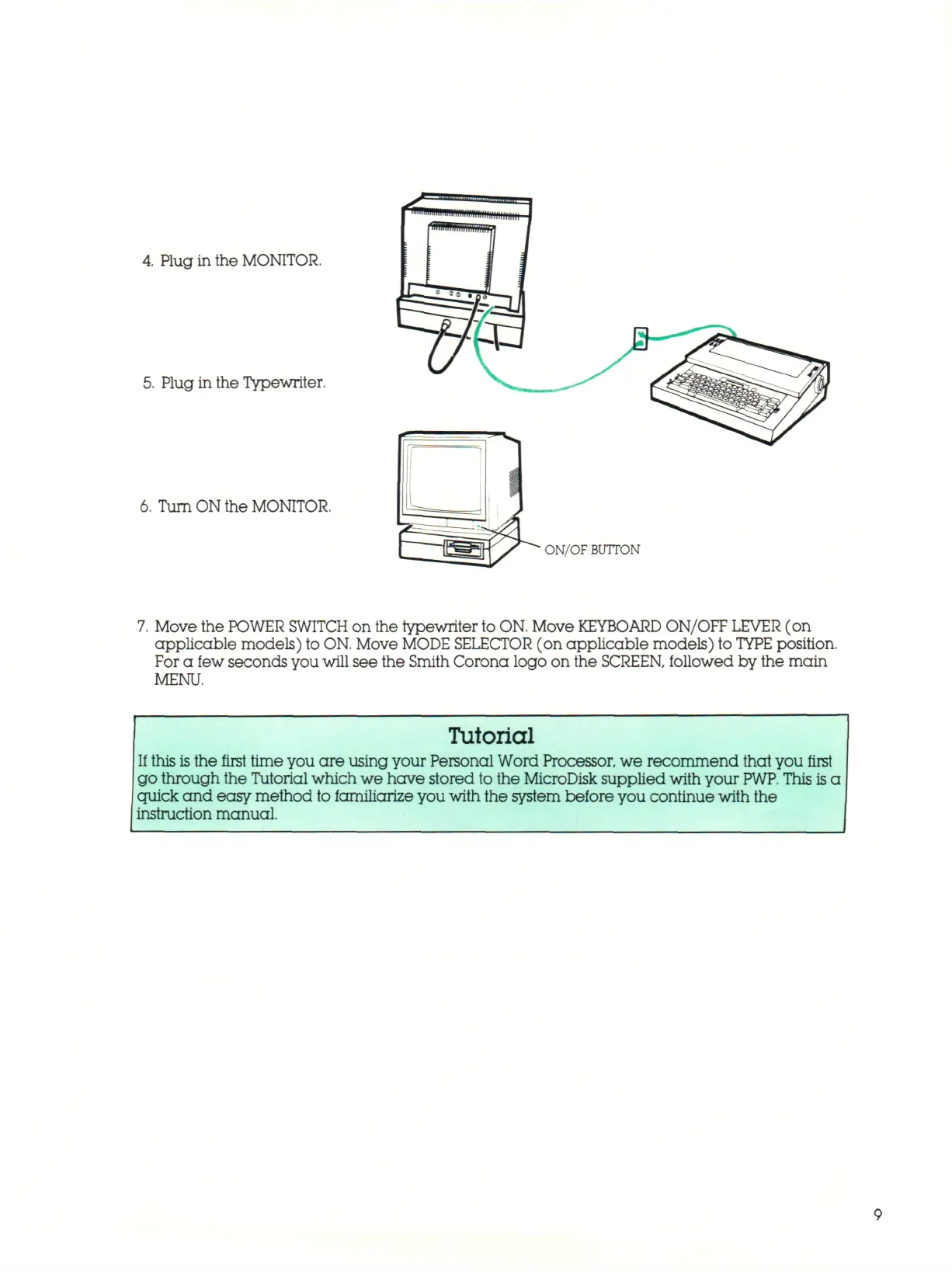
4.
Plug in the MONITOR.
5.
Plug in the Typewriter.
6. Turn ON the MONITOR.
' ON/OF BUTTON
Move the POWER SWITCH on the typewriter to
ON.
Move
KEYBOARD
ON/OFF LEVER (on
applicable models) to
ON.
Move MODE SELECTOR (on applicable models) to
TYPE
position.
For a few seconds you will see the Smith Corona logo on the SCREEN, followed by the main
MENU.
Tutorial
If this
is
the first time you are using your Personal Word Processor, we recommend that you first
go through the Tutorial which we have stored to the MicroDisk supplied with your
PWP.
This is a
quick and easy method to familiarize you with the system before you continue with the
instruction manual.



 To Next Page