Section
IV:
Mailing List/Merge
The Mailing List/Merge feature enables you to automatically merge a list of names, addresses,
and other variable information with a basic letter or text to produce personalized
correspondence, The Mailing List may also be updated to add, change, or erase addresses.
You can also alphabetize the Mailing List a nd print envelopes using the same names and
addresses in the List,
Each Mailing List file can store up to 40 names and addresses (frames) with up to
10
categories
of variable information per frame.
If
your mailing list consists of more than 40 names and
addresses, you can enter them on separate mailing list files,
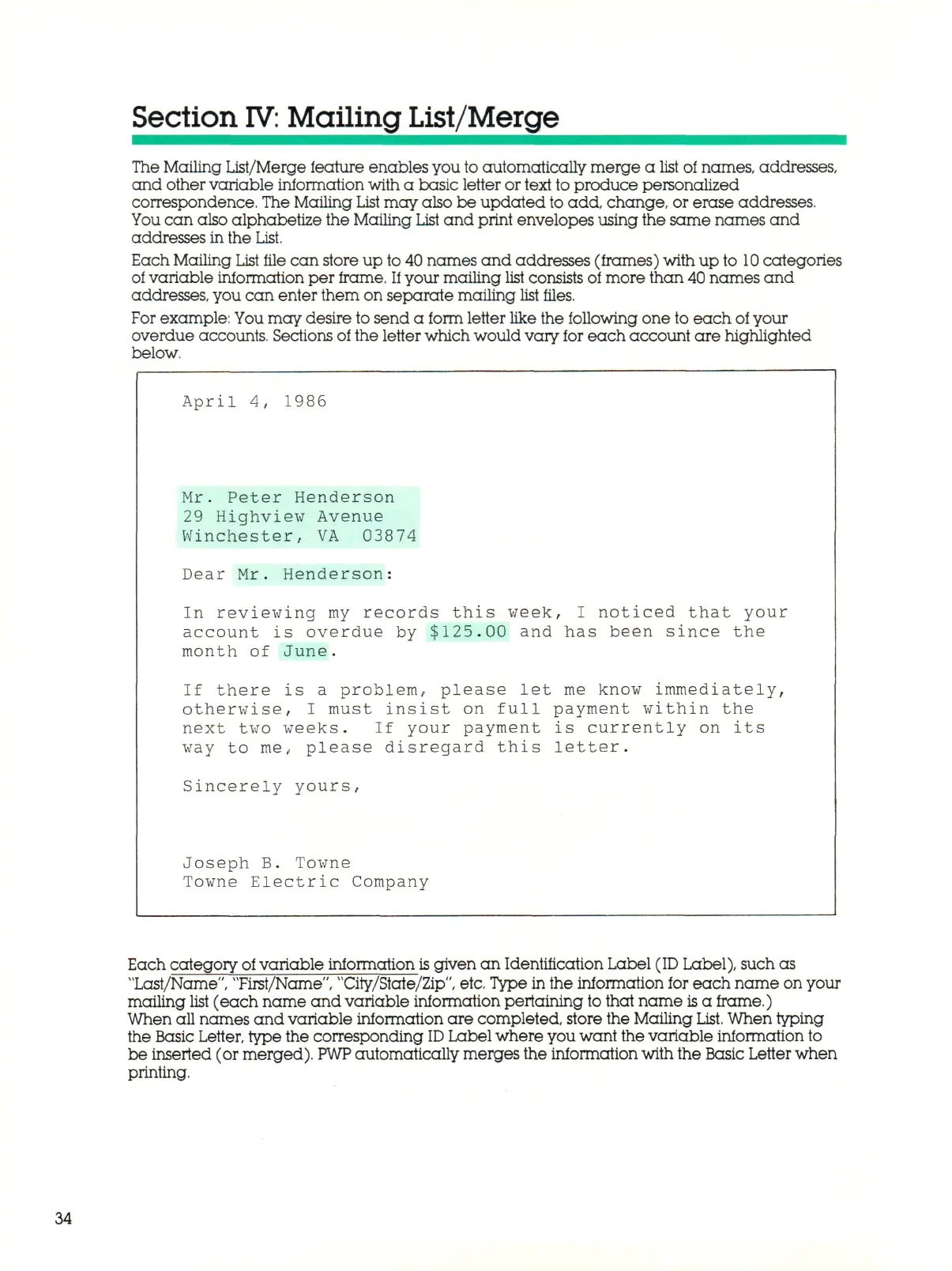
For example: You may desire to send a form letter like the following one to each of your
overdue accounts. Sections of the letter which would vary for each account are highlighted
below.
April 4, 1986
Mr.
Peter Henderson
29 Highview Avenue
Winchester, VA 03874
Dear Mr. Henderson:
In reviewing my records this week, I noticed that your
account is overdue by $125.00 and has been since the
month of June.
If there is a problem, please let me know immediately,
otherwise, I must insist on full payment within the
next two weeks. If your payment is currently on its
way to me, please disregard this letter.
Sincerely yours,
Joseph B. Towne
Towne Electric Company
Each category of variable information
is
given an Identification Label (ID Label), such as
"Last/Name", "First/Name", "City/State/Zip", etc. Type in the information for each name on your
mailing list (each name and variable information pertaining to that name is a frame,)
When all names and variable information are completed, store the Mailing
List.
When typing
the Basic Letter, type the corresponding
ID
Label where you want the variable information to
be inserted (or merged).
PWP
automatically merges the information with the Basic Letter when
printing.
34



 To Next Page