Storing Formats
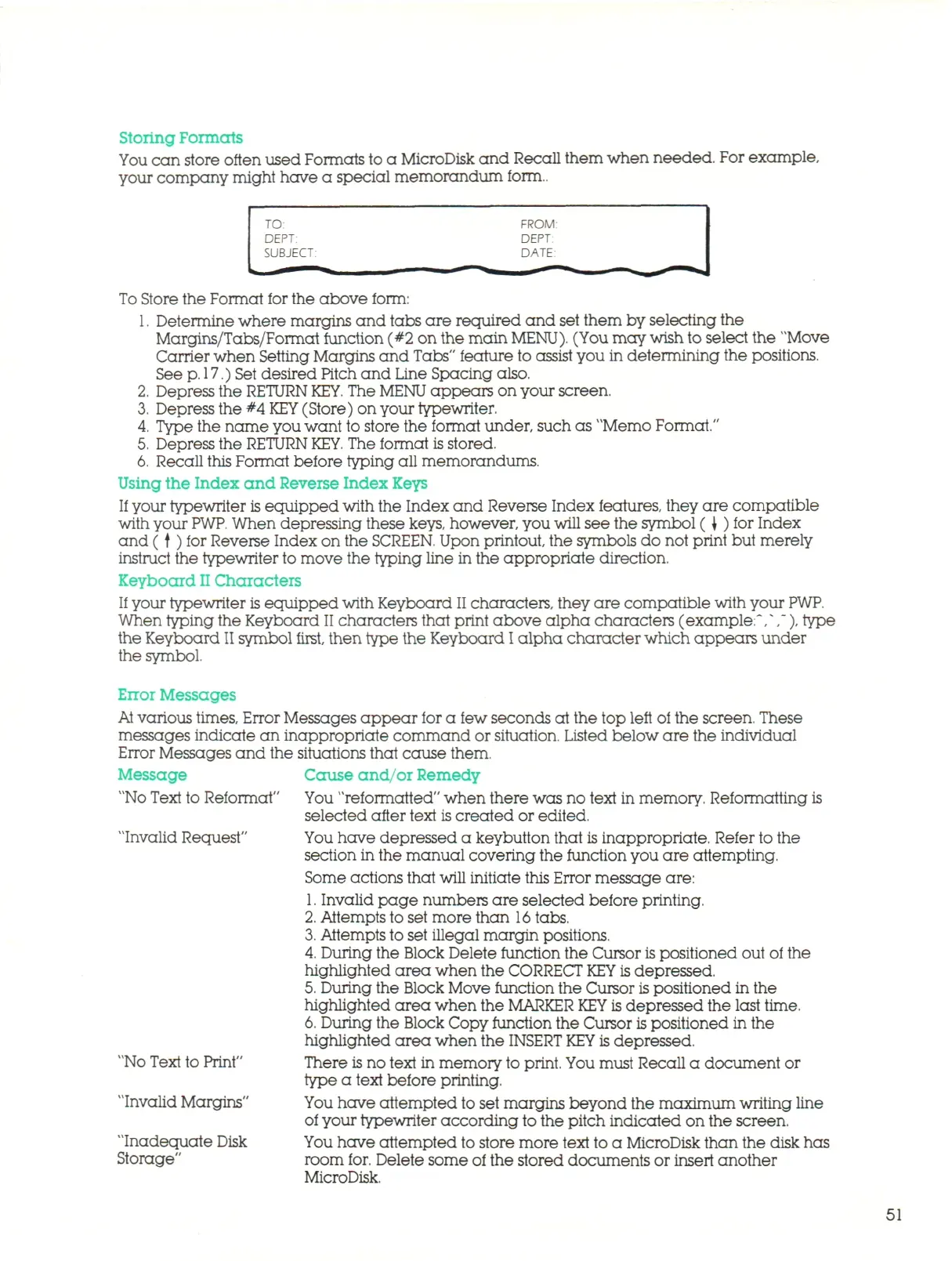
You can store often used Formats to a MicroDisk and Recall them when needed. For example,
your company might have a special memorandum form..
TO.
DEPT:
SUBJECT:
To Store the Format for the above form:
FROM:
DEPT:
DATE:
1.
Determine where margins and tabs are required and set them by selecting the
Margins/Tabs/Format function (#2 on the main
MENU).
(You may wish to select the "Move
Carrier when Setting Margins and Tabs" feature to assist you in determining the positions.
See
p.
17.)
Set desired Pitch and Line Spacing also.
2.
Depress the RETURN
KEY.
The
MENU
appears on your screen.
3.
Depress the #4
KEY
(Store) on your typewriter.
4.
Type the name you want to store the format under, such as "Memo Format."
5.
Depress the RETURN
KEY.
The format
is
stored.
6. Recall this Format before typing all memorandums.
Using the Index and Reverse Index Keys
If your typewriter is equi pp ed with the Index and Reverse Index features, they are compatible
with your
PWP.
When depressing these keys, however, you will see the symbol ( \ ) for Index
and ( t ) for Reverse Index on the
SCREEN.
Upon printout, the symbols do not print but merely
instruct the typewriter to move the typing line in the appropriate direction.
Keyboard
II
Characters
If
your typewriter
is
equ i p ped with Keyboard II characters, they are compatible with your
PWP.
When typing the Keyboard II characters that print above alpha characters (example:V,~), type
the Keyboard
II
symbol first, then type the Keyboard
I
a l p h a character which appears under
the symbol.
Error
Messages
At
various
times,
Error Messages appear for a few seconds at the top left of the screen. These
messages indicate an inappropriate command or situation. Listed below are the individual
Error Messages and the situations that cause them,
Message Cause and/or Remedy
"No Text to Reformat" You "reformatted" when there was no text in memory. Reformatting is
selected after text
is
created or edited.
Invalid Request"
"No Text to Print"
"Invalid Margins"
"Inadequate Disk
Storage"
You have depressed a keybutton that is inappropriate. Refer to the
section in the manual covering the function you are attempting.
Some actions that will initiate this Error message are:
1.
Invalid page numbers are selected before printing.
2.
Attempts to set more than
16
tabs.
3.
Attempts to set illegal margin positions.
4.
During the Block Delete function the Cursor
is
positioned out of the
highlighted area when the CORRECT
KEY is
depressed.
5.
During the Block Move function the Cursor is positioned in the
highlighted area when the MARKER
KEY
is depressed the last time.
6. During the Block Copy function the Cursor
is
positioned in the
highlighted area when the
INSERT KEY
is depressed.
There is no text in memory to print. You must Recall a document or
type a text before printing.
You have attempted to set margins beyond the maximum writing line
of your typewriter according to the pitch indicated on the screen.
You have attempted to store more text to a MicroDisk than the disk has
room for. Delete some of the stored documents or insert another
MicroDisk.
51



 To Next Page