9.
10.
11.
12.
Type the same name or re-name the Mailing
List,
if desired.
Insert another MicroDisk.
Depress the RETURN
KEY
to store the Mailing List to the new MicroDisk. You now have a
duplicate copy of the original Mailing
List.
The SCREEN returns to the Mailing List/Merge
menu.
Proceed with another Mailing List function
—OR—
exist the Mailing List/Merge feature by
depressing the
MENU
KEY.
EDITING AND ERASING A BASIC LETTER
You can edit and erase a Basic Letter just as you would any other stored document.
PRINTING ENVELOPES
How
to Print Envelopes from the Mailing
List
You ca n print envelopes for your letters using the names and addresses already typed in the
Mailing
List.
To
do
this,
store the format (margins, pitch, and line spacing) and the necessary
ID
labels for the envelopes as a Basic Letter.
1.
Set margins, pitch, and line spacing for the envelopes.
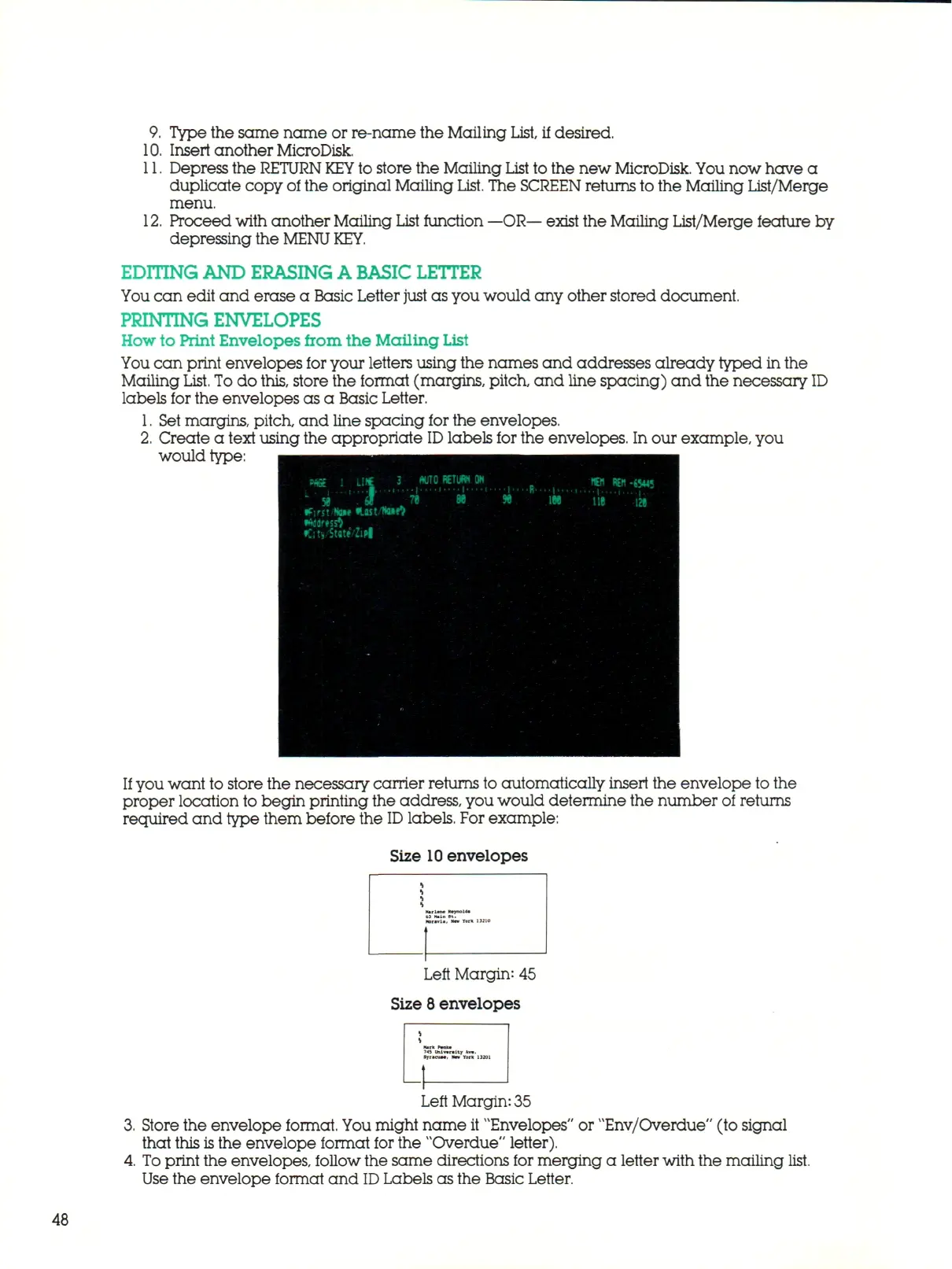
2.
Create a text using the appropriate
ID
labels for the envelopes. In our example, you
would type:
If you want to store the necessary carrier returns to automatically insert the envelope to the
proper location to begin printing the address, you would determine the number of returns
required and type them before the
ID
labels. For example:
Size
10
envelopes
Left Margin: 45
Size 8 envelopes
Left Margin: 35
Store the envelope format. You might name it "Envelopes" or "Env/Overdue" (to signal
that this
is
the envelope format for the "Overdue" letter).
To print the envelopes, follow the same directions for merging a letter with the mailing list.
Use the envelope format and
ID
Labels as the Basic Letter.
48



 To Next Page