Owners of Typewriter Models with a Spell-Right
Electronic Dictionary
Let Spell-Right Proofread For
You!
You can use the
FIND
feature to "proof-read" documents typed on the Personal Word
Processor.
We recommend that you type your entire document without regard to errors, then activate
FIND
to locate errors throughout the entire
text.
You can activate
FIND
when you have
completed typing a document to find errors backward to the beginning of your text, or you
can activate
FIND
with your CURSOR at the beginning of your text and errors will be identified
forward from the beginning of the document to the end.
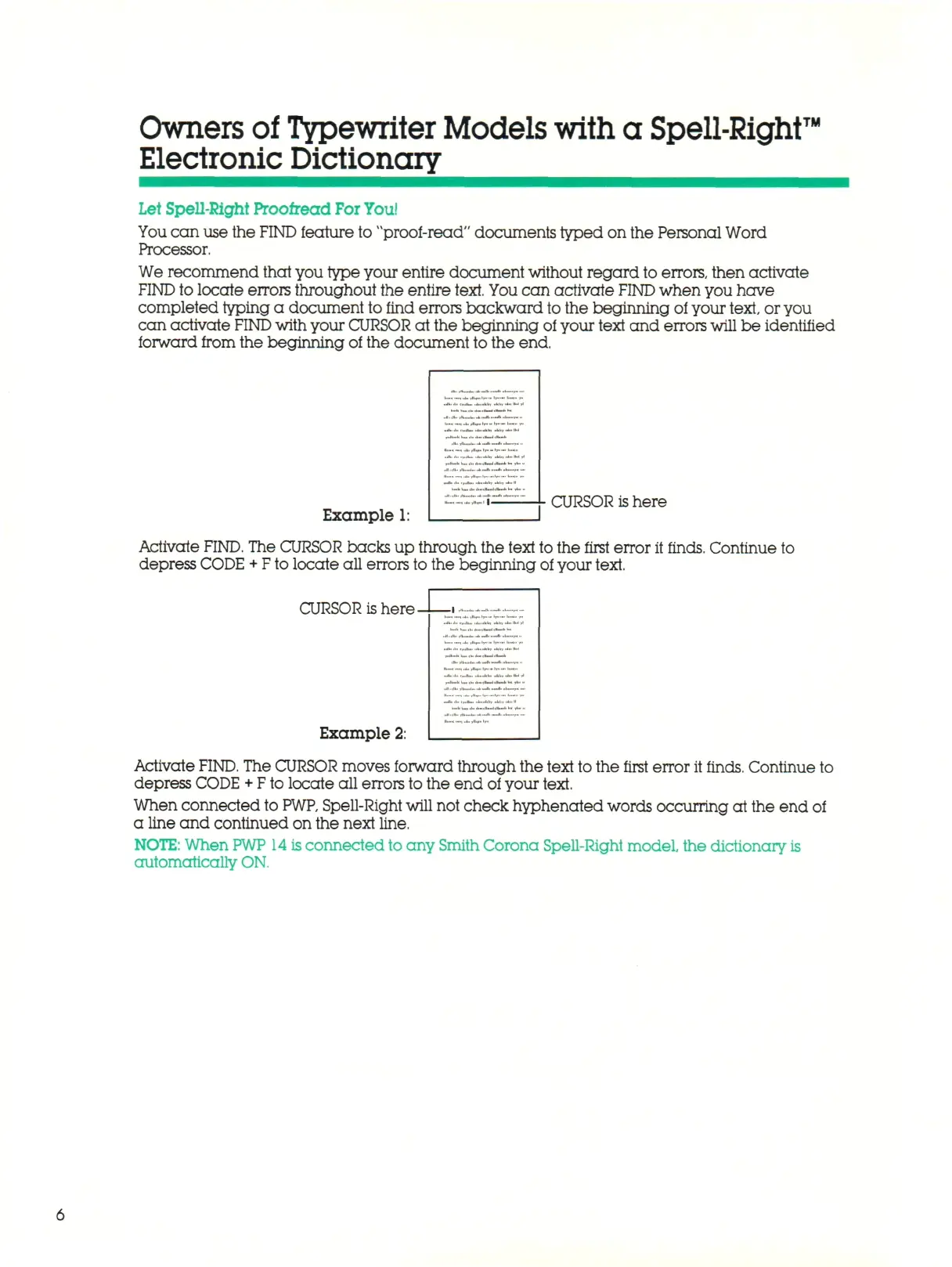
Example 1:
CURSOR
is
here
Activate
FIND.
The CURSOR backs up through the text to the first error it finds. Continue to
depress
CODE + F
to locate all errors to the beginning of your text.
CURSOR is here -
Example 2:
Activate
FIND.
The CURSOR moves forward through the text to the first error it finds. Continue to
depress CODE
+ F
to locate all errors to the end of your text.
When connected to
PWP,
Spell-Right will not check hyphenated words occurring at the end
of
a line and continued on the next line.
NOTE:
When
PWP 14 is
connected to any Smith Corona Spell-Right model, the dictionary is
automatically ON.



 To Next Page