Note:
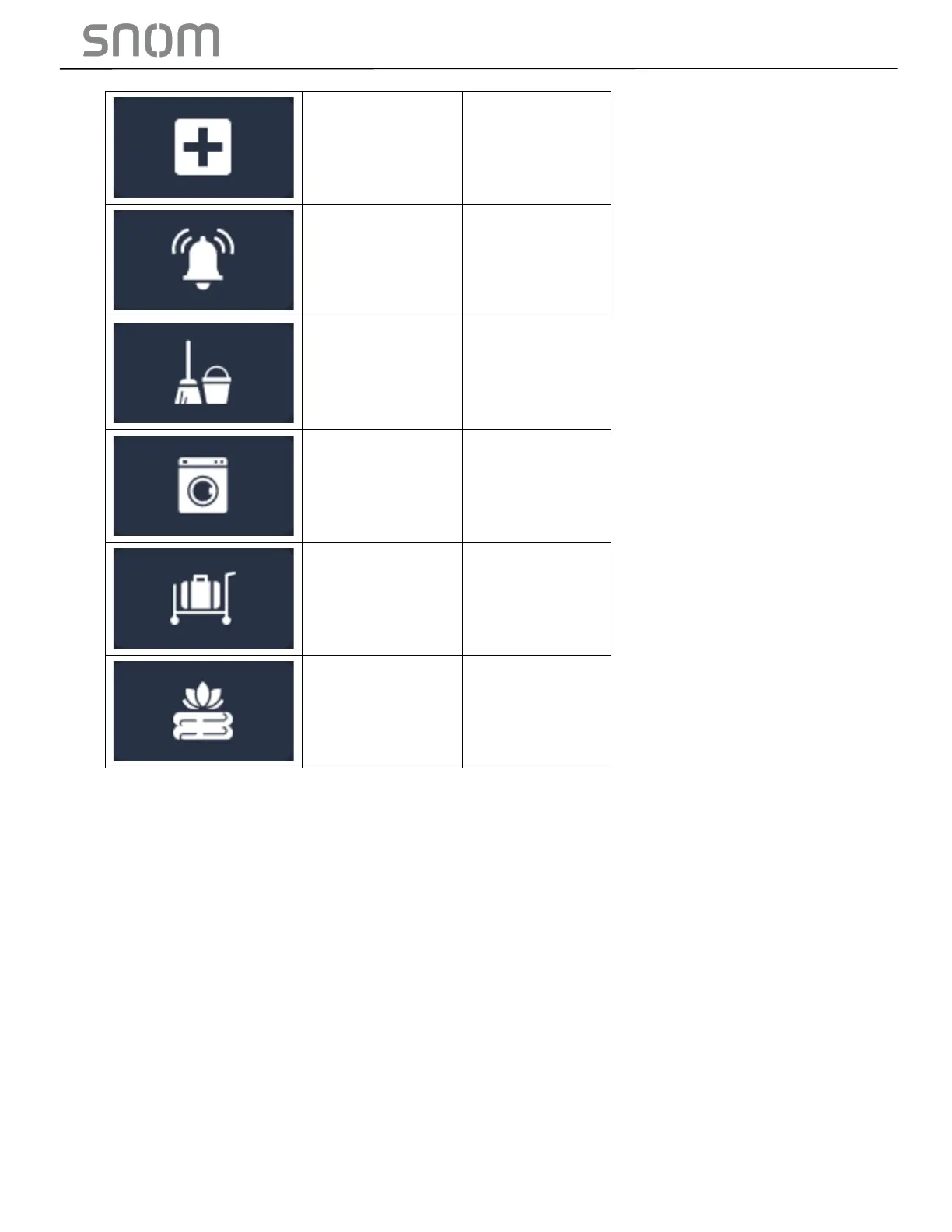
1. Input icon name in the Description column, which will be displayed in the color screen of
HD1.
2. Input speed dial number in the Value column. User will dial the speed dial numbers when
he/she presses these speed dial numbers’ corresponding icons on the color screen of HD1.
3. Choose Icon Index from the drop-down menu.
4. Set the three hard keys named Emergency, Front Desk and Message in the first three rows
highlighted by green box above. They can be also added to the speed dial list on handset
color screen in the other rows of this table.
- image pending till product is available



 To Next Page