17
v1.01
M215SC User Manual Setting up
1. Plug the battery connector into the socket inside the battery compartment (see Fig. 1 on page 16) and
insert the battery pack with the label "THIS SIDE UP" facing upward (Fig. 2).
2. Place the cover on the compartment so that it is flush with the compartment's edges and slide it upwards
until it clicks into place (Fig. 3).
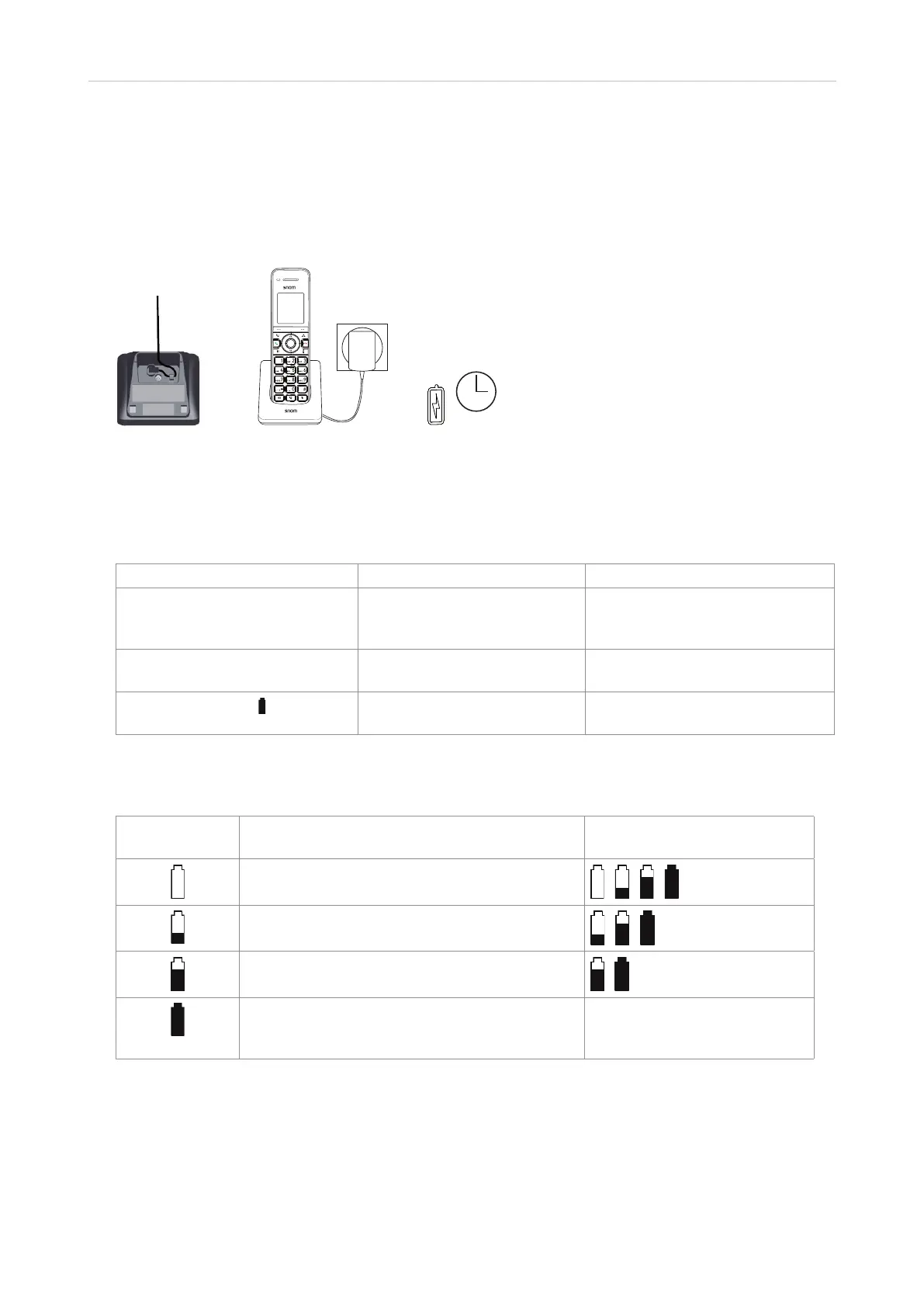
3. Connect the coaxial plug of the power adaptor to the handset's charger as shown in Fig. 4 and connect the
adaptor to an electrical wall outlet (Fig. 5).
Fig. 4 Fig. 5
Battery charging status
The battery symbol in the upper right corner of the display indicates the battery's charging status.
Battery indicators Battery Status Action
The display is blank or shows
Place in charger and the battery
symbol flashes.
The battery has no or very low
charge. The handset cannot be
used.
Charge without interruption for at
least 30 minutes.
The display shows Low battery
and the battery symbol flashes.
The battery has enough charge
to be used for a short time.
Charge without interruption for at
least 30 minutes.
The full battery icon
appears.
The battery is charged. To keep the battery charged, place
it in the charger when not in use.
When the handset is o the charger, the battery symbol indicates the current charge status. When the handset
is in the charger, the flashing battery symbol indicates the charge status, beginning with the current status.
Battery symbol Current charge status Symbol flashes when handset
is in charger
Empty or very low charge. The battery has been
charging for less than 30 minutes.
The battery has been charging for 30 to 80
minutes.
The battery has been charging for 80 minutes to
seven hours.
The battery has been charging for more than
seven hours. The battery is fully charged after
charging continuously for 11 hours.



 To Next Page