46
v1.01
M215SC User Manual Configuring the handset
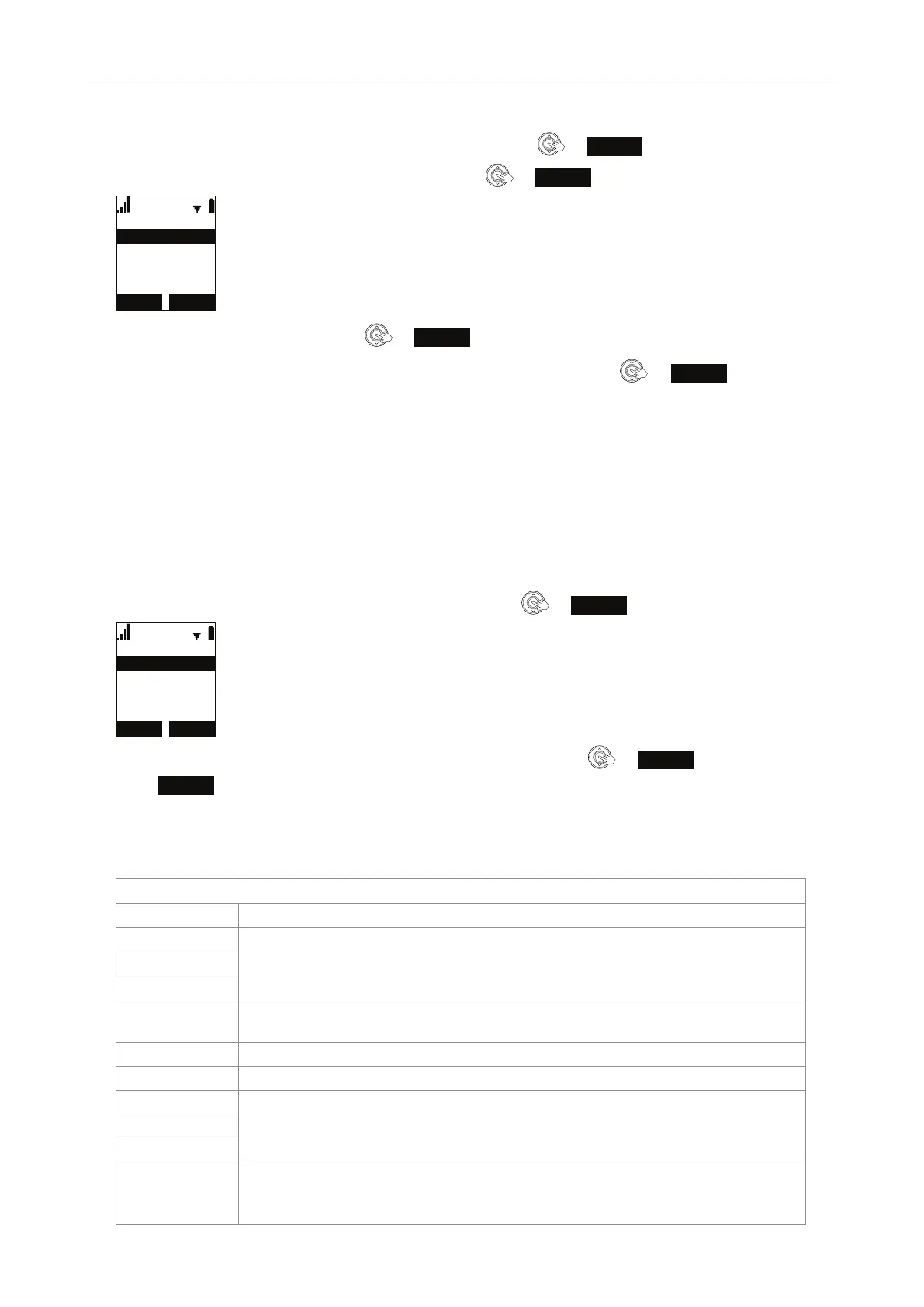
1. In the Main Menu of the handset, scroll to "Features" and press or
ENTER
.
2. In the Features menu, scroll to "Call waiting" and press
or
ENTER
.
&DOOZDLWLQJ
+LGHDOHUW
6KRZDOHUW
3. Scroll down to "Hide alert" and press or
SET
to save and return to the "Features" menu.
Note: To turn the feature back on, scroll up to "Show alert" and press
or
SET
to save
and return to the "Features" menu.
Status
These submenus contain information you may need for troubleshooting.
◦ Network. Information on the LAN network your phone system is connected to.
◦ Line. Information on the registration status of your SIP account(s).
◦ Product info. Firmware version, model, and serial number of handset and base station.
1. In the Main Menu of the handset, scroll to "Status" and press
or
ENTER
.
%$&. (17(5
6WDWXV
3URGXFW,QIR
/LQH
1HWZRUN
2. In the Status menu, highlight the submenu you want to view and press or
ENTER
.
3. Press
BACK
to return to previous screen.
User settings
Main Menu
Items Description
Language The handset language. See "Language" on page 47.
Set date/time Setting date and time and date and time formats. See "Date/time" on page 47.
NTP Shows the NTP time server used by your system.
Phone rename Displaying a dierent name on the screen instead of the default HANDSET. See
"Changing the name of the handset" on page 26.
Contrast Changing the level of the display's brightness. See "Contrast" on page 47.
Ringers See "Ringtone and ringtone volume" on page 48.
Low batt tone
See "Info tones low battery, lost link, and key touch tones" on page 49.Link lost tone
Key tone
Registration Registering and deregistering the handset. See "Registering the handset to the
base station" on page 25 and "Deregistering the handset from the base station"
on page 27, respectively.



 To Next Page