32
v1.01
M215SC User Manual Using the phone
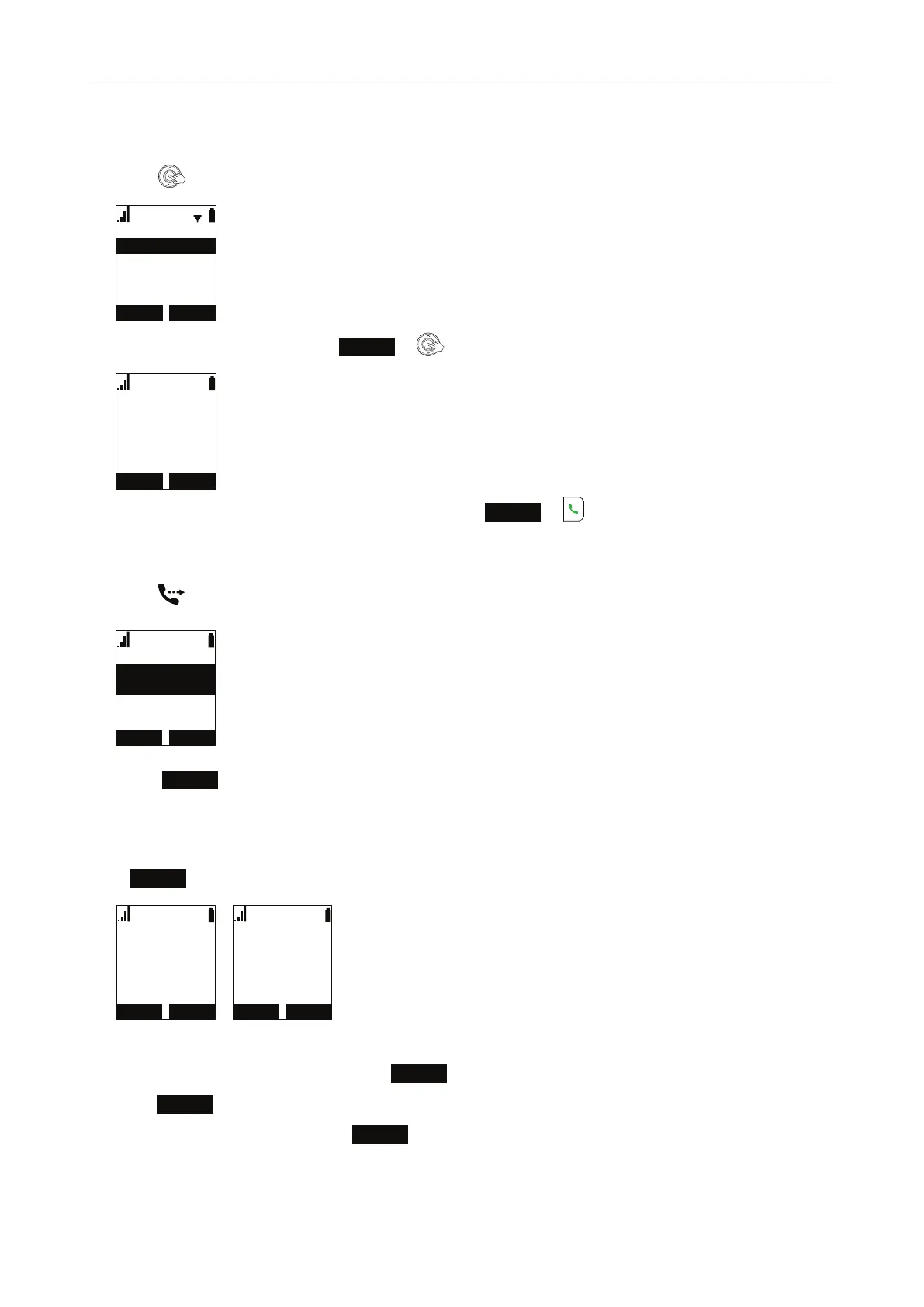
Making a call with a call on hold
1. Press
.
0HQX
&DOOKLVWRU\
'LUHFWRU\
1HZFDOO
2. With New call highlighted, press
ENTER
or .
/LQH
3. Enter the number to be dialed on the keypad and press
DIAL
or .
Connecting the active call to the call on hold
1. Press
.. The held call appears onscreen.
&$1&(/ 6(/(&7
7UDQVIHUWR
2. Press
SELECT
. The call is transferred immediately.
Switching between two calls
Press
NEXT
to switch between viewing the active call (Fig. 1) and the call on hold (Fig. 2).
(1'
/LQH
2QDFDOO
1(;7
5(680(
/LQH
2QKROG
1(;7
0DUN/HH
Fig. 1 Fig. 2
• When viewing the held call (Fig. 2), press
RESUME
to talk to the held caller and put the other call on hold; or
• press
NEXT
to return to viewing the active call.
• When viewing the active call, press
END
to end the call.



 To Next Page