37
v1.01
M215SC User Manual Using the phone
Note 1: When the phone is idle, you can access call history directly by pressing the down arrow
on the navigation key.
Note 2: You can view the list of dialed calls directly by pressing the redial key
.
2. If necessary, scroll to the list you want to view and press
REVIEW
or (Fig. 1). The phone number of the
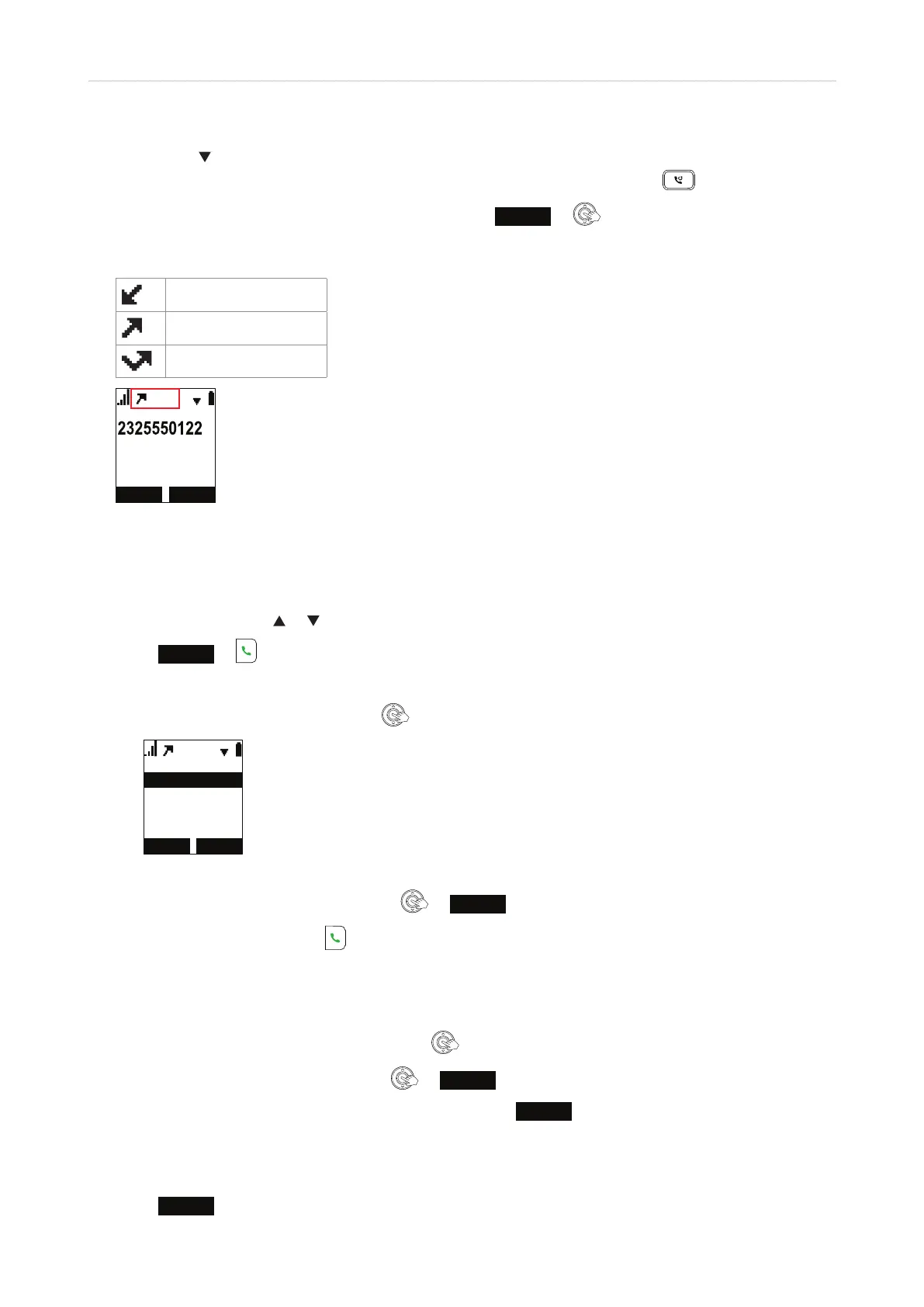
latest call on the list is shown with the date and time of the call, an icon indicating the type of call, and the
number of entries on the list, e.g., 1/5 (the first of a total of five) in Fig. 2.
Received calls
Dialed calls
Missed calls
30
Fig. 2
Calling a number on a call list
1. Open the list and press or to scroll through the entries.
2. Press
DIAL
or to dial the number on the display.
Note: You can edit the number before dialing.
a. With the entry on the display, press
.
6DYH
(GLWGLDO
Fig. 3
b. On the "Edit dial" screen (Fig. 3), press
or
SELECT
.
c. Edit the number and press
.
Saving a number to the directory
1. With the call history entry on the display, press .
2. Scroll to "Save" (Fig. 3, above) and press
or
SELECT
.
3. Select the directory you want to save the entry to and press
ENTER
. The phone number is entered as both
first name and work number.
4. Edit the new directory entry as necessary. See "Adding a contact to local directory, base directory, blacklist"
on page 41 for more information.
5. Press
SAVE
to save and return to the call.



 To Next Page