36
v1.01
M215SC User Manual Using the phone
/LQH
%OLQG;IHUWR
4. Enter the number you want to transfer the call to and press
DIAL
or to dial.
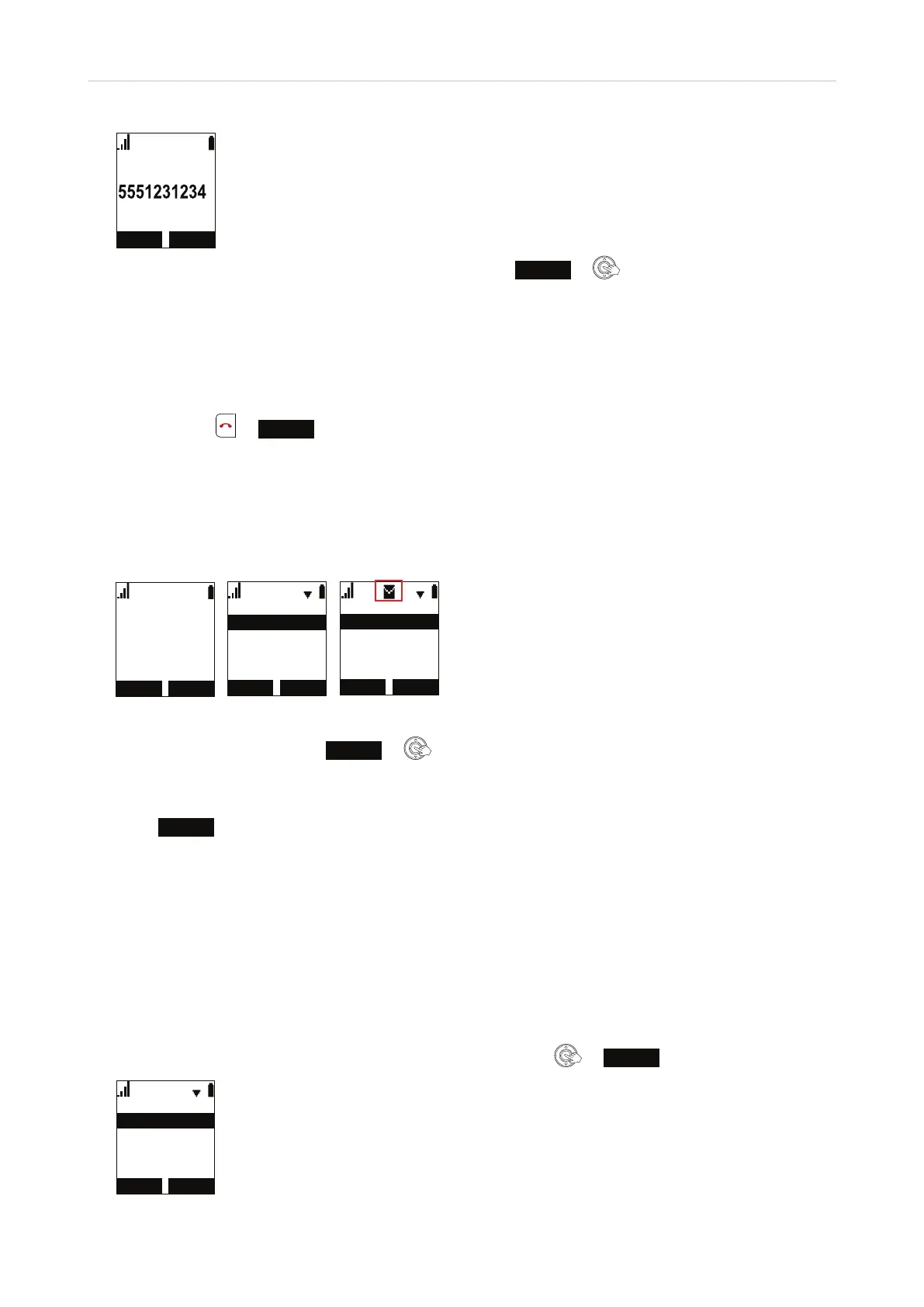
5. When the call has been transferred, you will see the "call transferred" message (Fig. 3, above). Note: This
does not mean that the third party has answered the call, merely that it is now ringing there.
Ending calls
To end calls, press or
END
or put the handset in the charger.
Listening to messages
When there is a new message, the message LED blinks and the "New Messages" notification is displayed on the
idle screen.
/,1( 0(18
30
+$1'6(7
1HZ0HVVDJHV
%$&. (17(5
,QWHUFRP
0DLQ0HQX
&DOOKLVWRU\
'LUHFWRU\
0HVVDJH
%$&. 6(/(&7
/LQH
0HVVDJH
/LQH
/LQH
/LQH
Fig. 1 Fig. 2 Fig. 3
1. Open the Main Menu and press
ENTER
or (Fig. 2). The Message menu appears.
2. If necessary, scroll to your line (account/handset). If there is a new message for the highlighted line
(account/handset), a checkmark appears at the top of the display (Fig. 3).
3. Press
SELECT
.
4. Depending on the mailbox setup in your network or provided by your service provider you may now have to
enter a code or follow voice prompts. Please check with your IT administrator or service provider.
Call history
Three call lists of missed, dialed, and received calls are stored on the phone. They contain the number and
the time and date of the calls. If the memory allotted to storing the call lists is full, the oldest ones will be
overwritten.
1. In the Main Menu of the handset, scroll to "Call history" and press
or
ENTER
.
&DOOKLVWRU\
'LDOHG&DOOV
5HFHLYHG&DOOV
0LVVHG&DOOV
Fig. 1



 To Next Page