31
v1.01
M215SC User Manual Using the phone
Call Waiting
As the default setting, a second incoming call is announced by beeps at 5-second intervals and by the "Call
waiting" message on the display. Press
or
ANSWER
to accept the call waiting and to simultaneously put your
current call on hold.
Note: If you want to forward calls when your phone is busy, press
REJECT
to send the call
waiting to the "busy" forwarding number.
Turning call waiting o: See "Call waiting" on page 45.
Active calls
Each handset can manage two concurrent calls, one active, one on hold; or both calls on hold, or both calls in
conference with you.
Hold
You can hold up to two external calls. Intercom calls cannot be put on hold.
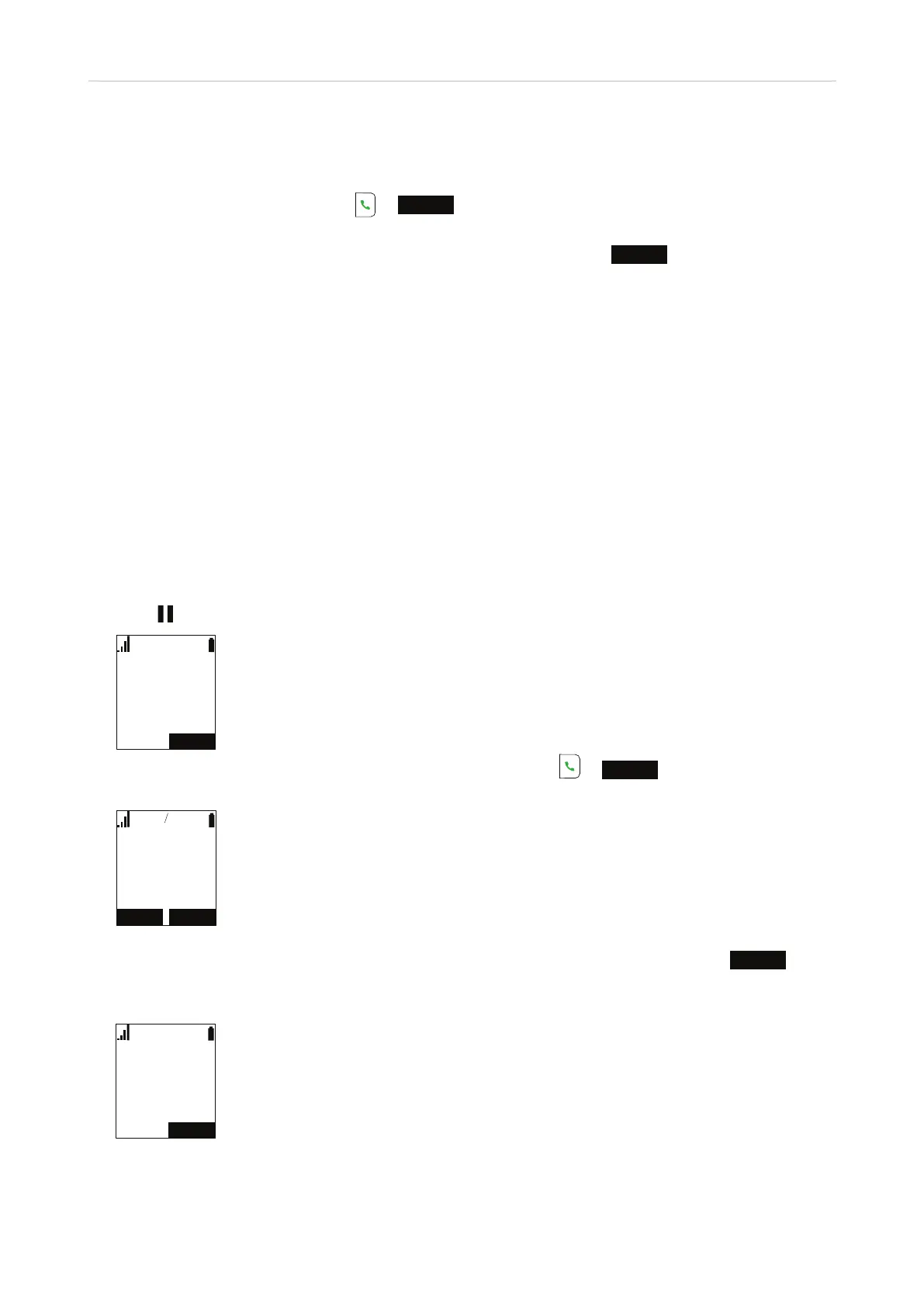
Putting a call on hold
• Press
to put the current call on hold.
5(680(
/LQH
2QKROG
• Your current call will be put on hold automatically when you press or
ANSWER
to accept a second
incoming call (see "Call Waiting", above).
5(-(&7
/LQH
$QJHOD0DUWLQ
,QFRPLQJ&DOO
$16:(5
Note: If the other party puts you on hold, you may see the message "Held by far end". Press
END
to end
the call. This function depends on whether it is provided by your service provider and on the compatibility
of the PBXs and the phones on both ends.
(1'
/LQH
+HOGE\IDUHQG
Carl Miller
5550123
Call Waiting
2 2



 To Next Page