28
v1.01
M215SC User Manual Using the phone
Locating the handset
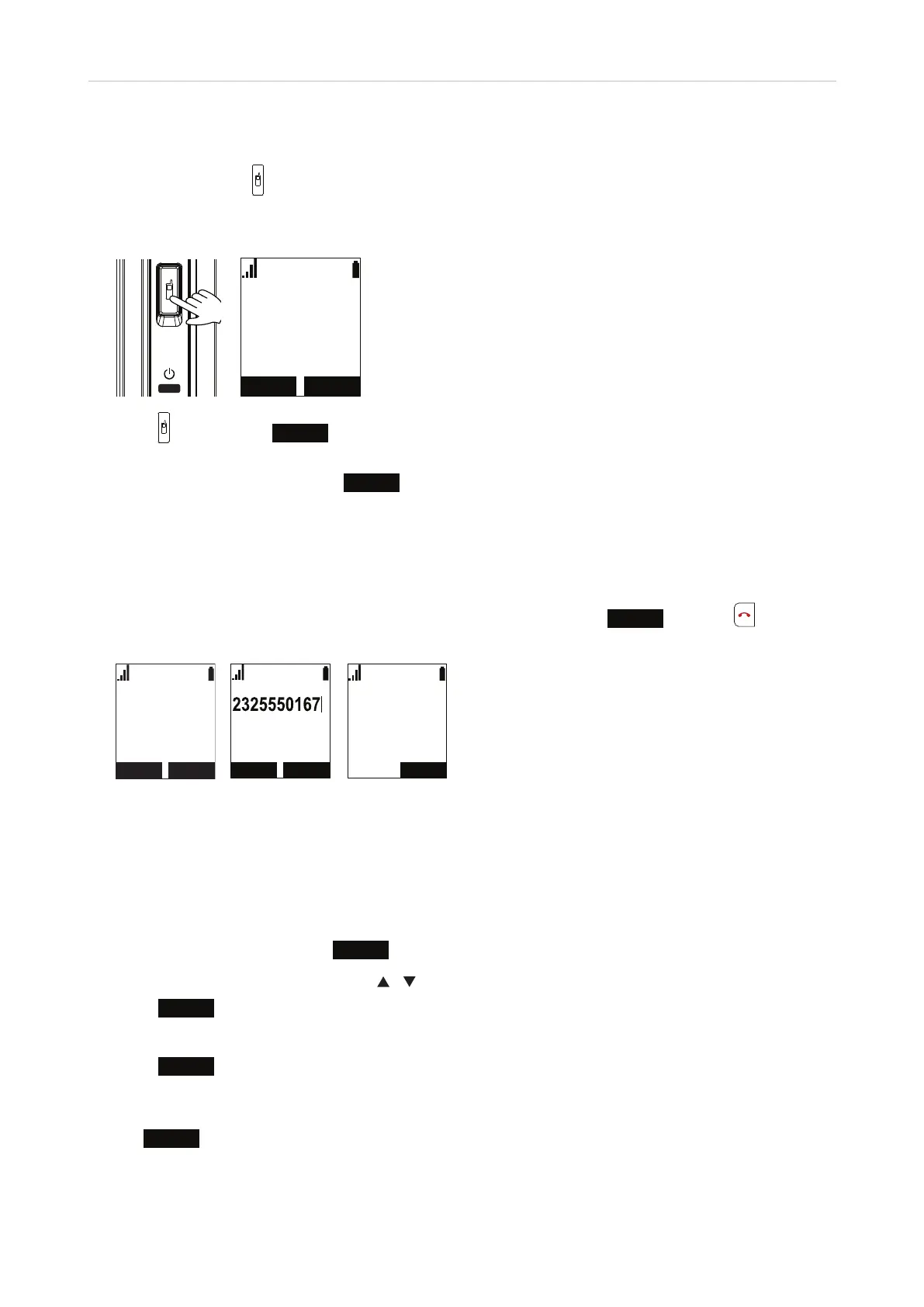
Press the locator button on the base station briefly to page all handsets registered at the base station. The
handsets registered at the base station will ring and show the "Paging" message for 60 seconds, unless turned
o.
6,/(1&( 6723
3DJLQJ
• Press again or press
STOP
on one of the handsets to stop paging all handsets. Placing one of the
handsets in the charger will also stop paging of all handsets.
• On each individual handset, press
SILENCE
to turn o the ringer for that handset.
Making calls
See "Entering numerals, letters, special characters, and symbols" on page 25 for information on input modes
and entering letters, numerals, and special characters. To end any call, press
END
(Fig. 3) or or put the
handset in the charger.
LINE MENU
11:26PM 01/01
HANDSET 1
/LQH
/LQH
2QDFDOO
Fig. 1 Fig. 2 Fig. 3 - in call
Selecting identity for current outgoing call
If the handset is authorized to use more than one account for outgoing calls, you can select a dierent account
than the primary one assigned to the handset for making the next outgoing call.
1. On the idle screen (Fig. 1), press
LINE
.
2. On the Dialing Line screen, scroll with
/ to highlight a line.
3. Press
SELECT
. The screen shows the outgoing identity underneath the signal strength indicator (Fig. 2).
4. Enter the number to be dialed on the keypad.
5. Press
DIAL
. The number will be dialed automatically if you haven't entered a digit for more than two
seconds and if the phone has identified the number as valid.
Note: You can also enter the number first and then select another outgoing identity by pressing
LINE
(Fig. 2).



 To Next Page