24
v1.01
M215SC User Manual Getting to know
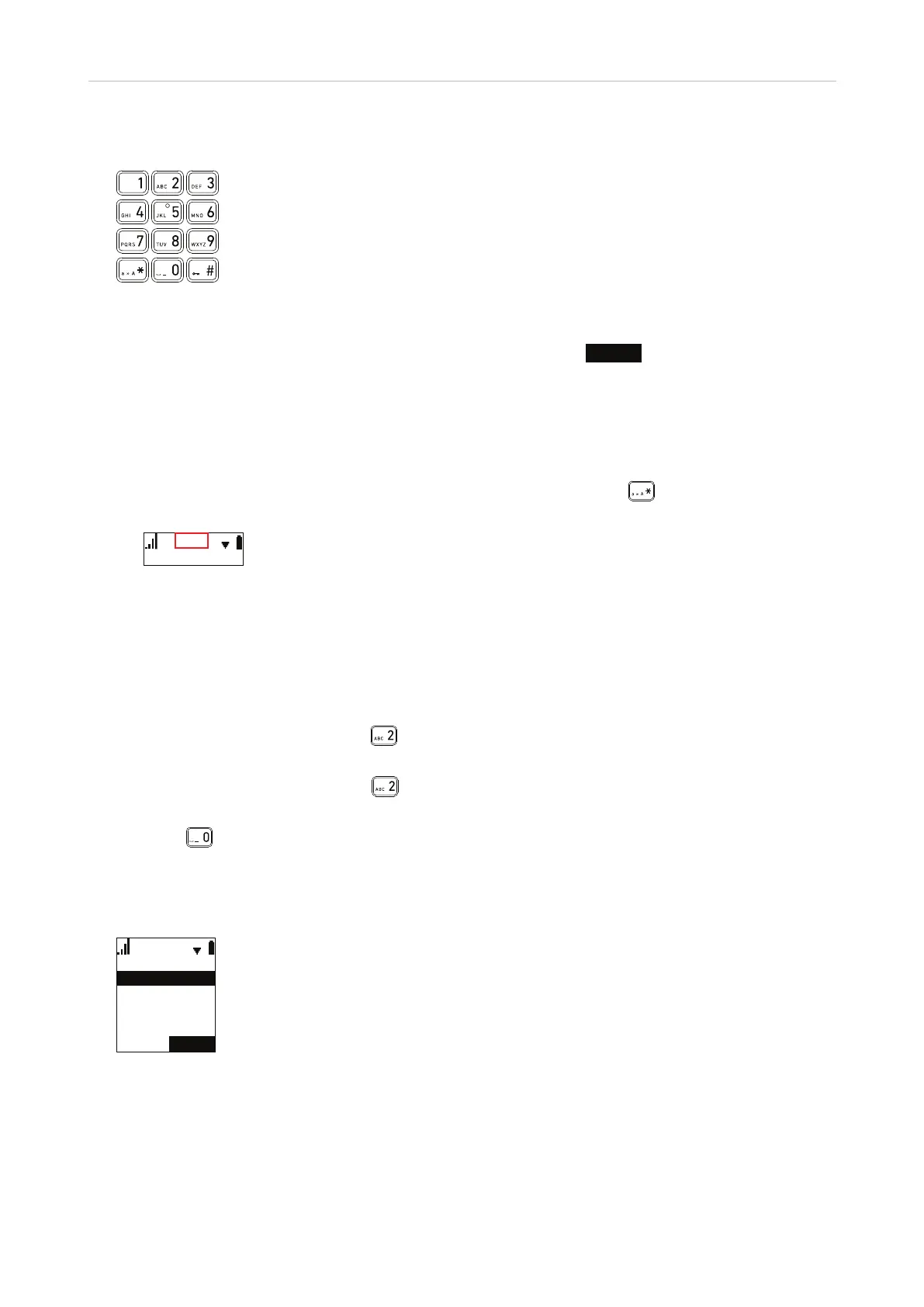
Alphanumeric keys
These keys are used to enter numerals and letters and to dial speed dial numbers.
• Deleting characters while editing. Press the function key underneath
BACKSP
to delete the character to
the left of the cursor.
• Numeral mode. When dialing or adding/editing numbers in your local directory, the numerals 1-9 and
0 and the asterisk * and the pound/hash # symbols will be accepted by the phone. Pausing between the
characters is not necessary.
• Letter modes. When adding or editing names in your local directory, pause briefly after each character until
the cursor has moved forward. Select one of three letter modes by pressing
; the current input mode is
indicated by the letters Abc, abc, or ABC in the info line on the display.
$EF
Abc: The first letter of each word/name is upper case, the rest are lower case.
abc: All letters are lower case.
ABC: All letters are upper case.
In any of the letter modes:
◦ Press the key once to enter the first letter printed on the key, twice to enter the second letter, etc. Keep
pressing the key to enter the number printed on the key and any available letters with accents and
umlauts. Examples:
- In lower case mode, pressing
one to four times will type the characters a, b, c, and 2.
Pressing it five times will type ä, six times types æ, seven times types à, etc.
- In upper case mode, pressing
one to four times will type the characters A, B, C, and 2.
Pressing it five times will type Ä, six times types Æ, seven times types À, etc.
◦ Press
to enter a space.
• Speed dialing. Keys 1 - 0 can also be used to speed dial numbers. When the key is long-pressed (for at
least one second), the handset starts dialing the number specified for that key in the speed dial menu. For
information on setting speed dial numbers, see "Speed dial" on page 44.
(PSW\
6SHHGGLDO
(PSW\
(PSW\
(PSW\



 To Next Page