41
v1.01
M215SC User Manual Directories
Method 2
1. In the Main Menu of the handset, scroll to "Directory" and press
or
ENTER
.
2. Select the directory and press
OPTION
(Fig. 1).
3. With "Search" highlighted, press
SELECT
(Fig. 3).
4. Enter the first letter(s) of the contact's name and press
SEARCH
.
5. If the contact has more than one phone number (work, mobile, other), press
TYPE
until you see the one
you want to dial (Fig. 2).
Adding a contact to local directory, base directory, blacklist
1. In the Main Menu of the handset, scroll to "Directory" and press or
ENTER
.
2. Select the directory and press
OPTION
(Fig. 1).
3. Scroll to "Add new" and press
SELECT
(Fig. 3).
$GGQHZ
/DVW1DPH
)LUVW1DPH
$EF
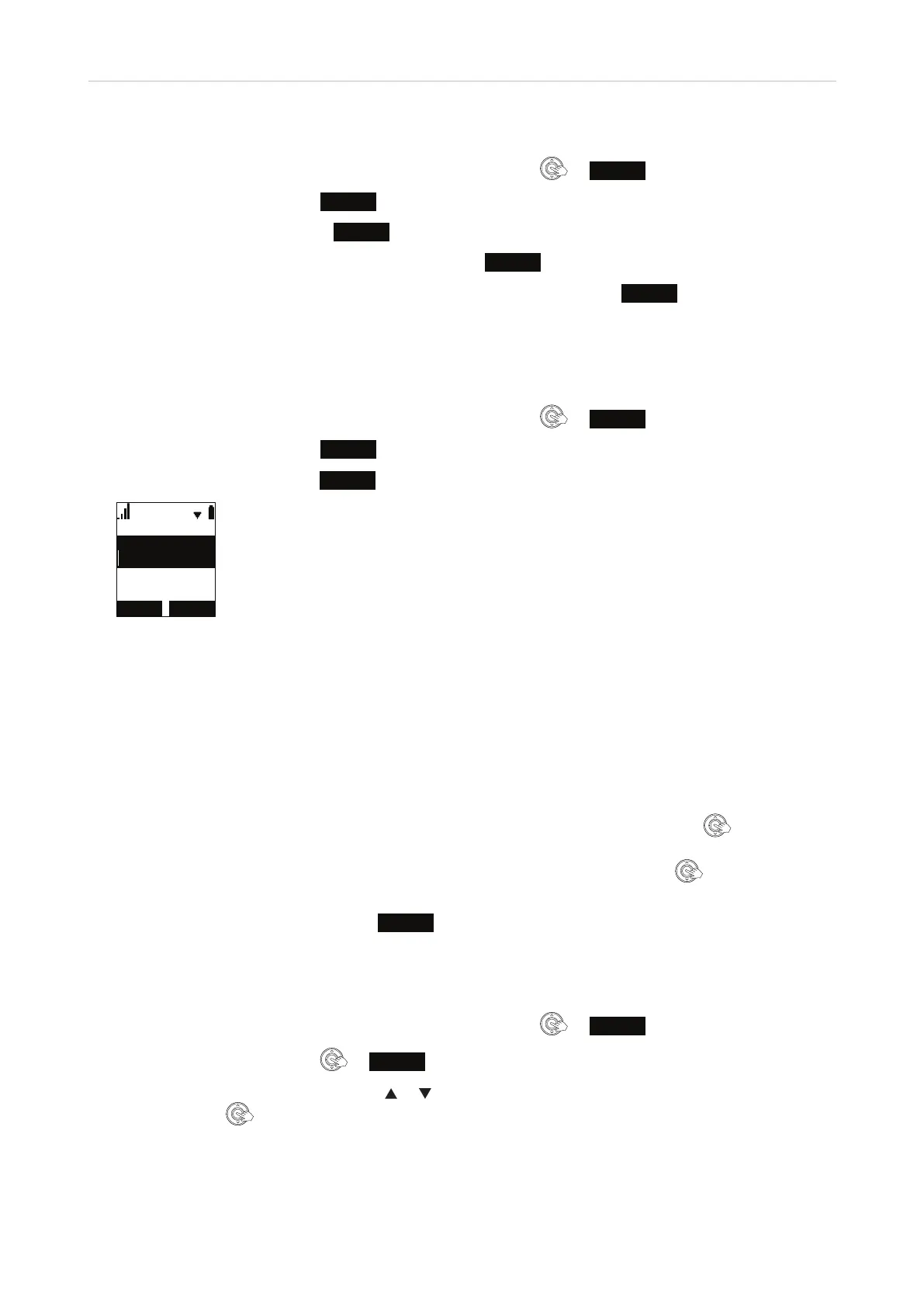
Fig. 4
4. As a minimum, you must add either a first or last name and a phone number before you can save the
contact. The available settings are:
- First name
- Last Name
- Work
- Mobile
- Other
- Ringer tone. "Auto" is the default, i.e., the ringer setting on your handset. Press
if you want to
select any of the other melodies available on the handset.
- Dial line. The default is the "line" (identity, account) of your handset. Press
if you want to
select any of the other accounts assigned to the handset on the base station.
5. When you have entered the data, press
SAVE
(Fig. 4).
Editing an entry in local directory, base directory, blacklist
1. In the Main Menu of the handset, scroll to "Directory" and press or
ENTER
.
2. Select the directory and press
or
REVIEW
(Fig. 1).
3. Scroll through the contacts by pressing
or on the navigation key. When the contact you want to edit is
onscreen, press
.



 To Next Page