52
v1.01
M215SC User Manual Base station web user interface (WUI)
• System. In user mode, this page contains the call settings and the user preference for the accounts.
In admin mode, the general account settings for setting up and registering the SIP accounts and the
assignment of SIP accounts to individual handsets are also accessible.
• Network. In user mode, this menu item is not visible in the top bar. In admin mode, this menu has two
pages, Basic and Advanced, where the network settings for IPv4 and IPv6, respectively, VLAN, VPN, etc. are
configured.
• Contacts. This is a page where the base station's phone directory that is accessible to all registered
handsets and the blacklist (deny list) are located and maintained. This is also where LDAP is configured.
• Servicing. This menu item contains numerous submenus with the time and date, language, and security
settings, as well as the settings for firmware updates, provisioning, certificates, and TR069.
User settings
The settings available in user mode can also be configured on the handset assigned to the respective account.
System page
• Call Settings.
General Call Settings Description
Anonymous Call Reject Select to block incoming calls without caller ID.
Enable Anonymous Call Select to make outgoing calls without your own caller ID information.
Do Not Disturb Setting Description
Enable DND Turning DND (do not disturb) on and o.
Call Forward Settings Description
Enable Call Forward Always Select to enable call forwarding for all calls on that account.
Enable Call Forward Busy Select to enable call forwarding for calls when you are on another call on that
account
Enable Call Forward No Answer Select to enable call forwarding for unanswered calls on that account.
Target Number Enter the number to which the calls will be forwarded.
• User Preferences. Select a language for the WUI from the drop-down menu. The default language is
English.
Contacts page
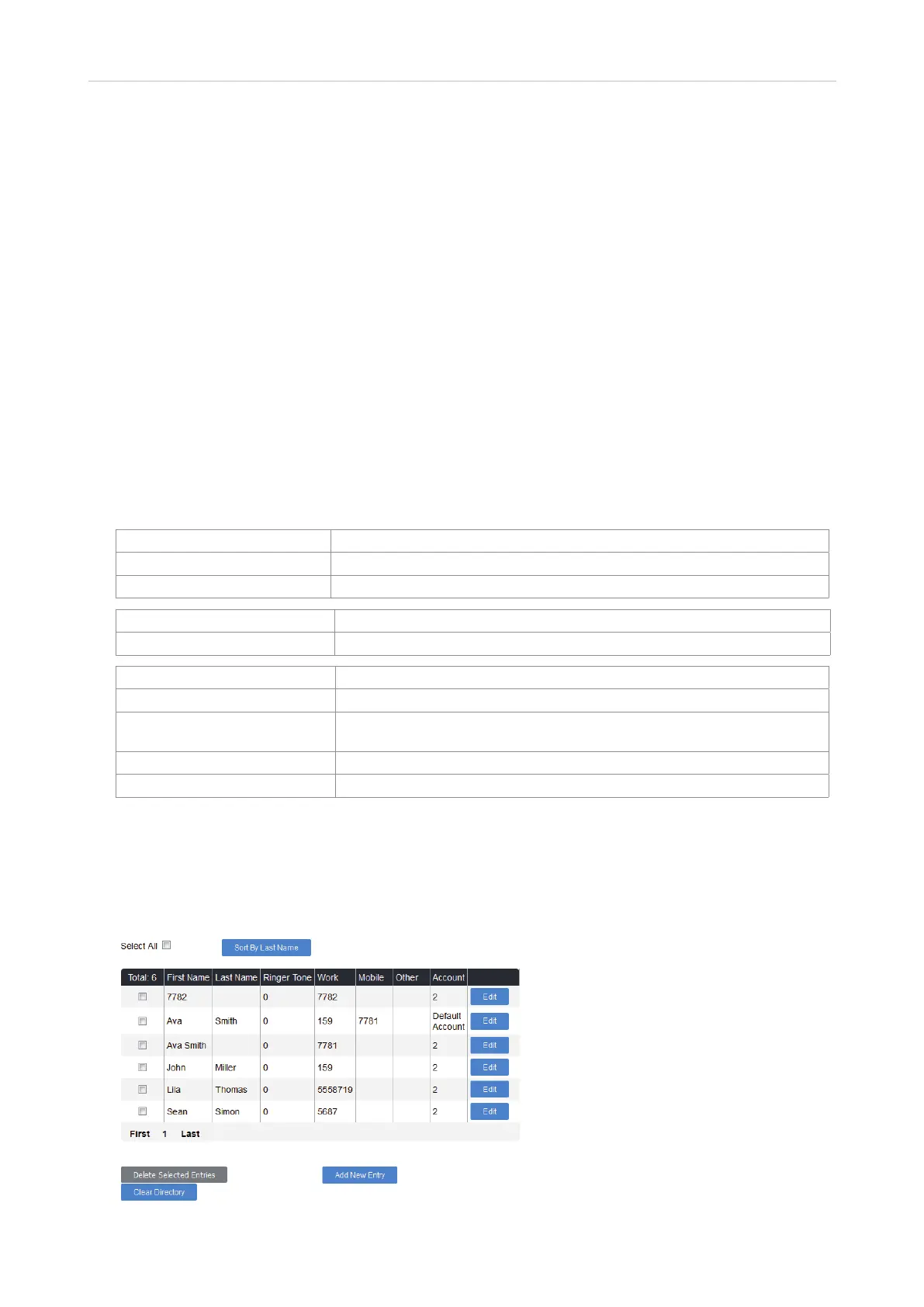
• Base Directory. This is the base station directory available to all handsets registered at the base station.
Fig. 1



 To Next Page