42
v1.01
M215SC User Manual Configuring handset settings
'HOHWH
(GLWGLDO
(GLW
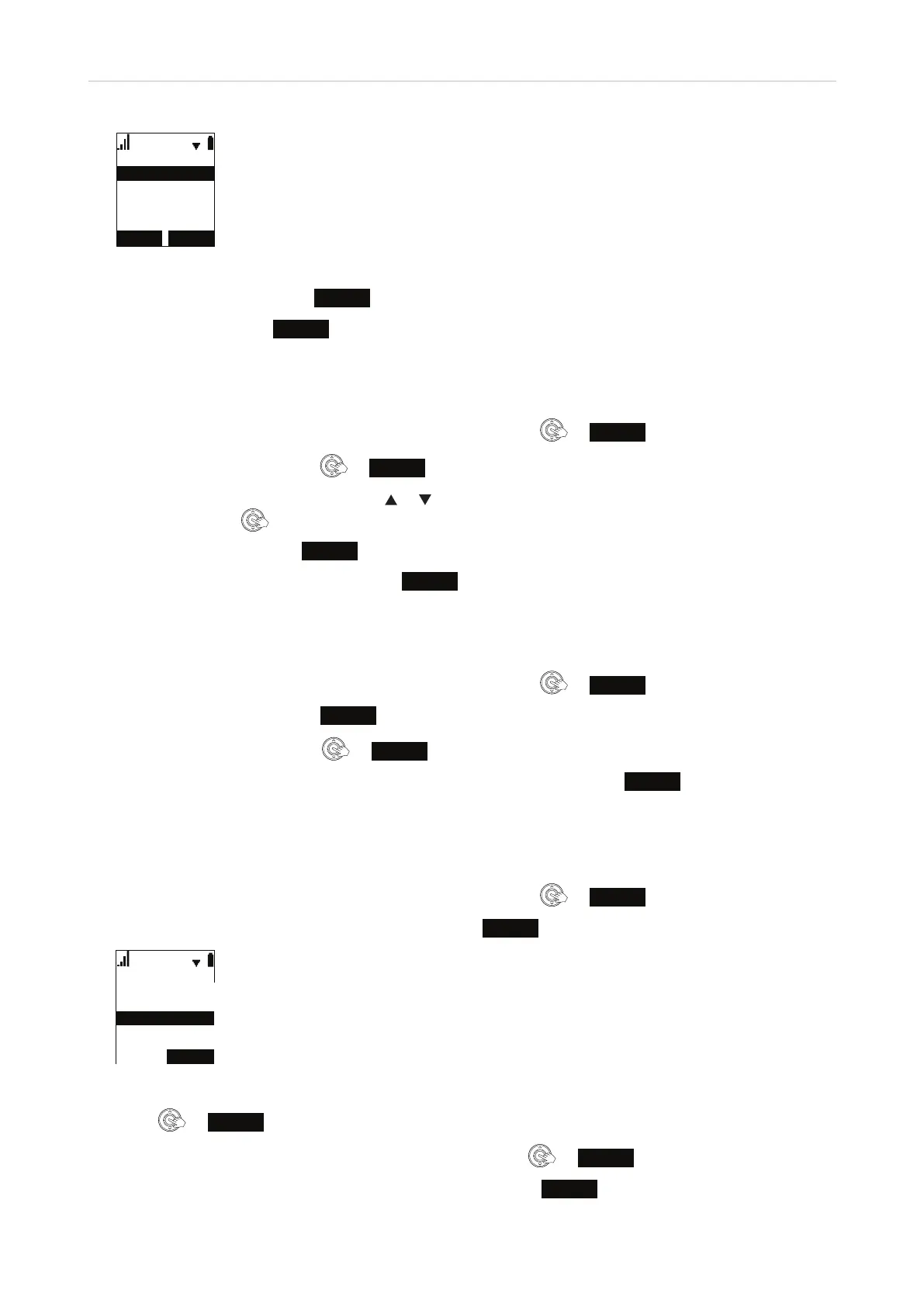
Fig. 5
4. With "Edit" Highlighted, press
SELECT
(Fig. 3).
5. Edit the data and press
SAVE
when you are done.
Deleting an entry from local directory, base directory, blacklist
1. In the Main Menu of the handset, scroll to "Directory" and press or
ENTER
.
2. Select the directory and press
or
REVIEW
(Fig. 1).
3. Scroll through the contacts by pressing
or on the navigation key. When the contact you want to delete
is onscreen, press
.
4. Scroll to "Delete" and press
SELECT
(Fig. 3).
5. On the "Delete" confirmation screen, press
YES
.
Deleting all entries in local directory, base directory, blacklist
1. In the Main Menu of the handset, scroll to "Directory" and press or
ENTER
.
2. Select the directory and press
OPTION
(Fig. 1).
3. Scroll to "Delete all" and press
or
SELECT
(Fig. 3).
4. On the "Delete all entries in [directory/blacklist]" confirmation screen, press
YES
.
LDAP search
1. In the Main Menu of the handset, scroll to "Directory" and press or
ENTER
.
2. Scroll to "LDAP". When "LDAP" is highlighted, the label
SEARCH
appears at the bottom of the display screen.
'LUHFWRU\
%DVHGLUHFWRU\
/RFDOGLUHFWRU\
%ODFNOLVW
Fig. 6
3. Press
or
SEARCH
.
4. On the "Search by" screen, select first or last name and press
or
SELECT
.
5. Enter the first letter(s) of the contact you want to dial and press
SEARCH
.
Local directory
Base directory
LDAB
Blacklist
SEARCH
LDAP



 To Next Page