26
v1.01
M215SC User Manual Using the phone
c. "Then, press the # key at the handset." Press on the handset.
The display shows "Registering... Please wait". The registration will take approximately 10 seconds. If the
registration has been successful, you will hear a beep and briefly see the message "Handset Registered". The
display will then show HANDSET 1.
Note: If the handset fails to register, place it in the charger for a few seconds, remove it, and
repeat the registration procedure.
PM 01/01
HANDSET 1
Changing the name of the handset
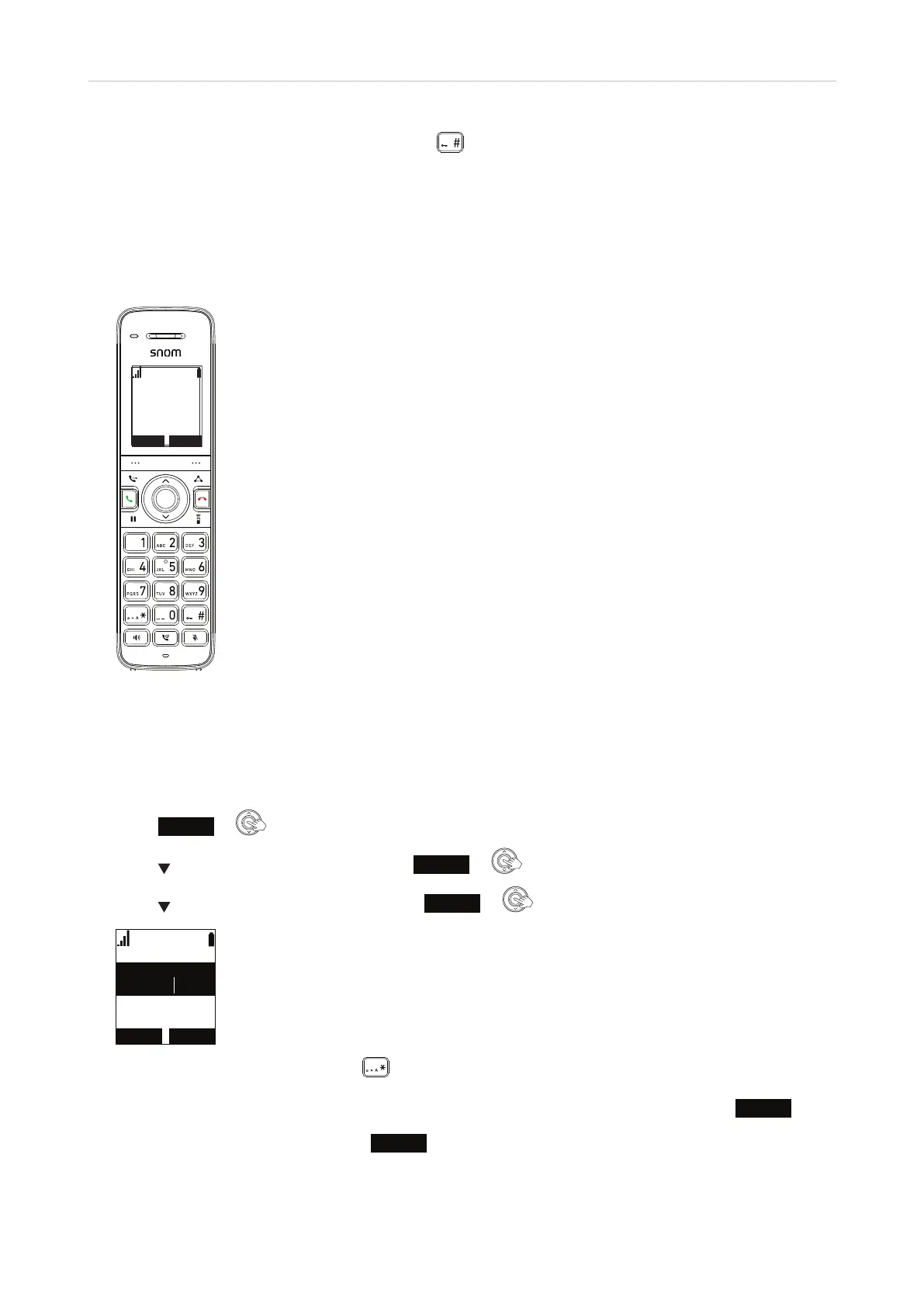
The default name of the handset is HANDSET 1, HANDSET 2, etc. You can customize the name shown on the
display, for example to your name or your extension number.
1. Press
Menu
or on the handset. The Main Menu appears.
2. Press
to scroll to User settings and press
Enter
or .
3. Press
to scroll to Phone Rename and press
Enter
or .
3KRQHUHQDPH
(GLW1DPH
+$1'6(7
$EF
%$&.63 6(7
4. On the Phone Rename screen, press to switch the input mode, whenever necessary, from lower to
upper case letters to numerals. The current input mode is indicated by "Abc", "ABC", and "123", respectively,
at the top center of the display screen. To delete the character to the left of the cursor, press
Backsp
.
5. When you have finished editing, press
Set
to save.



 To Next Page