27
v1.01
M215SC User Manual Using the phone
Deregistering the handset from the base station
The handset can only be registered at one base station at a time. To be able to use it with a dierent one, you
must deregister it from its current base station first.
1. Press
Menu
or on the handset. The Main Menu appears.
2. Press
to scroll to User settings and press
Enter
or .
3. Press
to scroll to Registration and press
Enter
or .
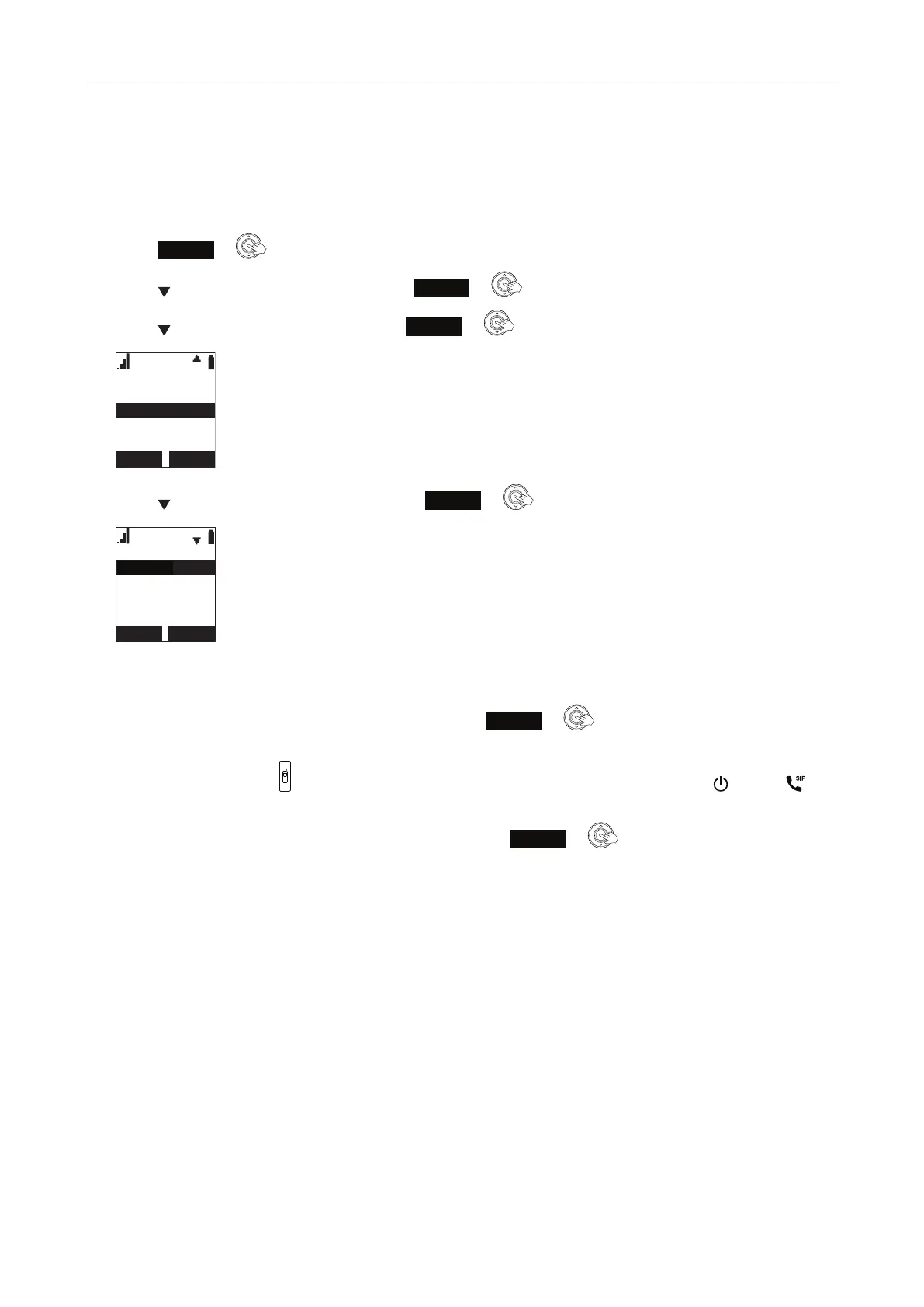
Registration
Deregistration
Handset
4. Press to highlight Deregistration and press
SELECT
or . The list of registered handsets is displayed.
Deregistration
HANDSET 2
HANDSET 1
HANDSET 3
HANDSET 4
Note: If your handset has a name (your name or your extension number, for example), it will be
listed instead of "HANDSET".
5. Highlight the handset you want to deregister and press
SELECT
or . The display will prompt you to
enter the handset's PIN. Before you do that,
6. press the locator button
on the base station for four seconds and release it. The power and SIP
LEDs on the base station begin to flash.
7. Enter the handset's PIN (the default PIN is 0000) and press
OK
or . The deregistration will
take approximately 10 seconds. When it has been completed, you will hear a beep and see the message
"Handset Deregistered."
Note: The handset enters an energy-saving charging mode after being deregistered. All
cordless telephone functions except handset-battery charging are disabled. Energy-saving
charging mode is deactivated after the handset registers to the base station.
7798



 To Next Page