53
v1.01
M215SC User Manual Base station web user interface (WUI)
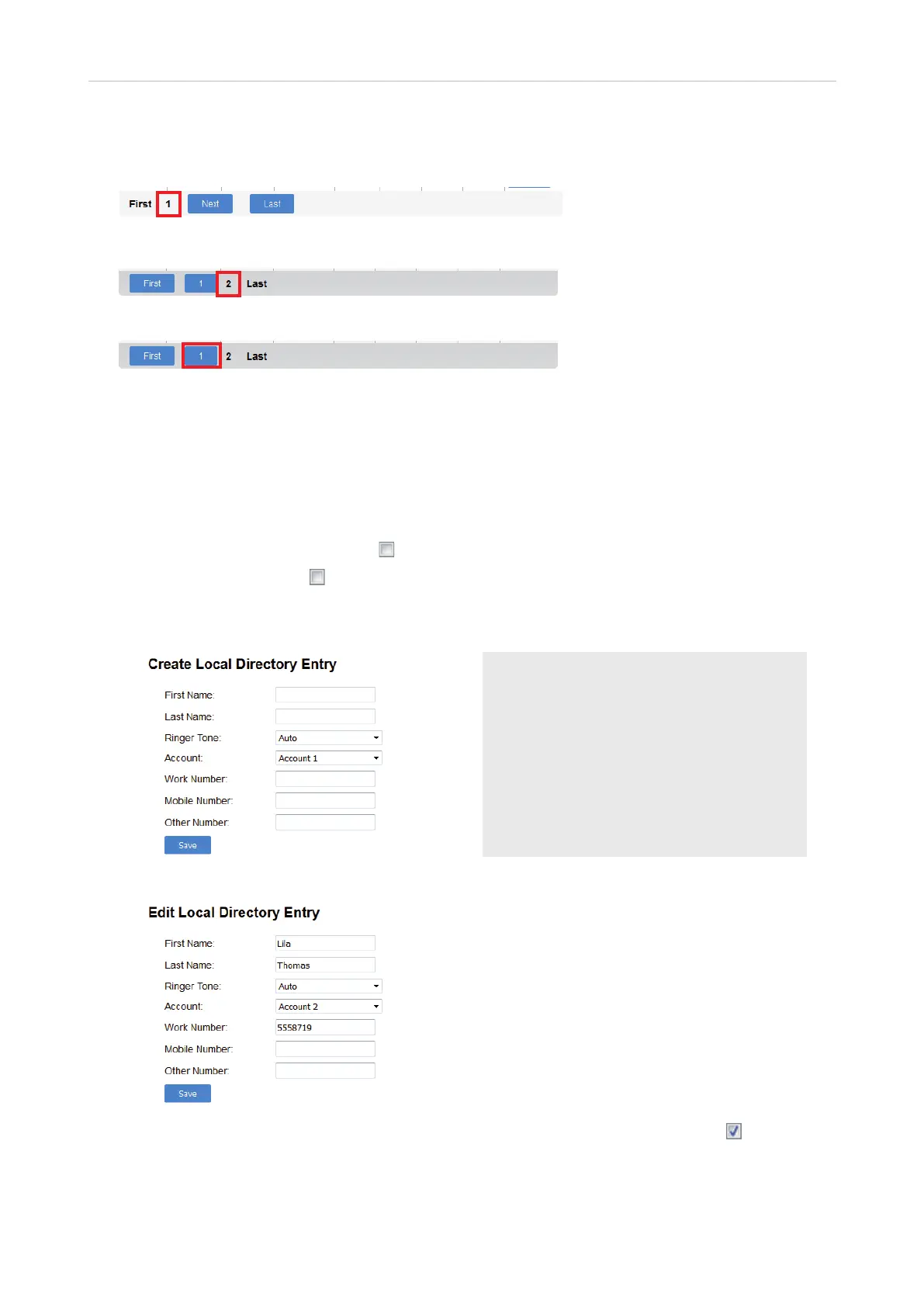
The base station directory can contain up to 10 pages with 20 entries on each, and a total of 200 altogether. If it
has more than one page, the last line of the table of names shows which page you are viewing.
Fig. 2
Fig 3
Fig. 4
◦ Click Next to move to the next page.
◦ Click the number button to move to a previous page (Fig. 4).
◦ Click Last or First to move to the last or first page, respectively.
◦ When you are viewing the first or last page, the First (Fig. 2) or Last (Fig. 3) button, respectively, is
replaced by text.
◦ Click on the Select All radio button
to select all entries on the page.
◦ Click on the radio button
of an entry to select that entry.
◦ Click Sort By Last Name or Sort By First Name to change the parameter for sorting the entire directory.
◦ Click Add new entry to create a new entry.
◦ Click Edit to edit the entry on its own page.
◦ Click Delete Selected Entries to delete all entries whose radio button has a checkmark .
◦ Click Clear Directory to delete the entire directory.
Viewing page 1
Viewing page 2 of 2
Note 1: As a minimum, each entry must
contain one name (first or last) and one phone
number.
Note 2: Write phone and extension numbers as
they need to be dialed by the phone. Don't add
spaces, hyphens, dashes, etc.
Note 3: The ringtone selected for the entry will
be played by the handset when a call from the
contact is ringing.



 To Next Page