EasyManua.ls Logo

Solartron 1260 - Learn Program

Solartron 1260
295 pages
Print Icon
To Next Page IconTo Next Page
To Previous Page IconTo Previous Page
Loading...
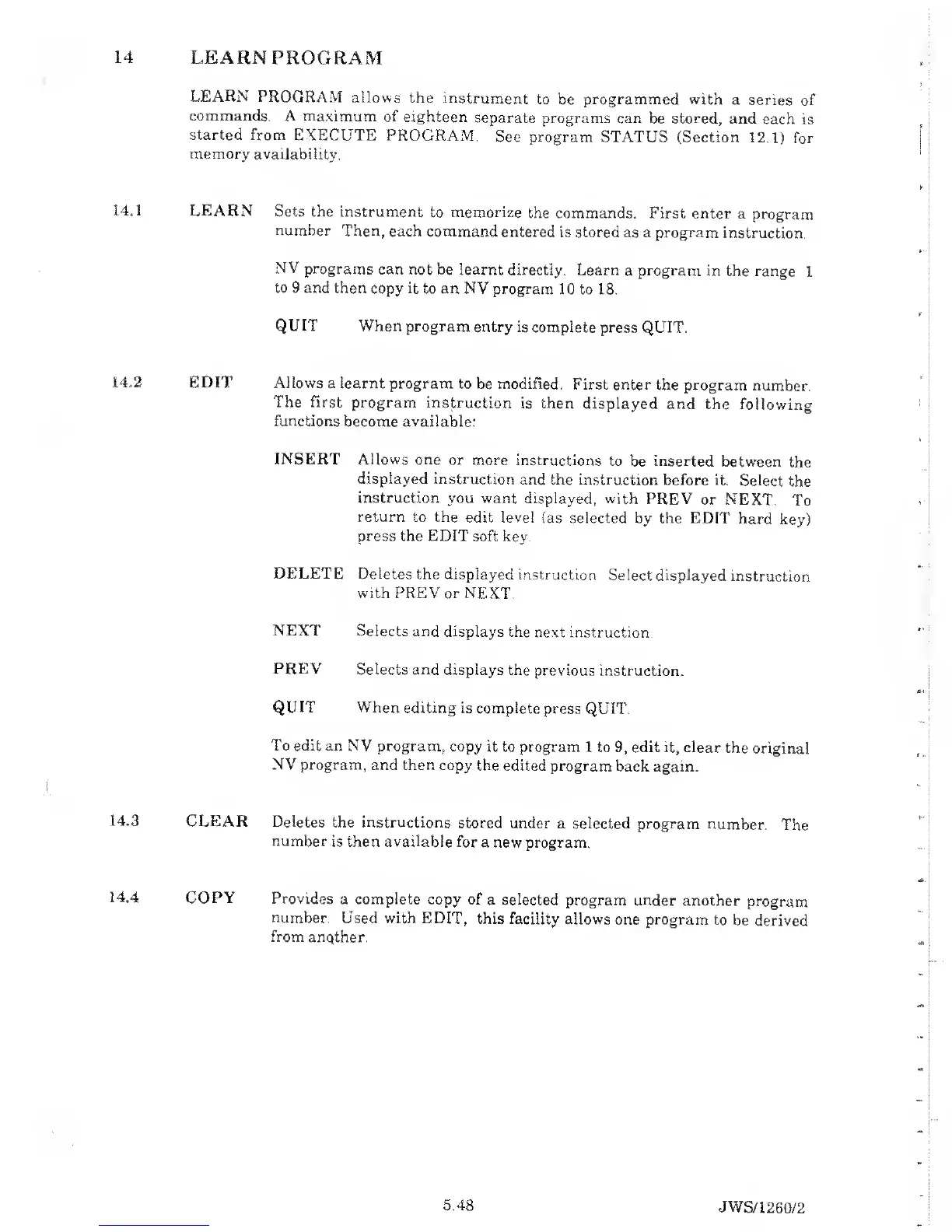
14
LEARN PROGRAM
LEARN PROGRAM
allows
the
instrument
to be programmed with
a series
of
commands. A maximum
of
eighteen
separate
programs can be stored,
and
each is
started from EXECUTE
PROGRAM.
See program STATUS (Section
12.1) for
memory
availability.
14.1 LEARN
Sets
the instrument
to memorize
the commands.
First enter
a program
number
Then, each
command entered
is stored
as a program
instruction.
NV
programs can not
be learnt directly.
Learn
a program in the
range
1
to 9
and then
copy
it
to an NV program
10 to 18.
QUIT
When program
entry is
complete press
QUIT.
X4„2
EDIT Allows
a learnt program
to be modified.
First enter
the program
number.
The First
program instruction
is then
displayed
and the following
functions
become available:
INSERT Allows
one
or more instructions
to
be
inserted
between
the
displayed
instruction and the
instruction before
it.
Select
the
instruction
you want
displayed, with PREV
or
NEXT.
To
return to the
edit level
(as selected
by the EDIT
hard
key)
press the EDIT
soft key.
DELETE
Deletes
the displayed
instruction.
Select displayed
instruction
with PREV
or NEXT.
NEXT
Selects and displays
the next
instruction.
PREV
Selects and
displays the previous
instruction.
QUIT When
editing is complete
press QUIT.
To
edit an NV
program., copy
it to program
1 to
9,
edit it, clear
the original
NV
program,
and then copy
the edited program
back again.
14.3
CLEAR
Deletes
the instructions
stored under
a selected program
number.
The
number
is then available for
a new
program.
14.4
COPY Provides
a complete
copy of
a
selected
program
under another
program
number.
Used with EDIT,
this facility
allows
one program
to be
derived
from
anqther.
5.48
JWS/1
260/2

Table of Contents

Related product manuals