EasyManua.ls Logo

Solartron 1260 - Chapter 3: Getting Started with the 1260 Analyzer

Solartron 1260
295 pages
Print Icon
To Next Page IconTo Next Page
To Previous Page IconTo Previous Page
Loading...
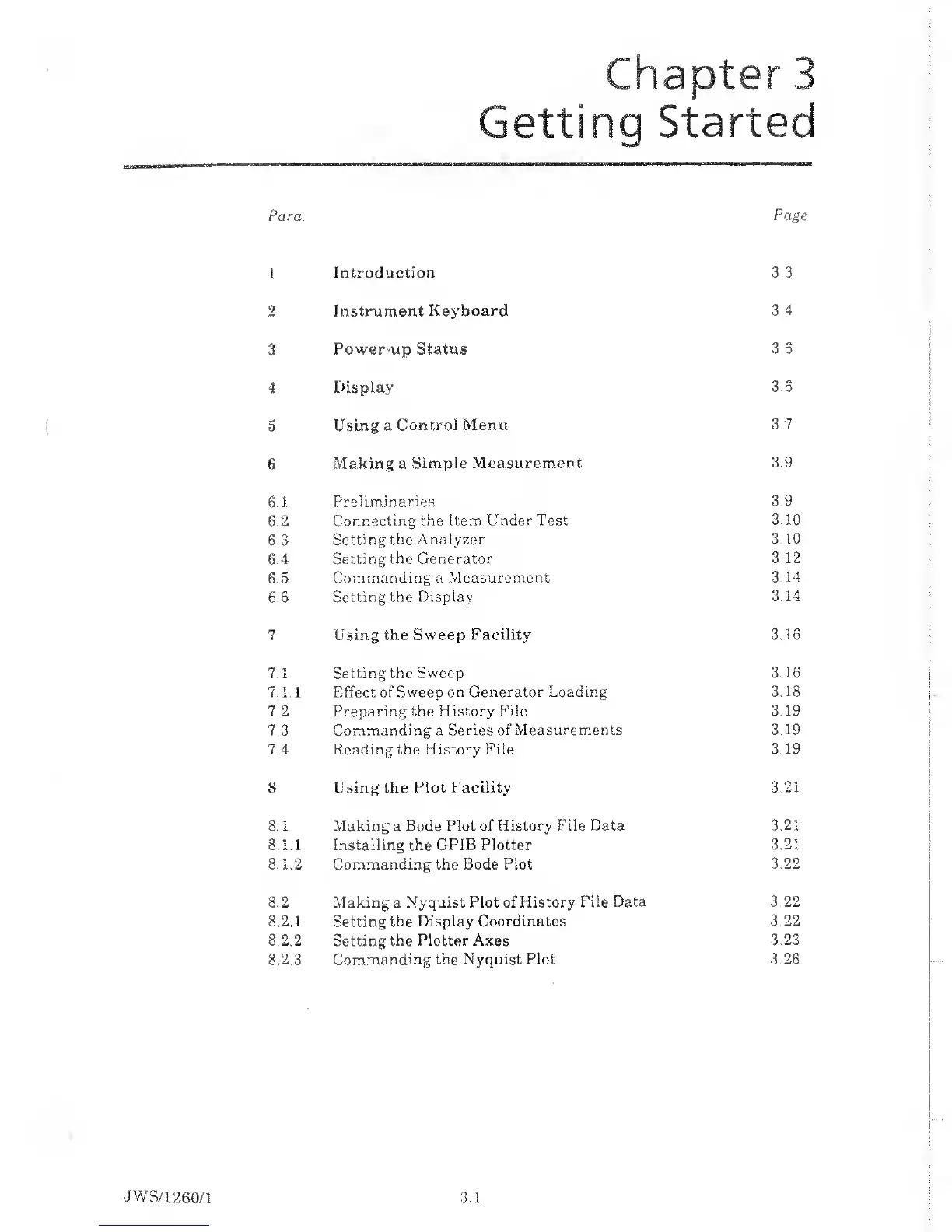
Para.
Page
1
Introduction
3.3
2
Instrument
Keyboard 3
4
3
Power-up Status
3 6
4 Display
3.6
•W
0
Using a
Control Menu
3.7
6
Making a
Simple Measurement
3.9
6.1
Preliminaries
3.9
6.2
Connecting the Item Under Test
3.10
6.3
Setting the Analyzer-
3.10
6.4
Setting the Generator
3.12
6.5
Commanding a Measurement
3.14
6.6
Setting the Display-
3.14
7
Using the Sweep Facility
3.16
7.1 Setting the
Sweep
3.16
7.1.1 Effect of
Sweep on Generator Loading
3.18
7.2
Preparing the
History File 3
19
7.3 Commanding a
Series of Measurements
3.19
7.4 Reading the History
File
3.19
8
Using the Plot Facility
3.21
8.1 Making
a
Bode Plot of History
File Data 3.21
8.1.1 Installing the GPIB Plotter
3.21
8.1.2 Commanding the Bode Plot
3.22
8.2
Making a Nyquist
Plot of History
File Data 3 22
8.2.1
Setting
the Display Coordinates
3 22
8.2.2
Setting
the Plotter Axes
3.23
8.2.3 Commanding
the
Nyquist Plot
3.26

Table of Contents

Related product manuals