6.2
EXAMPLE:
Outputting Readings
to the
GPIB
The
use of comma
as
separator and
crlf as
terminator
is assumed.
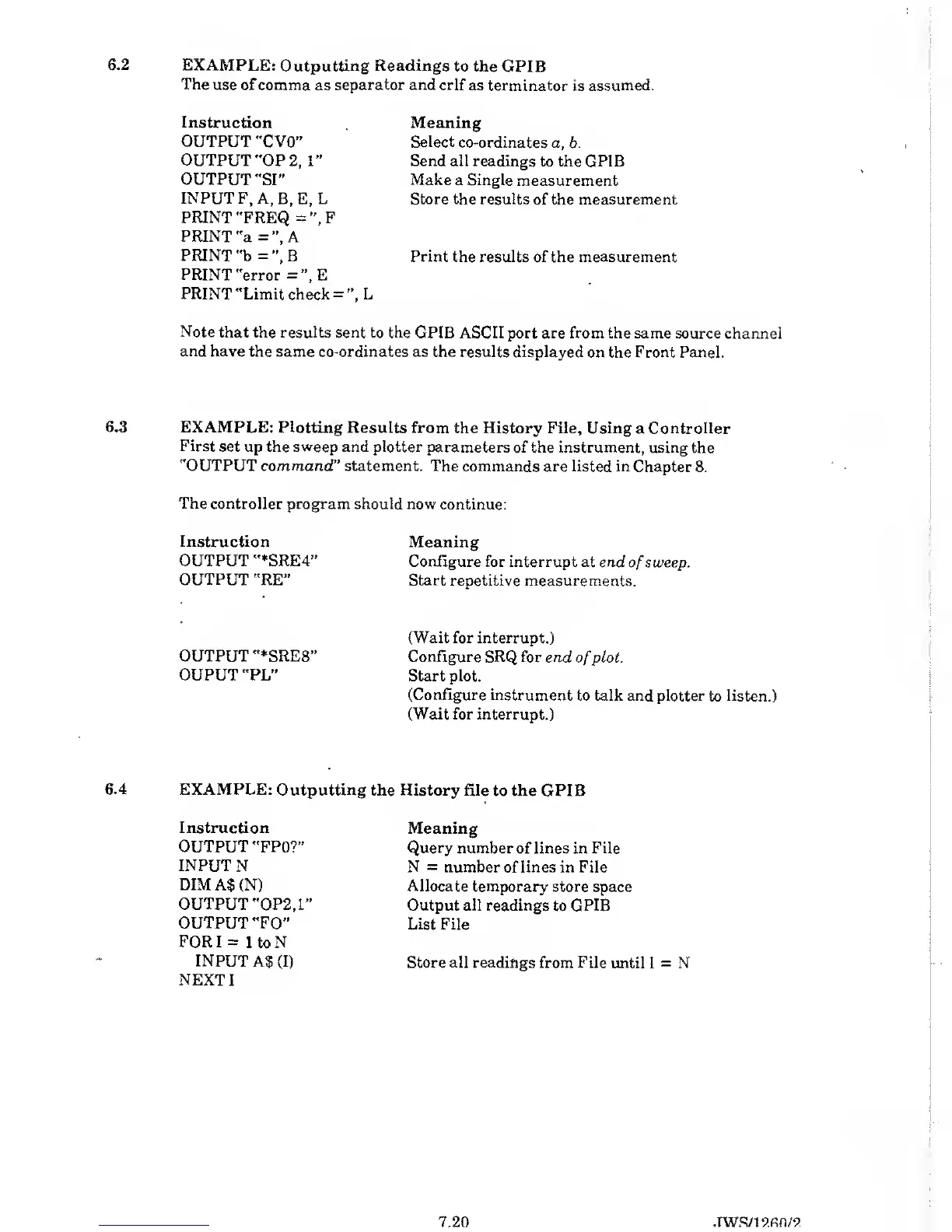
Instruction
OUTPUT
"C
VO”
OUTPUT
"OP
2,1”
OUTPUT "SI”
INPUT
F, A,
B, E, L
PRINT "FREQ
=
”,F
PRINT
"a
=”,
A
PRINT
"b
=”,
B
PRINT "error
=”,E
PRINT
"Limit check
=
”,
L
Meaning
Select
co-ordinates a,
b.
Send all readings
to the GPIB
Make a Single
measurement
Store the results
of the
measurement
Print the results of the measurement
Note that the
results sent
to
the GPIB ASCII port are from
the same source channel
and have the same co-ordinates
as the results displayed
on the Front Panel.
6.3 EXAMPLE:
Plotting Results from
the History File, Using
a Controller
First
set up the sweep and plotter
parameters of the instrument,
using the
"OUTPUT command
”
statement. The
commands are listed in
Chapter 8.
The
controller program should now
continue:
Instruction
OUTPUT "*SRE4”
OUTPUT
"RE”
Meaning
Configure for interrupt at end
of
sweep.
Start repetitive
measurements.
(Wait
for interrupt.)
OUTPUT "*SRE8”
Configure SRQ for end
of
plot.
OUPUT
"PL”
Start plot.
(Configure instrument
to
talk
and plotter to listen.)
(Wait for interrupt.)
6.4 EXAMPLE:
Outputting
the History file
to the GPIB
Instruction
OUTPUT "FPO?”
INPUT
N
DIM
A$ (N)
OUTPUT
"OP2.1”
OUTPUT "FO”
FOR
I
=
1
to N
INPUT A$
(I)
NEXT
I
Meaning
Query number of lines in File
N
=
number of lines in File
Allocate
temporary store
space
Output all readings
to
GPIB
List
File
Store all readings from File
until I
=
N
7.20 .TWS/l 9.fin / 9.



 To Next Page