1-20
BVW-55
1-8. Disconnecting/Reconnecting the Printed Circuit Boards
Reconnecting
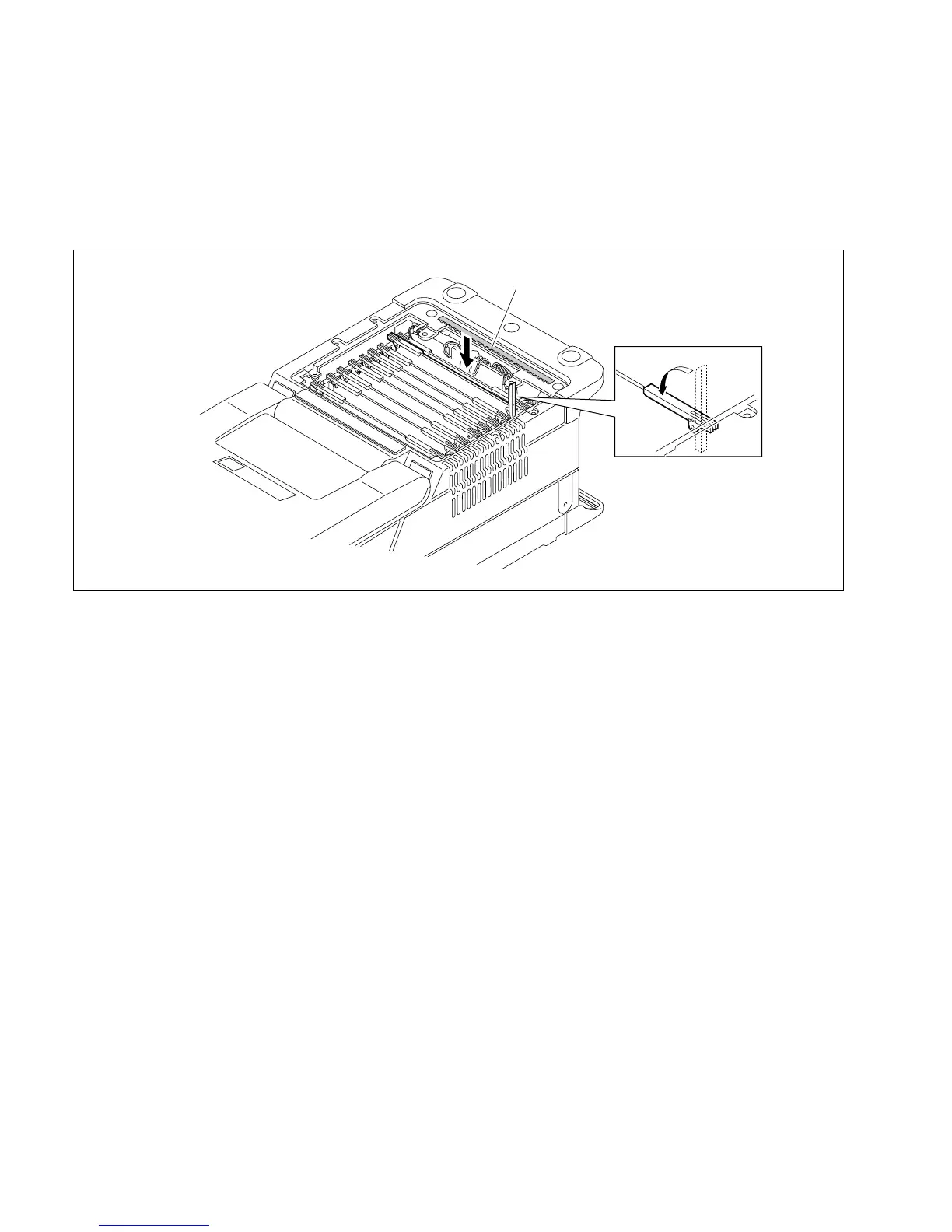
1. Insert the plug-in board into the unit with the right eject-lever opened. (The left lever can be closed.)
n
If the right lever is closed while inserting the board, it will get in the way of installing the board.
2. Close the right lever to reconnect the board to the connector of the motherboard.
3. Reinstall the battery sub panel. (Refer to Section 1-6-1.)
Shield spring








 To Next Page