1-1. DSR-2000
Location and Function of Parts
Chapter 1 Overview
24
Chapter 1 Overview
Playback modes using the search dial
Changing the setting of extended menu item 101 enables you
to select shuttle or jog mode just by turning the search dial
without using the SEARCH or VARIABLE button.
Playback
mode
Operations and functions
Shuttle Press the SHUTTLE button or the search dial
so that the SHUTTLE indicator in the display
section lights, then turn the search dial.
Playback is carried out at a speed determined
by the position of the search dial. The
maximum shuttle mode playback speed can be
changed using extended menu item 102.
Jog
Press the SHUTTLE button or the search dial
so that the JOG indicator in the display section
lights, then turn the search dial. Playback is
carried out at a speed determined by the speed
of rotation of the search dial. The playback
speed range is ±1 times normal speed. The
search dial has no detents.
Variable
speed
Press the VARIABLE button, turning it on, then
turn the search dial. You can control the
playback speed finely (61 steps) in the range of
–1 to +2 times normal speed.
The search dial has detents at the still position
and at the normal speed position.
The variable mode playback speed range can
be changed using extended menu item 119.
Noiseless playback is possible in the range of
±1 times normal speed.
Capstan
override
Hold down the PLAY button and turn the
search dial to adjust the playback speed in the
range of ±15%. Use this for phase adjustment
between this unit and an external device
connected to this unit.
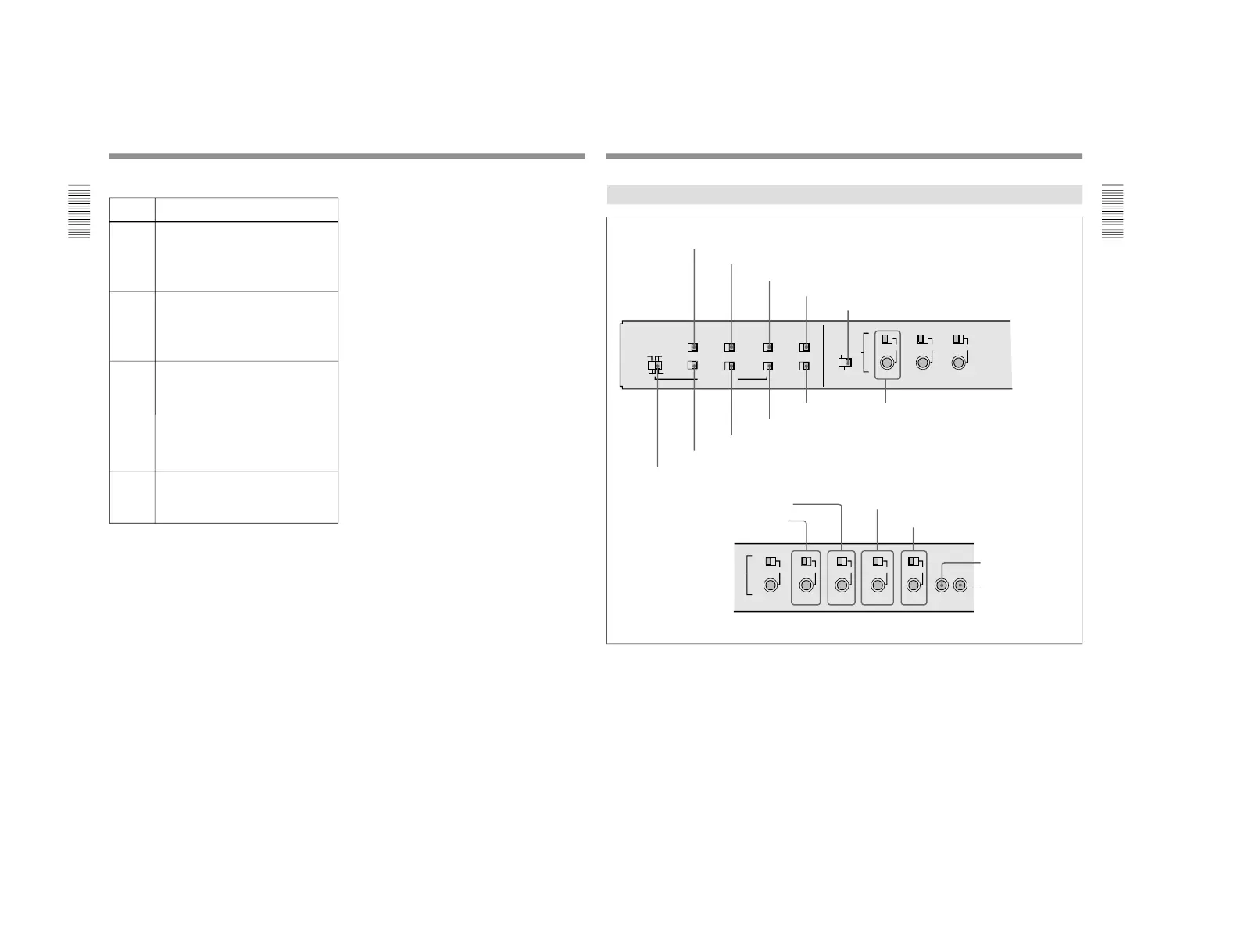
1 CHARACTER switch
2 CONTROL PANEL switch
3 REC INHIBIT switch
4 KEY INHIBIT switch
5 PROCESS CONTROL switch
6 INT/EXT−PRESET/REGEN switch
7 FREE RUN/REC RUN switch
8 DF/NDF switch (DSR-2000 only)
9 VITC switch
!º TC SELECT switch !¡ VIDEO knob and PRESET/MANUAL switch
!£ CHROMA knob and PRESET/MANUAL switch
!™ SET UP (DSR-2000)/BLACK LEVEL (DSR-2000P)
knob and PRESET/MANUAL switch
!¢ Y/C DELAY knob and PRESET/MANUAL switch
!∞ CHROMA PHASE (HUE) (DSR-2000)/
CHROMA PHASE (DSR-2000P) knob and
PRESET/MANUAL switch
!§ SYNC knob
!¶ SC knob
1 CHARACTER switch
Select whether or not to superimpose text information
such as time code, menu settings, and alarm messages
on the video signal output from the SDI OUTPUT 3
(SUPER) connector and VIDEO OUT 3 (SUPER)
connector.
ON: Superimposed text
OFF: No superimposed text
The factory default setting is ON.
2 CONTROL PANEL switch
Select the state of the control panel when this unit is
operated.
INT: When operating this unit by its own control
panel.
EXT: When operating this unit remotely by the
optional DSBK-200 Control Panel connected to
the CONTROL PANEL connector.
The factory default setting is INT.



 To Next Page