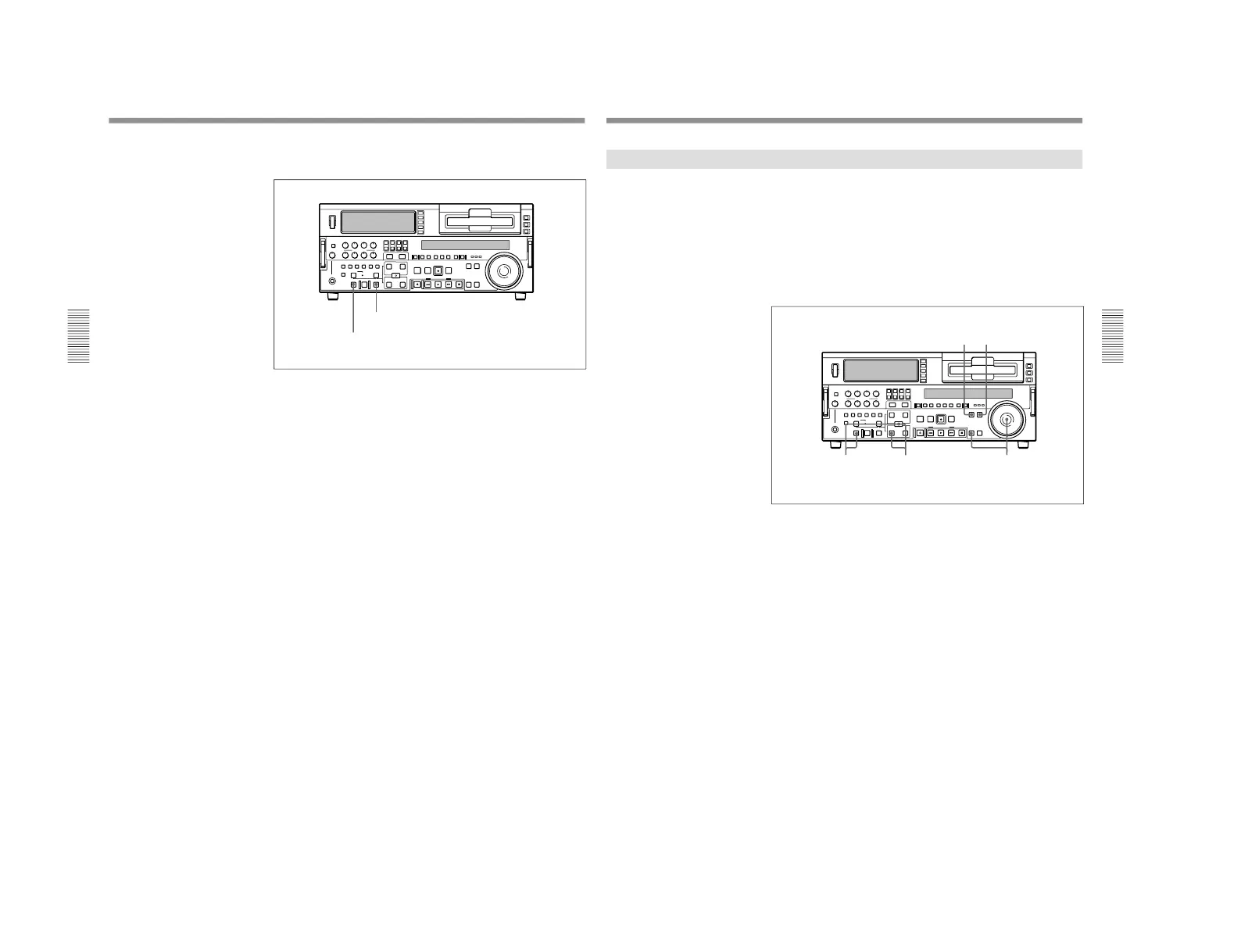
1-1. DSR-2000
Chapter 3 Recording and Playback
58
Chapter 3 Recording and Playback
You can start DMC playback using either the REVIEW button or
PREVIEW button depending on which of the above two methods you use.
To start playback at the on-air cue from the on-air start point
Use the following procedure.
1
Press the REVIEW button.
The REVIEW button lights, and the tape is cued up to the on-air start
point. After the tape is cued up, the REVIEW button flashes.
2
At the moment the on-air cue is given, press the REVIEW button once
more.
The REVIEW button lights, and playback starts at normal speed.
Between the speed variation start and end points, DMC playback is
carried out at the stored speed, and then playback continues at normal
speed and the tape stops at the on-air end point.
Starting playback immediately after preroll
Press the PREVIEW button.
The PREVIEW button lights, and after preroll, DMC playback is carried
out for the section between the speed variation start and end points, then
playback continues at normal speed from the speed variation end point.
Stopping the tape during DMC playback
Press the STOP button.
To exit DMC playback mode
Press the DMC EDIT button and the DELETE button simultaneously.
REVIEW button
PREVIEW button
Playback
Chapter 3 Recording and Playback
Chapter 3 Recording and Playback
59
Synchronous Playback
Connecting two DSR-2000/2000P units and synchronizing their tape
transport, you can carry out two-unit synchronous playback with an
accuracy of ±0 frame.
For equipment/signal connections and basic settings, see the section
“Connections for Two-Unit Synchronous Playback
” (page 132).
Use the following procedure.
(In the following, the controlling unit is referred to as the recorder (this
unit) and the controlled unit as the player.)
1
Press the PLAYER button, turning it on.
2
Cue up to the player tape position where to start playback.
3
Hold down the ENTRY/SHIFT button, and press the IN button.
The player IN point is set.
4
Press the RECORDER button, turning it on.
5
Cue up to the recorder tape position where to start synchronous
playback.
6
Hold down the ENTRY/SHIFT button, and press the IN button.
The recorder IN point is set.



 To Next Page