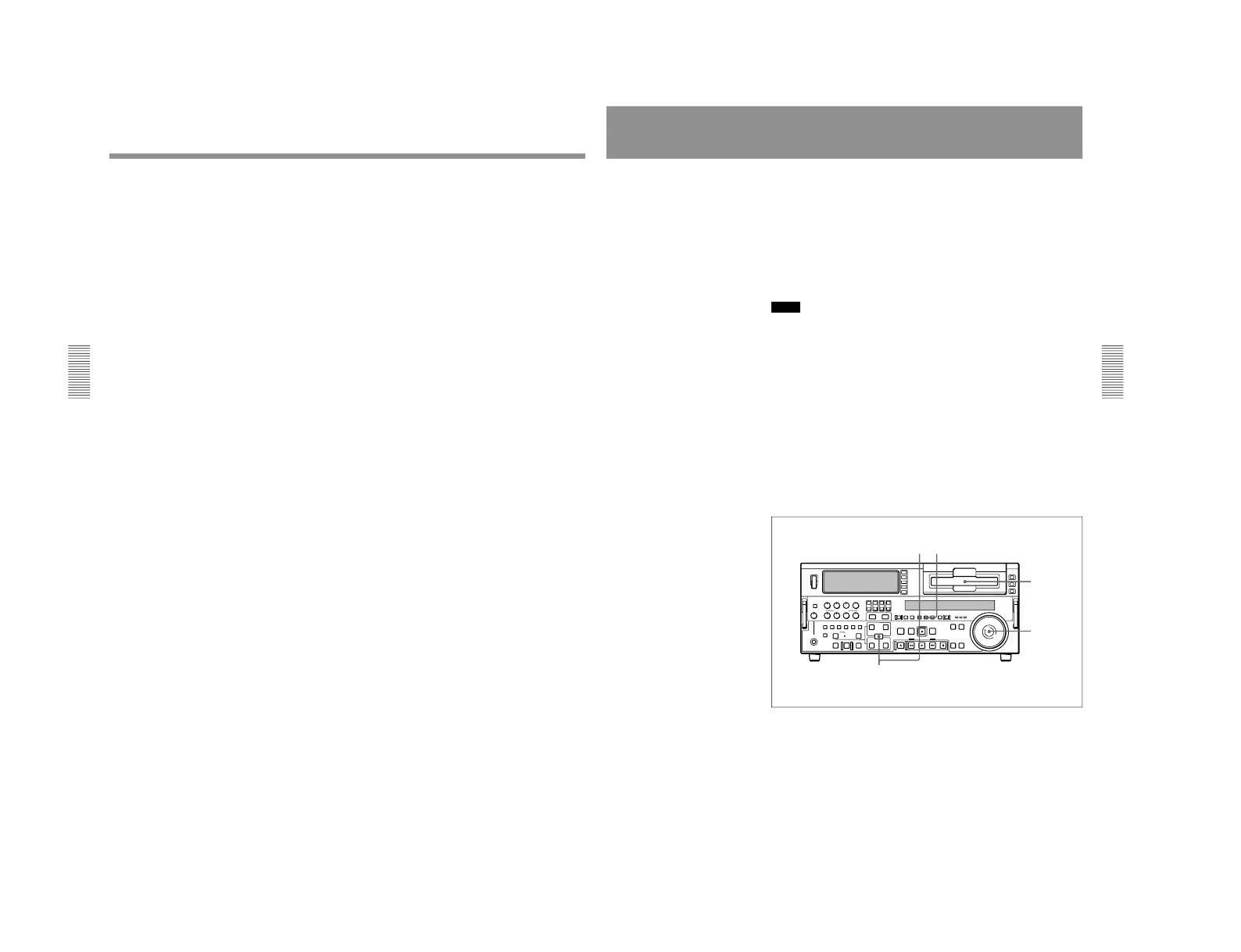
1-1. DSR-2000
Chapter 3 Recording and Playback
60
Chapter 3 Recording and Playback
7
Hold down the ENTRY/SHIFT button, and press the PREVIEW
button.
Both the recorder and player start preroll followed by synchronous
playback by the two units.
When setup menu item 004 is set to ON and 305 set to ACCUR on the
recorder side, the recorder and player tape transports are synchronized
during the preroll allowing two-unit synchronous playback with ±0
frame accuracy to start at the player and recorder IN points.
To end synchronous playback while it is in progress
Press the STOP button.
Playback
Chapter 3 Recording and Playback
Chapter 3 Recording and Playback
61
Digitally Dubbing Signals in DVCAM Format
(Optional DSBK-190 Required When Using i.LINK Interface)
In addition to straightforward tape dubbing, you can also use this unit to
digitally dub signals in DVCAM format automatically from the beginning
of the tape to the end, through an i.LINK or SDTI(QSDI) interface.
When a tape recorded on a DSR-1/1P Digital Videocassette Recorder or
DSR-300/300P Digital Camcorder is dubbed, the ClipLink log data held in
the cassette memory is also copied.
For information about connections and basic settings, see the section
“Connections for Digitally Dubbing Signals in DVCAM Format
” (page 133).
Notes
•Use a tape which is recorded in the DVCAM format. A tape recorded in
DV format cannot be used as a source tape for an dubbing operation
using the AUTO FUNCTION menu.
•Regardless of the audio channel settings made in the input selection
section of this unit, dubbing is performed with the original audio
recording mode unchanged (two-channel mode (48 kHz) or four-channel
mode (32 kHz)).
•Approximately the last 2 minutes of the tape may not be copied because
of differences in tape lengths. (If an Index Picture is recorded in this
portion, it may also not be copied.)
•A continuous recorded section of approximately 5 seconds is required
before the recording start point. It is recommended to record beforehand
color bars or a similar signal at the start point of the recording tape to be
used on this unit.
Perform the following procedure.
1
On the recorder, hold down the ENTRY/SHIFT button and press the
MENU button.
The SYSTEM MENU screen appears on the monitor connected to this
unit.



 To Next Page