1-1. DSR-2000
Chapter 4 Editing
72
Chapter 4 Editing
Setting Edit Points
Of the four edit points (recorder IN and OUT points, and player IN and
OUT points) required, set any three. The last edit point is set
automatically.
In insert mode, you can set the edit points for video and audio separately
(split editing).
For details of setting split edit points, see the section
“Setting split edit points
”
(page 73).
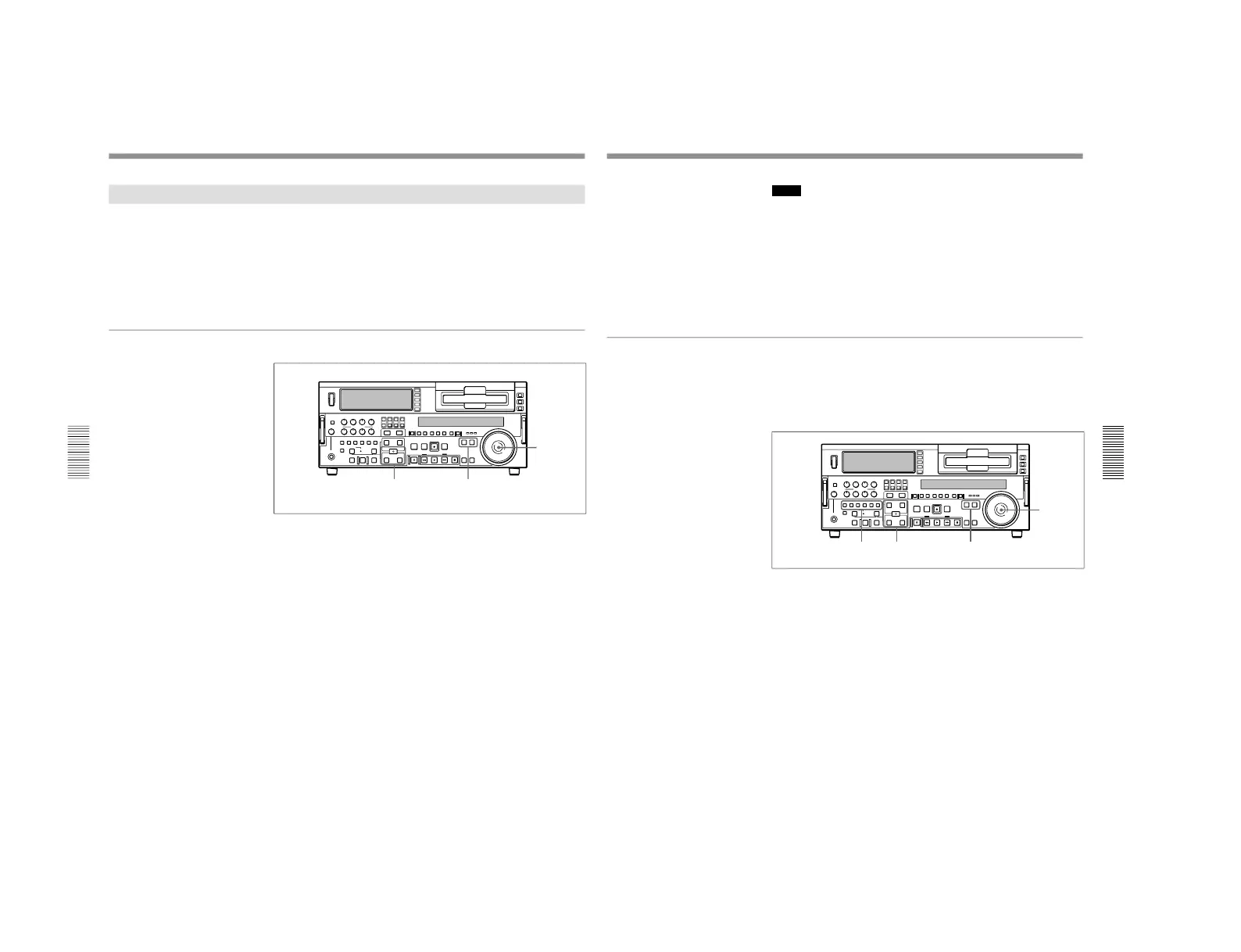
To set edit points
1
Press the RECORDER button or PLAYER button to select the VCR on
which you will set edit points.
The button which you have pressed lights.
2
Turn the search dial in jog or shuttle mode, and position the tape at the
required edit point.
For details of playback in jog or shuttle mode, see the sections
“Playback in
jog mode” (page 51) and “Playback in shuttle mode
” (page 52).
3
At the point at which you wish to set the IN point or OUT point, hold
down the ENTRY/SHIFT button and press the IN button or OUT
button as the case may be.
When the IN point or OUT point is set, the IN button or OUT button
correspondingly lights.
4
Repeat steps 1 to 3 until three of the four edit points (recorder IN and
OUT points, and player IN and OUT points) are set.
When the IN points on both the recorder and player are set, the
PREVIEW button and AUTO EDIT button flash, indicating that it is
possible to carry out a preview or editing operation.
Chapter 4 Editing
Chapter 4 Editing
73
(Continued)
Notes
In the following cases, the DELETE button begins to flash and you cannot
carry out automatic editing.
•The OUT point is before the IN point.
•All four of the recorder IN and OUT points and the player IN and OUT
points have been set.
Use the DELETE button to delete a redundant edit point, or set the edit
points correctly.
For details of deleting edit points, see the section
“To delete an edit point
” (page
77).
Setting split edit points
In split editing, you can set the edit points for audio and video
independently. Set the audio edit points with the AUDIO IN/OUT buttons,
and the video edit points with the IN/OUT buttons.
Note that split editing is only possible when the recorder is set for insert
editing.
1
Press the appropriate INSERT button (VIDEO, CH-1 to CH-4, or TC).
The IN and OUT buttons flash.
2
Press the RECORDER or PLAYER button to select the VCR for
which edit points are to be set.
The button you have pressed lights.
3
To find the edit point, rotate the search dial in jog or shuttle mode.
For details of jog/shuttle mode playback, see the sections "Playback in jog
mode" (page 51) and
“Playback in shuttle mode
” (page 52).
4
Hold down the ENTRY/SHIFT button and press one of the IN, OUT,
AUDIO IN, and AUDIO OUT buttons, to set the edit point.



 To Next Page