1-1. DSR-2000
Chapter 4 Editing
76
Chapter 4 Editing
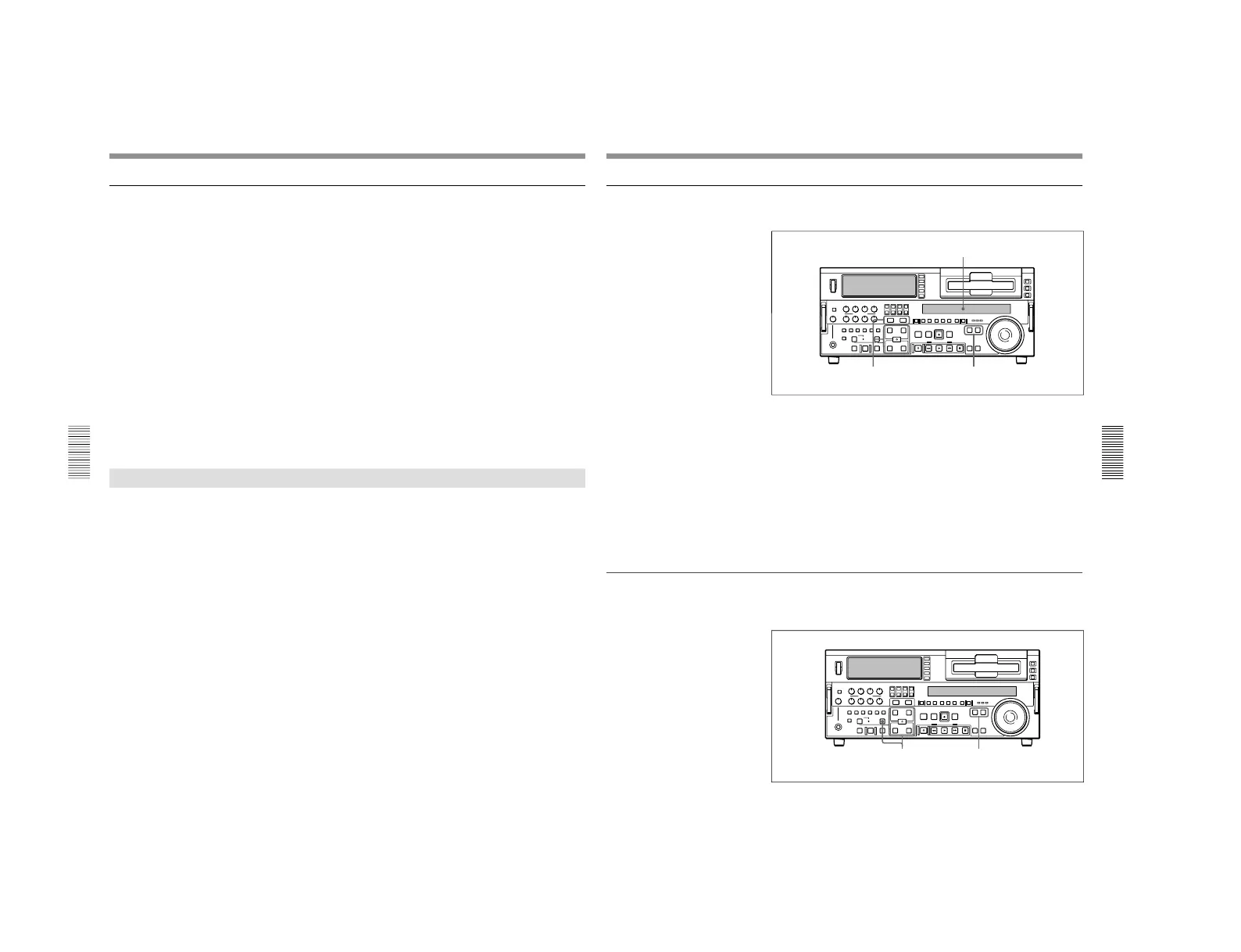
To display the duration between two edit points
1
Press the RECORDER button or PLAYER button to select the VCR on
which you wish to check the duration.
The button you have pressed lights.
2
Hold down any two of the four edit point buttons (recorder or player
IN, OUT, audio IN, and audio OUT points).
While you hold down the buttons, the duration between the two edit
points is shown in the display section.
When only one of the two selected edit points is set
The duration between the edit point and the current tape position is
displayed.
When neither of the two selected edit points is set
The duration between the most recently set corresponding edit points is
displayed.
Modifying Edit Points
Once you set edit points, you can modify or delete them as required.
When edit points have been set incorrectly, for example when an OUT
point is located before an IN point or when the duration of editing
segments on the player and recorder do not match, the DELETE button
flashes to alert you that a preview or edit cannot be carried out. In this
case, either modify the erroneous edit point, or first delete it and then enter
it correctly.
To turn a flashing DELETE button off
The DELETE button goes off when the erroneous edit point is correct.
Automatic Editing
Chapter 4 Editing
Chapter 4 Editing
77
To modify an edit point
Use the following procedure.
1
Press the RECORDER button or PLAYER button to select the VCR on
which you wish to modify the edit point.
The button you have pressed lights.
2
Hold down the IN, OUT, AUDIO IN, or AUDIO OUT button
corresponding to the edit point you wish to modify, and press the
TRIM buttons (+ or –).
While you hold down the button, the time value for the edit point
appears in the display section; pressing the +button increases the value
by one frame, and pressing the
–button decreases it by one frame.
To delete an edit point
To delete an edit point, use the following procedure. You can use the same
procedure whether or not the DELETE button is flashing.



 To Next Page