1-1. DSR-2000
Chapter 4 Editing
78
Chapter 4 Editing
1
Press the RECORDER button or PLAYER button to select the VCR on
which you wish to delete the edit point.
The button you have pressed lights.
2
Hold down the DELETE button and press the IN, OUT, AUDIO IN, or
AUDIO OUT button according to the edit point you wish to delete.
The edit point is deleted, and the DELETE button goes off.
Cuing Up to Edit Points
You can cue up to any edit point, or cue up to a position located a specified
amount of time before the edit start point (preroll).
To cue up to an edit point
Use the following procedure.
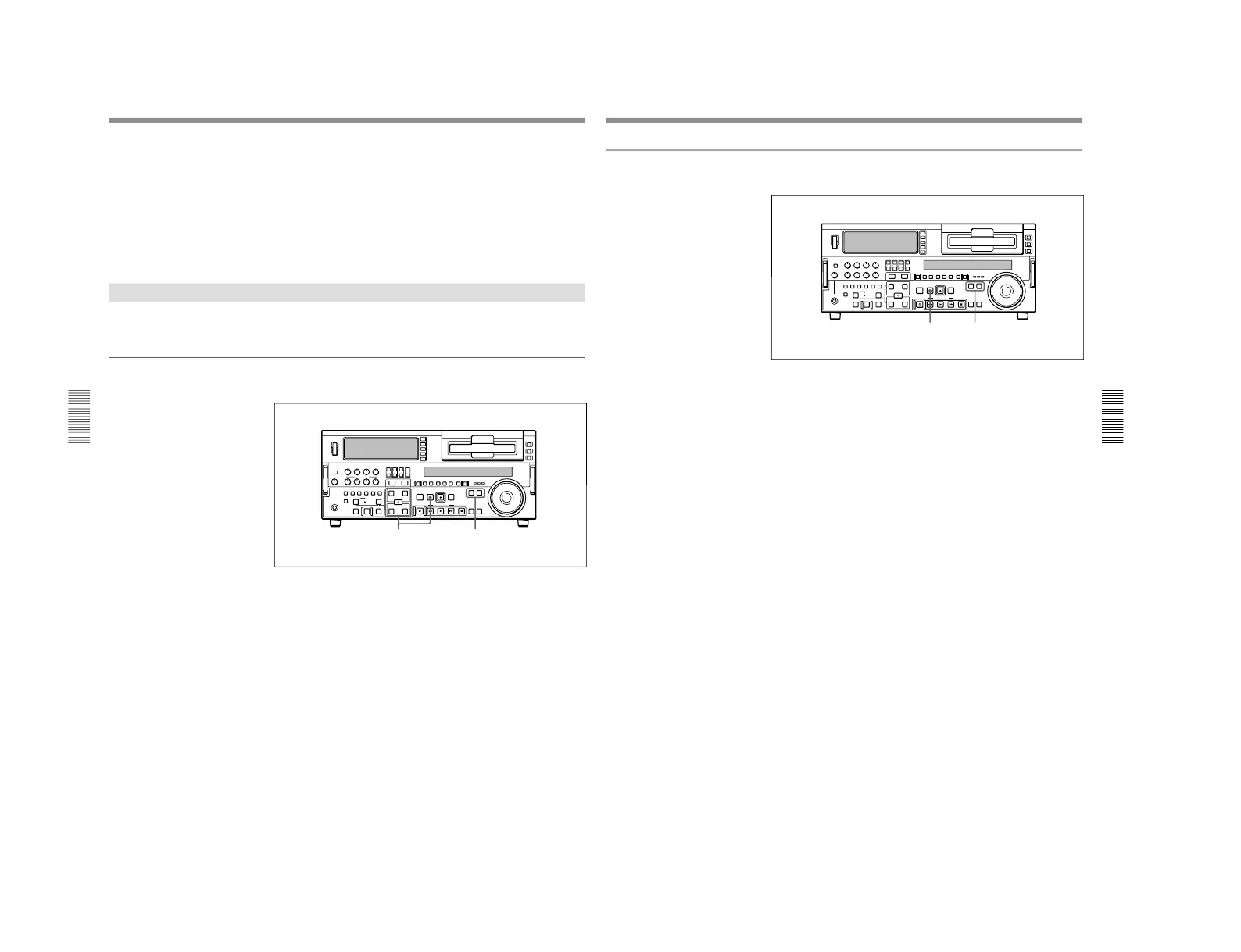
1
Press the RECORDER button or PLAYER button to select the VCR on
which you wish to cue up to an edit point.
The button you have pressed lights.
2
Hold down the IN, OUT, AUDIO IN, or AUDIO OUT button
according to the edit point to which you wish to cue up, and press the
PREROLL button.
The edit point you have selected is cued up.
Chapter 4 Editing
Chapter 4 Editing
79
To preroll
Use the following procedure.
1
Press the RECORDER button or PLAYER button to select the VCR on
which you wish to carry out a preroll.
The button you have pressed lights.
2
Press the PREROLL button.
The tape is wound back to a position 5 seconds (factory default setting)
before the edit IN point, and stops.
To change the preroll time
The factory default setting for the preroll time is 5 seconds, but you can
use basic menu item 001 to change this to any value from 0 to 30 seconds.
If you change the preroll time, make sure that the setting is not longer than
the recording length before the edit IN point.
Note that for automatic editing, the preroll time setting on the recorder
takes precedence.



 To Next Page