1-1. DSR-2000
Chapter 4 Editing
86
Chapter 4 Editing
9
Press the PREVIEW button.
The tape is prerolled and then the recorder starts operating at normal
speed and the player at the set initial speed.
10
On passing the IN point, the MEMORY indicator begins to flash: turn
the search dial to vary the playback speed.
While the MEMORY indicator is flashing, the speed variations are
stored in memory. On passing the OUT point, the MEMORY indicator
changes from flashing to continuously lit, and the variable speed
storing ends.
If the MEMORY indicator lights continuously before the speed
variation end point
This indicates that the memory became full at that point. Thus even before
the OUT point is reached, it is not possible to record more speed variation.
The maximum capacity is a duration of 120 seconds.
To quit the DMC edit mode
Hold down the DELETE button and press the DMC EDIT button.
To execute the DMC edit
Press the AUTO EDIT button.
DMC editing is carried out at the stored varying speed.
Once the editing is carried out, the stored speed variation is lost from
memory.
To check the editing results
Press the REVIEW button.
DMC Editing
Chapter 4 Editing
Chapter 4 Editing
87
Preread Editing
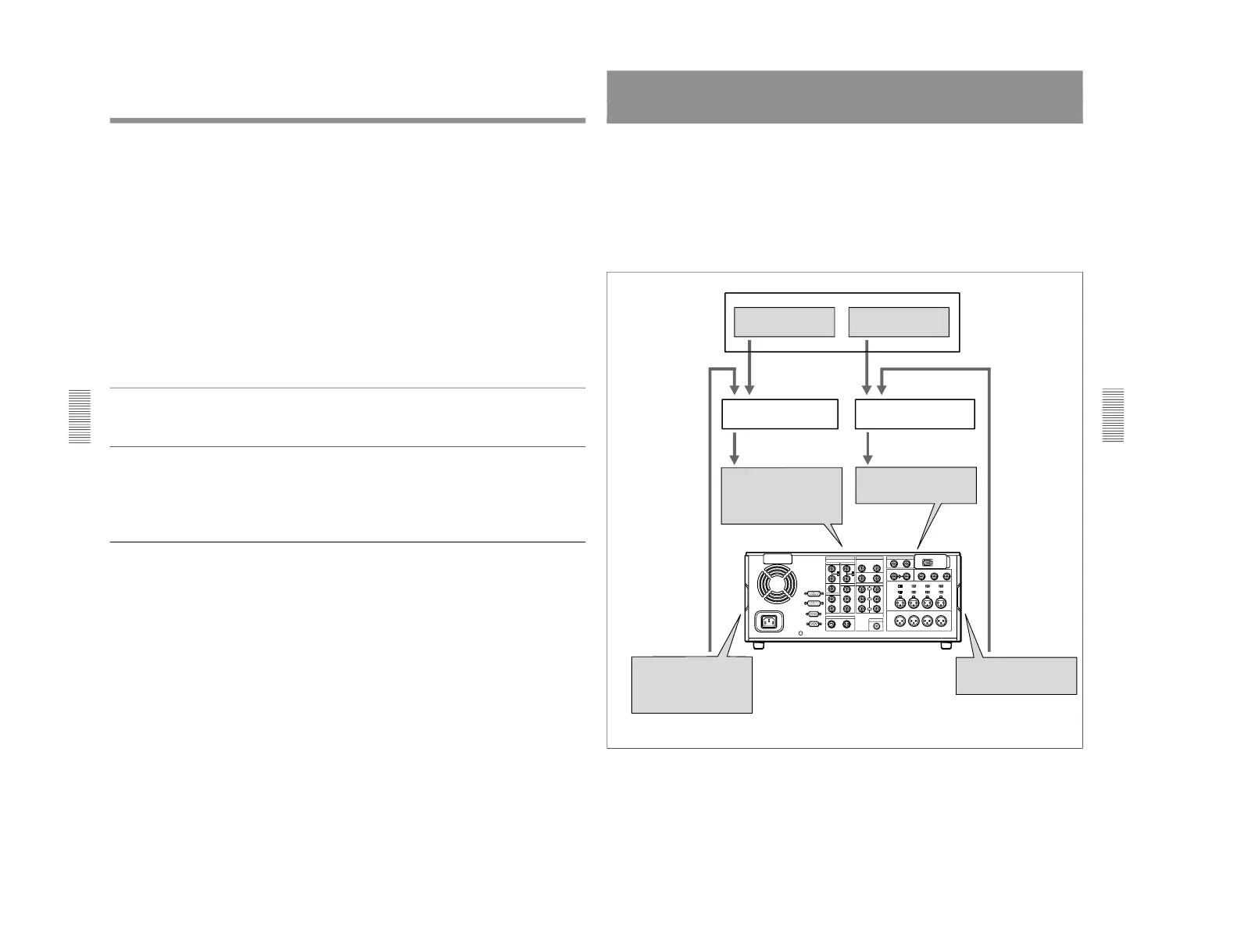
Video and audio signals already recorded on the recorder tape can be used
as an edit source for insert editing. This type of editing is called
“preread
editing”, as the VCR uses the preread heads to read the signals in advance
from the tape.
The video signals read out by the preread heads can be sent to a video
switcher, and combined with video signals from the player for recording.
The audio signals read out by the preread heads can be sent to an audio
mixer for mixing with audio signals from the player for recording, and can
be recorded either on the original channels or on other audio channels.
Player



 To Next Page