1-1. DSR-2000
Note
• You cannot carry out preread editing using SDTI or i.LINK signals.
• When the preread mode is selected (the PREREAD button is lit), to
prevent feedback in the loop connection, no E-E video out is available,
regardless of the operating mode of the unit. When preread mode is
turned off after preread editing, however, if the same channel remains
connected to both input and output, an E-E signal is output, and feedback
will occur. To prevent this, select PB mode as in step 1 of the following
procedure.
• As for a video switcher, use a model that is not provided with a frame
memory.
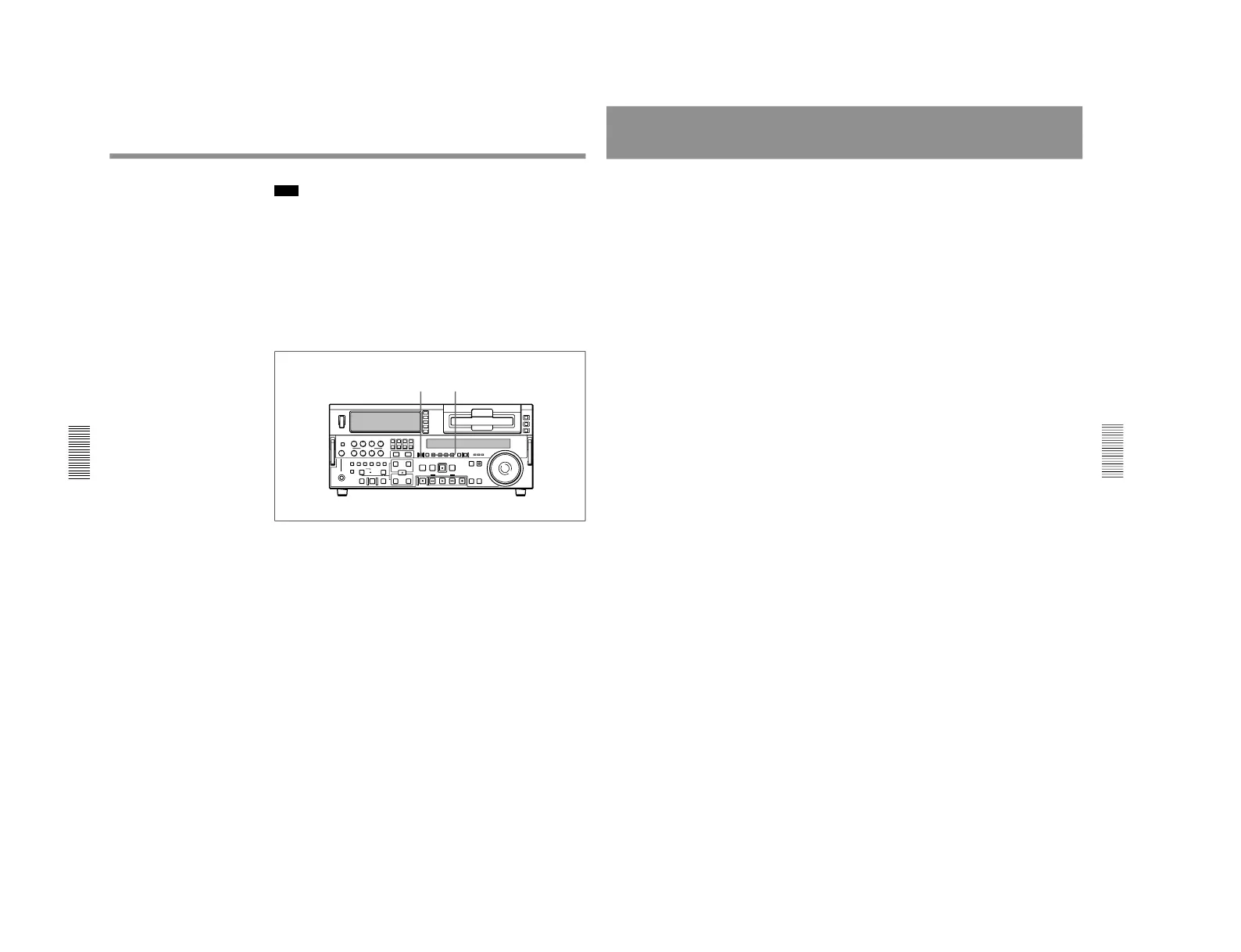
To carry out preread editing, use the following procedure.
1
Press the PB button, turning it on.
2
Press the PREREAD button, turning it on.
3
Make the necessary connections for the preread editing. (See the
illustrations on the previous page and on page 129.)
4
After selecting the desired insert edit mode, carry out the preread
editing.
For details of how to select an edit mode, set edit points, etc., see Chapter 4
“Editing” (page 67).
5
When the preread editing is completed, remove the connections.
6
Press the PREREAD button, turning it off.
Preread Editing
Chapter 4 Editing
Chapter 4 Editing
89
Special Editing Methods
This section describes the following editing methods.
• Quick editing
After selecting an edit mode, you can save on editing time by setting the
edit points and previewing (or executing) the edit at the same time.
• Continuous editing
When you execute multiple edits in succession, you can edit from the
second time on by setting the player IN and OUT points only.
• Standalone editing
You can carry out editing using as the player an external device, for
example a signal generator, which cannot be controlled remotely through
the REMOTE-IN or REMOTE-OUT connector.
• Manual editing
Without setting edit points in advance, you can carry out editing
manually while watching the monitor screen.
• Adding a narration (Sound-on-sound)
Using this unit alone, it is possible to carry out simple sound-on-sound
editing (such as adding a narration).



 To Next Page