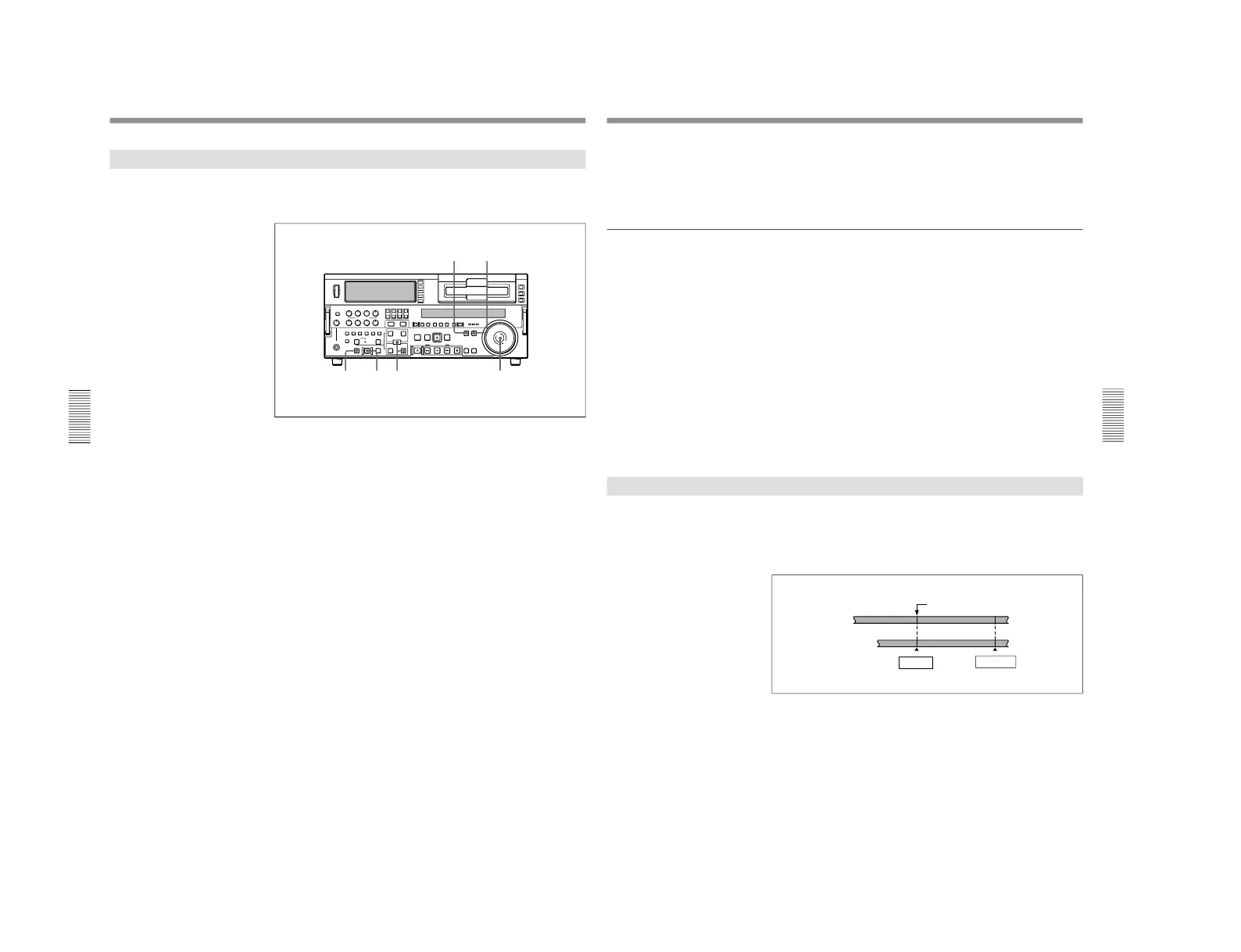
1-1. DSR-2000
90
Chapter 4 Editing
Chapter 4 Editing
Quick Editing
After selecting an edit mode, you can save on editing time by setting the
edit points and previewing (or executing) the edit at the same time.
1
Press the PLAYER button, turning it on.
2
Stop the tape on the player at the position you wish to make the IN
point.
3
Press the RECORDER button, turning it on.
4
Stop the tape on the recorder at the position you wish to make the IN
point.
5
Press the PREVIEW button.
A preview starts.
The tape positions determined in steps 2 and 4 are set as the player IN
point and recorder IN point, respectively.
6
Watching the editing on the monitor, at the position you wish to make
the OUT point, hold down the ENTRY/SHIFT button and press the
OUT button.
Both the player OUT point and recorder OUT point are set.
7
Carry out another preview and modify the edit points as required.
For details of how to modify edit points, see the section
“Modifying Edit
Points” (page 76).
Chapter 4 Editing
Chapter 4 Editing
91
8
Press the AUTO EDIT button.
The edit starts.
When the edit finishes, the recorder stops at the OUT point and the
player stops about 2 seconds after the OUT point.
To edit even more quickly
By skipping the preview in the foregoing procedure, you can execute the
edit even more quickly. To do so, proceed as follows.
1
Perform steps 1 through 4 of the foregoing procedure.
2
Press the AUTO EDIT button.
The edit starts.
3
Watching the editing on the monitor, at the position you wish to make
the OUT point, hold down the ENTRY/SHIFT button and press the
OUT button.
The edit ends.
The point where the edit started is set as the IN point, and the point
where the edit ended is set as the OUT point.
Continuous Editing
When you execute multiple edits in succession, you can edit from the
second time on by setting the player IN and OUT points only.
After execution of an edit, the recorder returns automatically to the OUT
point. Therefore, the recorder OUT point of the current edit becomes the
IN point of the next edit.
Section edited in previous edit
OUT point of previous edit =
IN point of next edit
Recorder
Player
Section edited in next edit
IN point
OUT point



 To Next Page