1-1. DSR-2000
Appendixes
150
Appendixes
How to record ClipLink log data
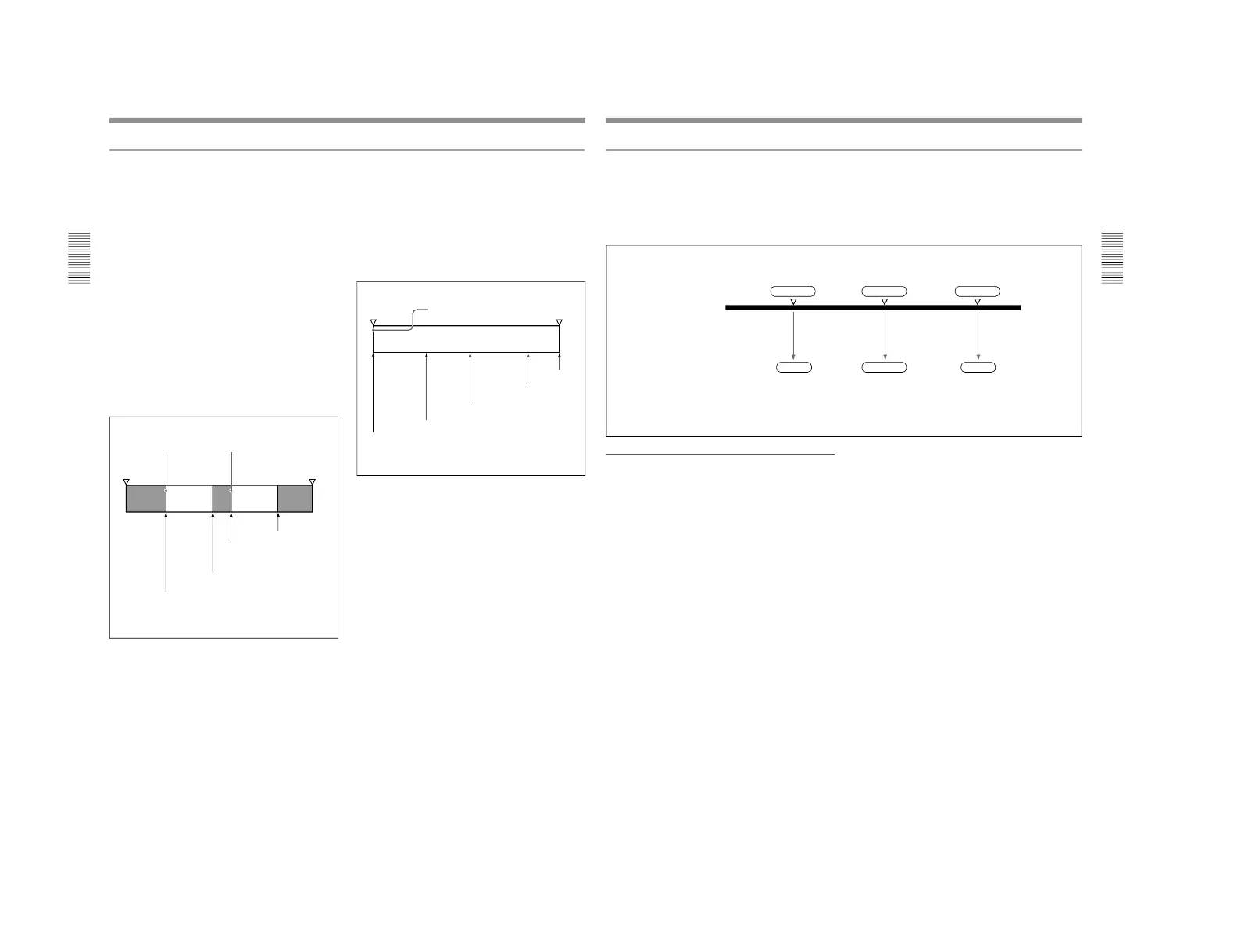
Cue point time codes
This type of data is especially useful when shooting
scenes that may contain unexpected events, such as
when shooting for sports coverage or documentaries.
Set the camera to CUE mode before you start to
record. While recording, each time you press the
camera’s TAKE button, the current time code is
recorded as a cue point time code.
End
recording
Start
recording
Index Picture 1 Index Picture 2
Scene 1
Take 1
Scene 2
Take 1
Mark IN
(manual
recording)
Mark OUT
(manual
recording)
Mark IN
(manual
recording)
Mark OUT
(manual
recording)
Start
recording
End
recording
Index Picture 1
Scene 1
Take 1
Rec IN
(automatic
recording)
Rec OUT
(automatic
recording)
Cue point
time code
(manual
recording)
Cue point
time code
(manual
recording)
Cue point
time code
(manual
recording)
ClipLink
Guide
The following describes how to record the various
ClipLink log data items.
OK/NG status
To designate a scene as
“NG”, press the NG button on
the camera while shooting the scene or at any time
before you begin shooting the next scene.
All scenes that do not receive an
“NG” designation are
recorded as “OK” scenes.
(When you exit the VTR recording mode, changing the
OK/NG status is no longer possible.)
Mark IN/OUT points time codes
This data is especially useful when shooting a video
program for which a scenario has been created.
Set the camera to MARK mode before you start
shooting. While shooting, each time you press the
camera’s TAKE button, Mark IN and Mark OUT time
codes are recorded alternately.
Appendixes
Appendixes
151
Time codes recorded for Mark IN/OUT points
There is a gap between actual time codes and Mark IN/
OUT time codes recorded in the cassette memory, as
shown in the figure below. The frame digit is
incremented at each Mark IN point and is decremented
at each Mark OUT point.
Actual time code
(The Index
Picture is the
image around
12:23:15:10.)
Mark IN
(or Rec IN)
Mark OUT
(or Rec OUT)
Frame digit
incremented
Frame digit
decremented
Cue
Time code
recorded in the
cassette memory
Recording capacity for Mark IN/OUT time
codes and Cue point time codes
When in MARK mode, up to 198 pairs of Mark IN and
Mark OUT points can be recorded (if using a cassette
with 16 Kbits of cassette memory).
When in CUE mode, up to 396 time codes points
(including all cue point time codes and all Mark (Rec)
IN and Mark (Rec) OUT time codes) can be recorded
(if using a cassette with 16 Kbits of cassette memory).



 To Next Page