9-4
HDS-7150/7100
F1 F2 F3 F4 F5 F6 F7
F8
F9 F10
HDS7150
SYSTEM
EXEC
F1 F2 F3 F4 F5 F6 F7
F8
F9 F10
NOYES
F1 F2 F3 F4 F5 F6 F7
F8
F9 F10
NOYES
9-2-1. Downloading the Program
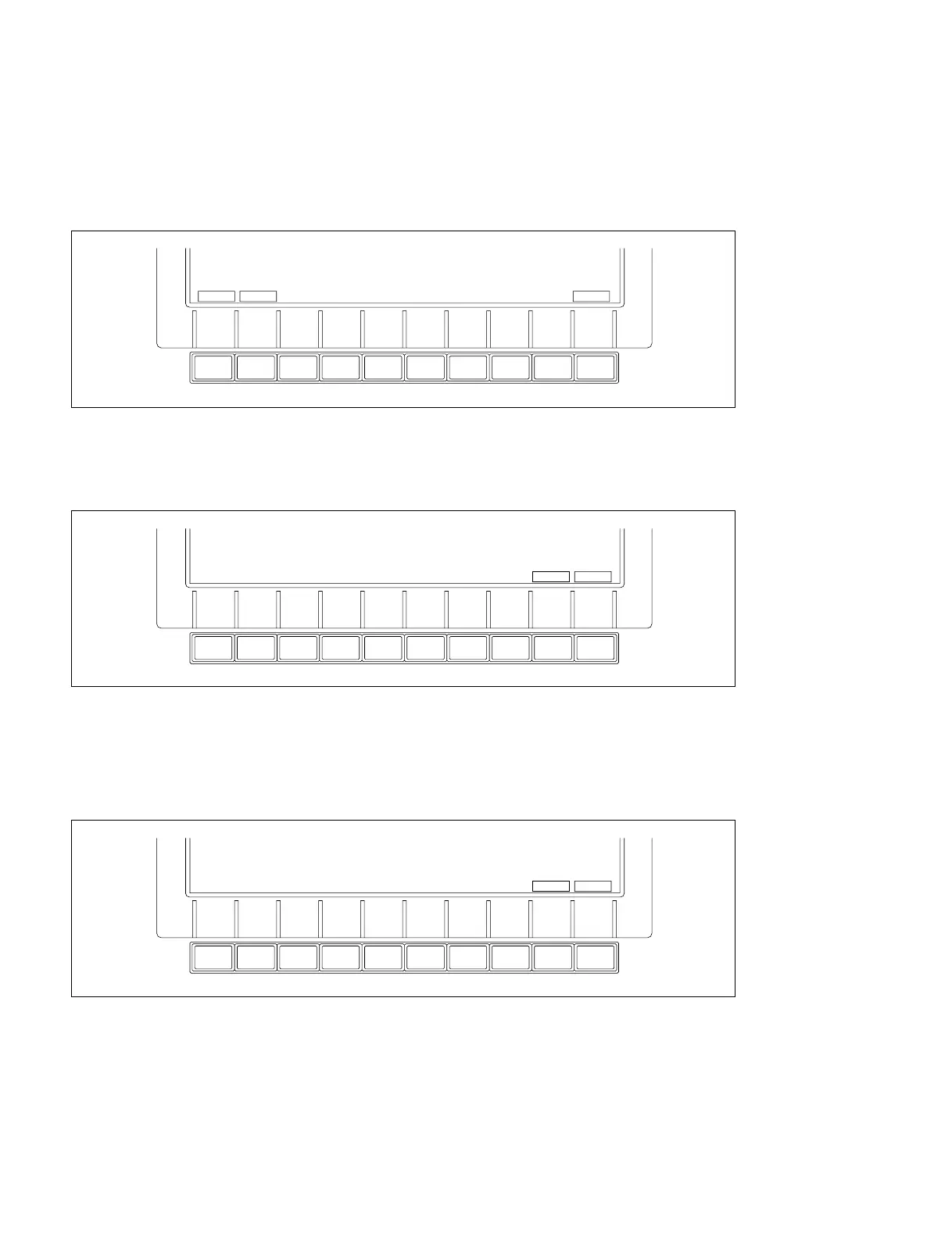
(1) In the set-up menu screen, press the keys on the display panel in the following sequence.
[1] (SYSTEM), [F10] (INSTALL)
The function key indications change as follows.
(2) Press the [F2] (HDS7150 SYSTEM) key (highlight indication), then press the [F10] (EXEC) key.
“Do You Want to Load the OPERATING PROGRAM ?” is indicated on the display, and the function
key indications change as follows.
(3) Press the [F9] (YES) key.
“Insert the OPERATING PROGRAM 1.” is indicated on the display.
(4) Insert OPERATING PROGRAM 1 (switcher software) to the floppy disk drive.
“Do you Want to Load the OPERATING PROGRAM ?” is indicated on the display, and the function
key indications change as follows.
HDS-7150
9-2. Installation of Program (HZS-7040)



 To Next Page