RB1G CHASSIS
W600A/ W603A/ W605A/ W607A/ W650A/ W651A/ W653A/
W654A/ W655A/ W656A/W657A/ W658A/ W670A/ W674A
172
Troubleshooting
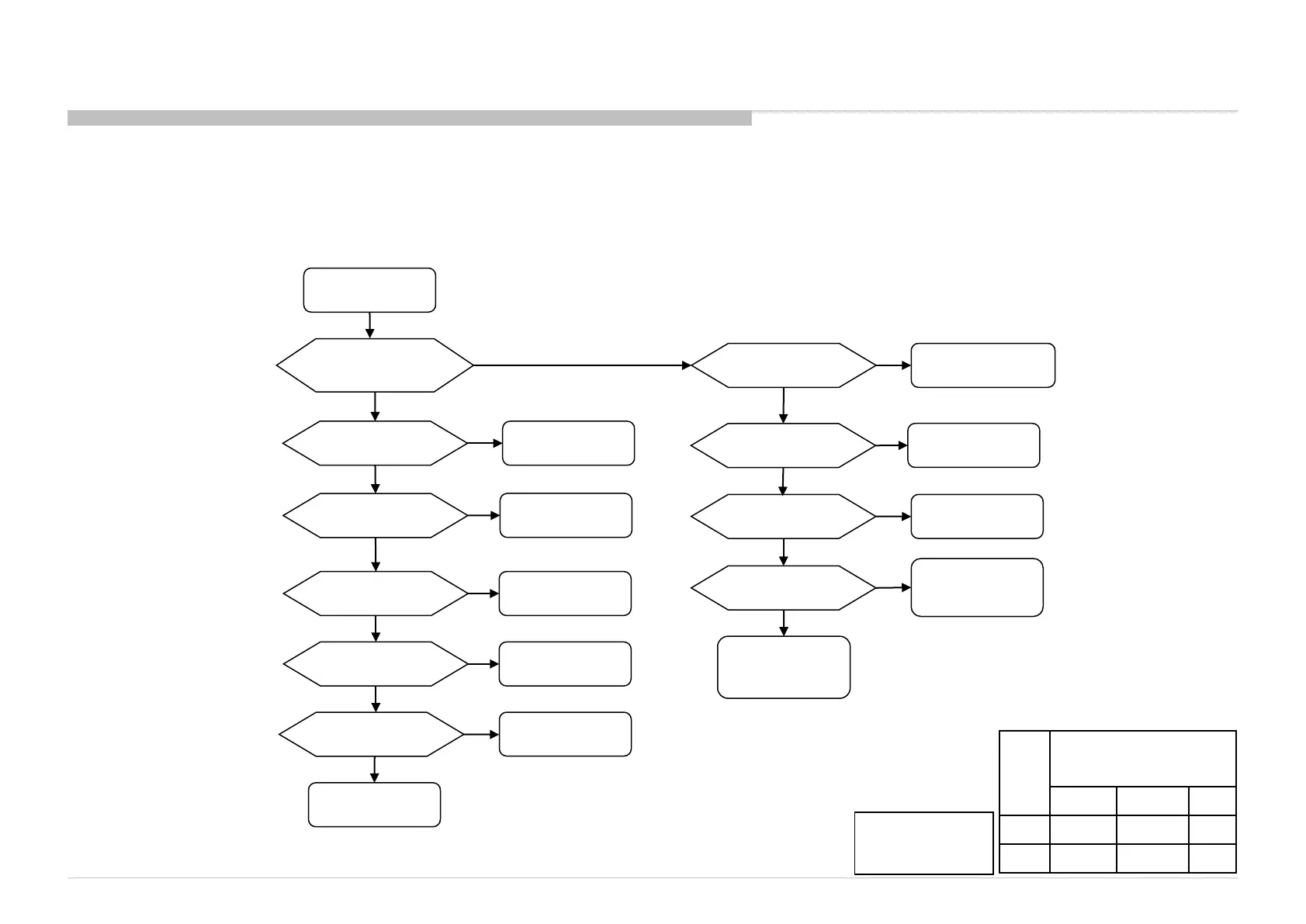
3-5. No Picture
3-5-10. NO PICTURE: @ Tuner JPN (Digital only)
No Picture
Noisy Picture
Sound is normal ?
Check IC9001(Brownie)/
IC9001(Ayu2)
Yes
No sound
Confirm Power supply
For Tuner and Digital Demod
LNA_5V / A2.5V /A2.5V_SAT/ DDEM3.3V
DDEM1.2V DDEM2.5V
NG
OK
Check Power supply
circuit
Check Tuner Module
and M’t condition
in Main/Sub_AGC /
Main/Sub_IF line
Check IC2308 (Main)
/ IC2309 (Sub)
<Hydra5>
Confirm RF Level using AGC
of Digital RF by Service mode
NG
AGC = high
AGC = Low
Confirm BER of digital RF
By Service mode
Which is NG?
Satellite RF or Terrestrial RF
Both
Either one
Error free
Check Brownie/Ayu2
and
M’t condition in TS line
Sound is normal ? Check Brownie/Ayu2
Yes
Confirm Power supply
for Digital Demod
DDEM1.2V / DDEM2.5V
DDEM3.3V
Confirm Demod control line
I2CB_SCL / SDA, MAIN_I2C_SCL/SDA
DMD_RESET1 / DMD_CLK_ENABLE1
X_SYSTEM_RST
OK
OK
Check Power supply
circuit
Check M’t condition
in Demod control line
NG
Check IC2308 (Main)
/ IC2309 (Sub)
Confirm RF Level using AGC
of Digital RF by Service mode
NG
AGC = high
AGC = Low
Check Tuner Module
and LNA_5V
NO
NG
Confirm BER of digital RF
By Service mode
Error free
Check Brownie/Ayu2
and
M’t condition in TS line
Note:
(AYU2) – IC9000
(Brownie)- IC9001
Size B* Board Type
(Segment: LW)
OTHERS EUROPE JP
32” BKX BKE BKJ
42” BKX BKE BKJ



 To Next Page