RB1G CHASSIS
W600A/ W603A/ W605A/ W607A/ W650A/ W651A/ W653A/
W654A/ W655A/ W656A/W657A/ W658A/ W670A/ W674A
218
Troubleshooting
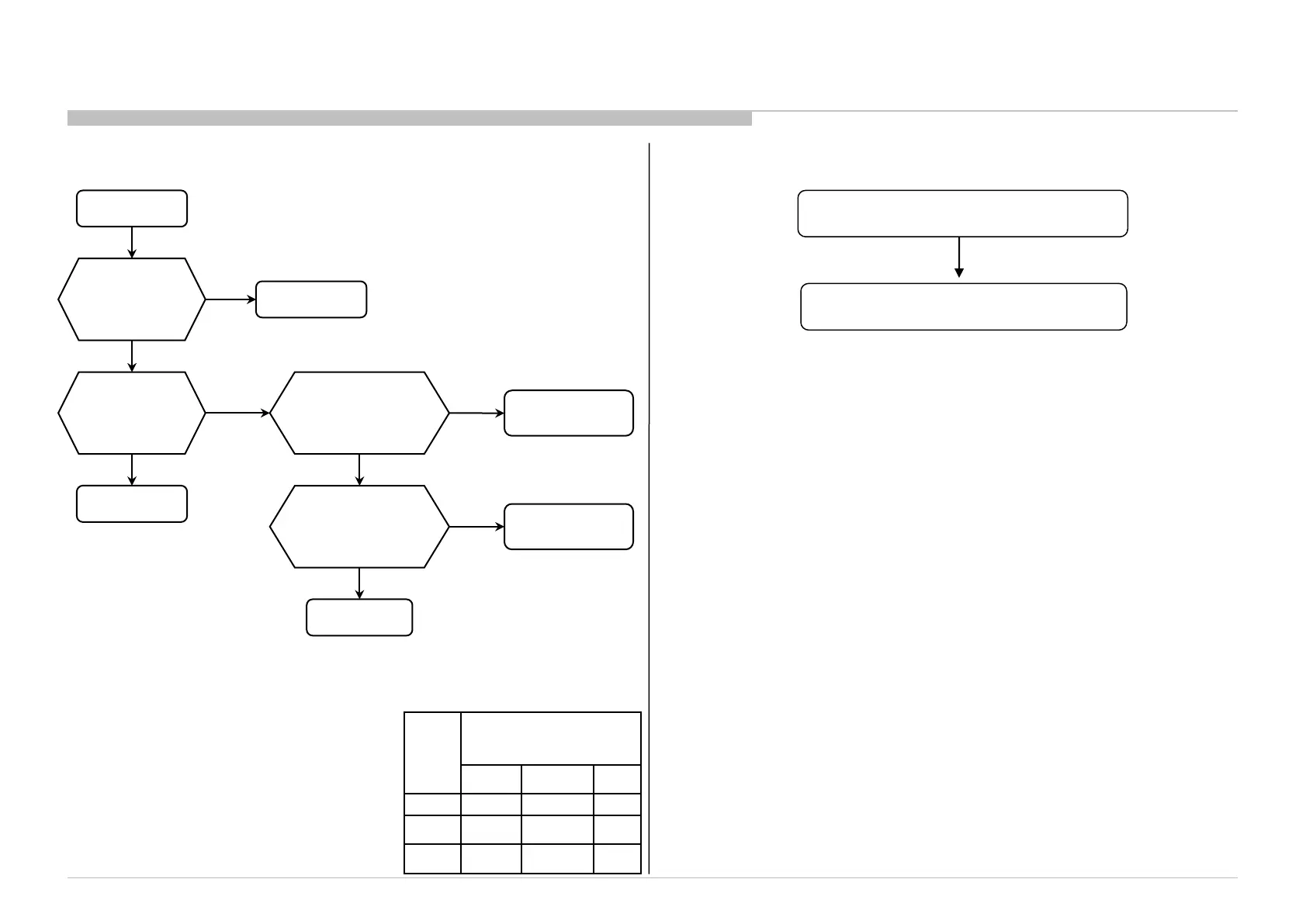
3-14. HDD-Rec Malfunction
HDD Rec
Malfunction
B* board
HDD is connected
to the appropriate
USB port?
Connect to the
appropriate port
No
Yes
USB Hub is inserted
in between the
USB port and HDD?
USB Hub is
NOT supported
Yes
No
Is the drive size larger
than 32GB ?
32GB and over
is supported.
No
Yes
All the setups and
restrictions listed in
iManual are cleared?
Check the iManual
No
Yes
3-15. Android Application Malfunction
An Application cannot start
Try TEST RESET, factory reset
or software update
*
* Possible conditions:
1. Some applications are not displayed in [Applications] of the Home Menu.
2. Applications icon is not displayed.
3. Disappeared from [All Applications].
(*)
Size B* Board Type
OTHERS
EUROPE JP
24” BKX BKE BKJ
32” BKX BKE BKJ
42” BKX BKE BKJ



 To Next Page