RB1G CHASSIS
W600A/ W603A/ W605A/ W607A/ W650A/ W651A/ W653A/
W654A/ W655A/ W656A/W657A/ W658A/ W670A/ W674A
222
Service Adjustment
4-7. Restore WB / Gamma Adj. Data to B board.
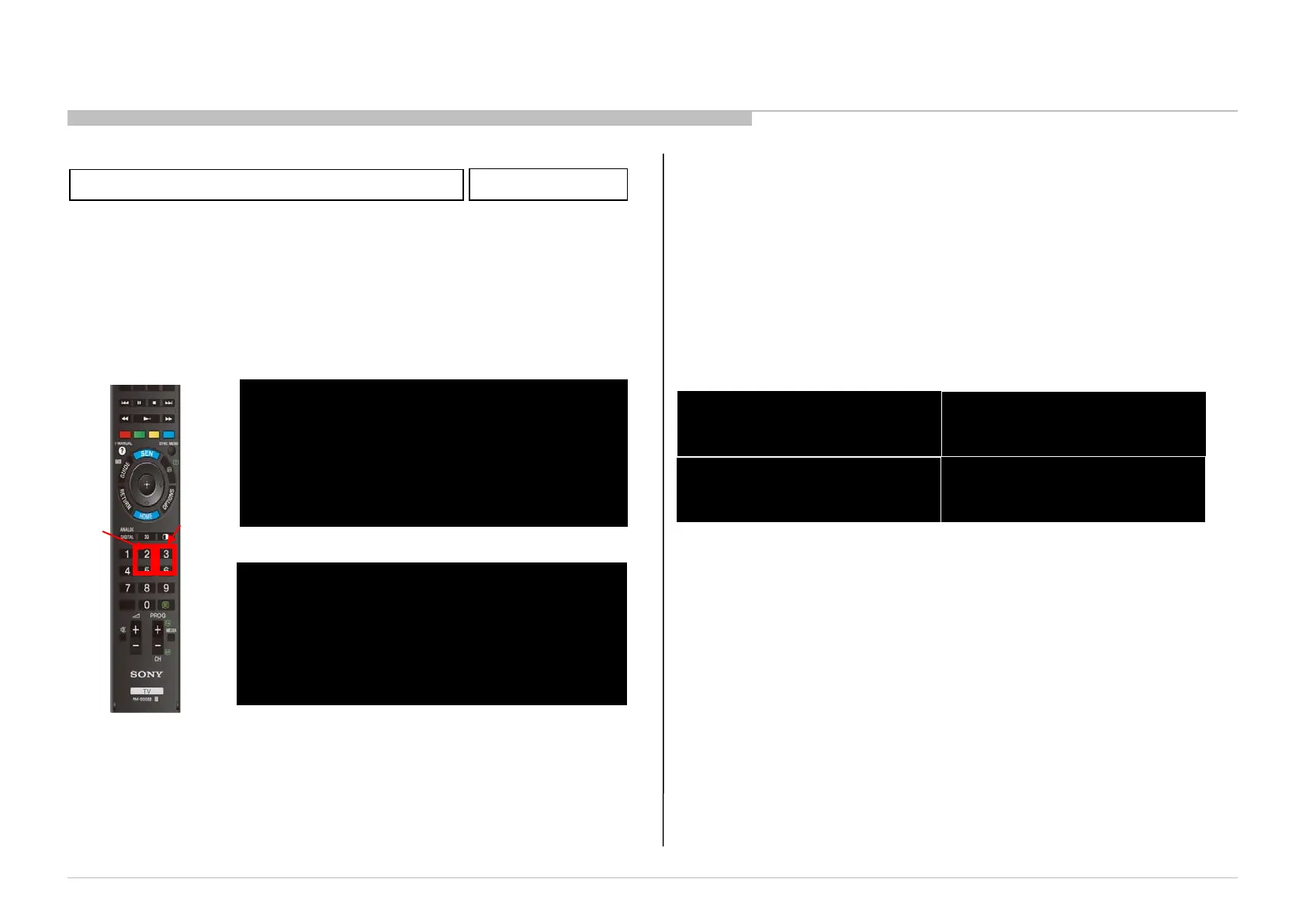
1.in “VPC” service mode
a.Select “000 DATA_COPY” category by pressing “2 / 5” on remote.
b.Change data from “0” to “1” by pressing “3 / 6” on remote.
c.Wait until data is changed from 1 to 3.
d.When data is changed from 1 to 3, restoring process is finished.
e.In case data is changed from 1 to 2, keep default setting. (No
more process is needed.)
HG,TE Models
Remote Commander
a
b
End restore process
VPC SERVICE
000 DATA_COPY
000 BU_TRANS 3
DATA TRANSFER SUCCESS
Restore process
VPC SERVICE
000 DATA_COPY
000 BU_TRANS 1
DO NOT POWER OFF
DO NOT TOUCH ANY KEY NOW
Please apply after USB-DL when B board is replaced.
4-8. WB Adjustment by Service Mode
VPC Service menu
VPC SERVICE
003 WB
001 G_DRV 512
VPC SERVICE
003 WB
002 B_DRV 512
VPC SERVICE
003 WB
004 G_BKG 512
VPC SERVICE
003 WB
005 B_BKG 512
1. in “VPC” service mode (“004 WB” category)
a. Press “1” or “4” on remote to select WB adjustment menu.
b. Change data by pressing “3” or “6”. Each range of these
items is 0~1023.
c. Press “mute” +”0” on remote to save the data. “SERVICE”
comment is changed to “WRITE”, indicating writing process.
d. After a while, “WRITE” comment returns to “SERVICE”,
which means writing process is done. (takes about a couple
of seconds)



 To Next Page