RB1G CHASSIS
W600A/ W603A/ W605A/ W607A/ W650A/ W651A/ W653A/
W654A/ W655A/ W656A/W657A/ W658A/ W670A/ W674A
217
Troubleshooting
3-13. 3D-Glasses(Active) malfunction (Not applicable for this model)
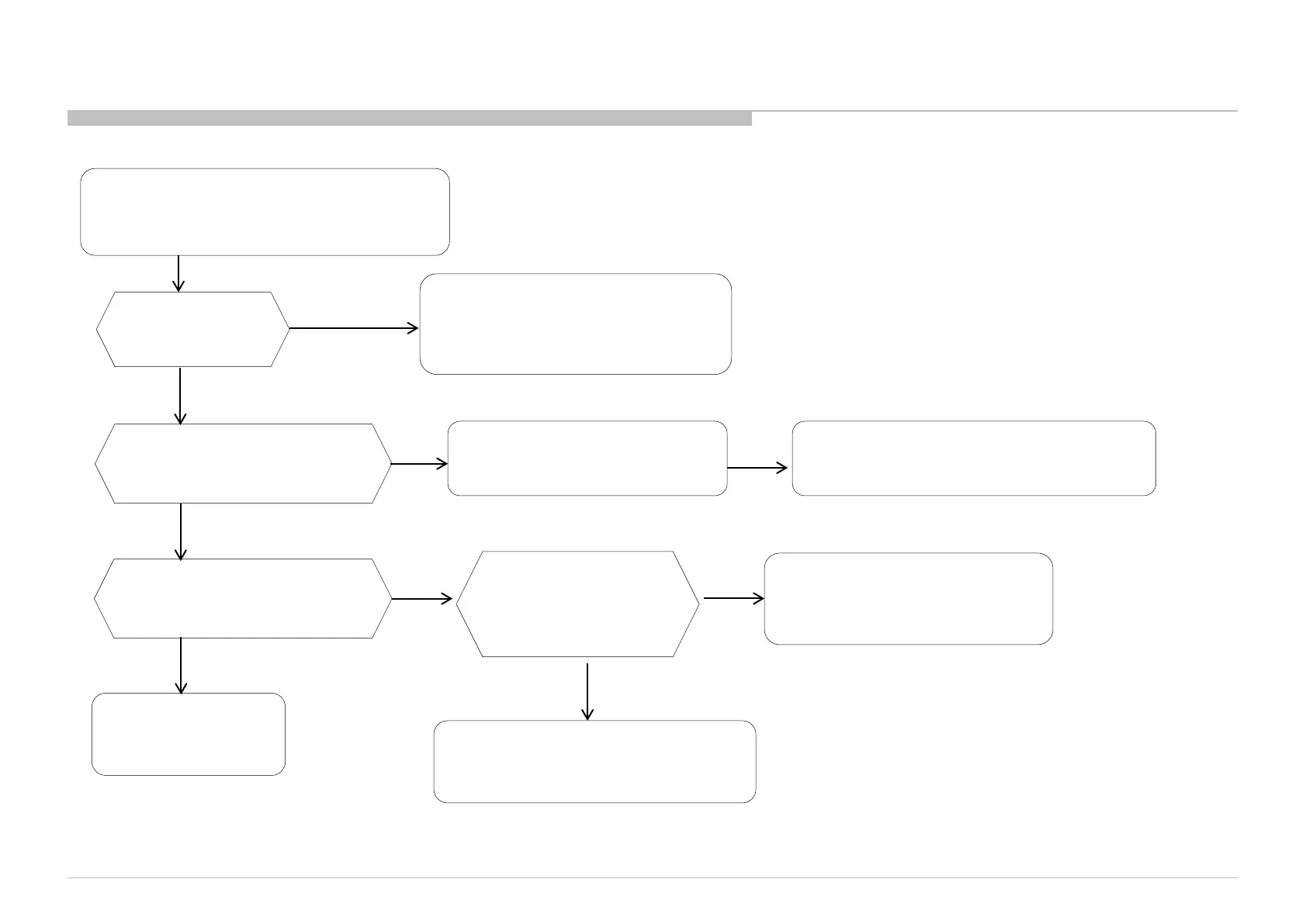
*(2) BT 3D glasses (HG/TE) doesn’t work
Replace to New Battery and try again.
(use CR2025 only.)
Check 3D-Glasses
Battery voltage is
>2.8V?
<2.8V
Restart TV. Power-off 3D-Glasses
and TRY registration again with
50cm distance.
Registered
Cannot Register
Interference from other
devices.
Check another 3D-Glasses and
re-register.
NG
3D-Glasses NG.
OK
Check if 2.4GHz devices are used or not?(ex.
WiFi, other bluetooth devices, microwave,
cordless phone,....)
Change to another
environment and try
registration again.
NG
OK
Very strong interference on that spot.
Confirm BT (Bluetooth) malfunction
trouble shooting flow.



 To Next Page