STR-DA2800ES
37
COMMAND MODE CHANGE MODE
The command mode of the remote-commander which this set re-
ceives can be changed.
Procedure:
1. While pressing the [2CH/A. DIRECT] button, press the [
?/1
]
button to turn on the main power.
2. Either the message “C. MODE AV1” or “C. MODE AV2” ap-
pears. Select the desired mode.
C. MODE AV1
C. MODE AV2
or
SOFTWARE VERSION DISPLAY MODE
The software version is displayed.
Note: In this mode, never press the [M] and [m] buttons on the remote
commander.
Procedure:
1. While pressing the [TONE MODE] and [MUSIC] buttons,
press the [
?/1
] button to turn on the main power.
2. The model name/system controller software version appears.
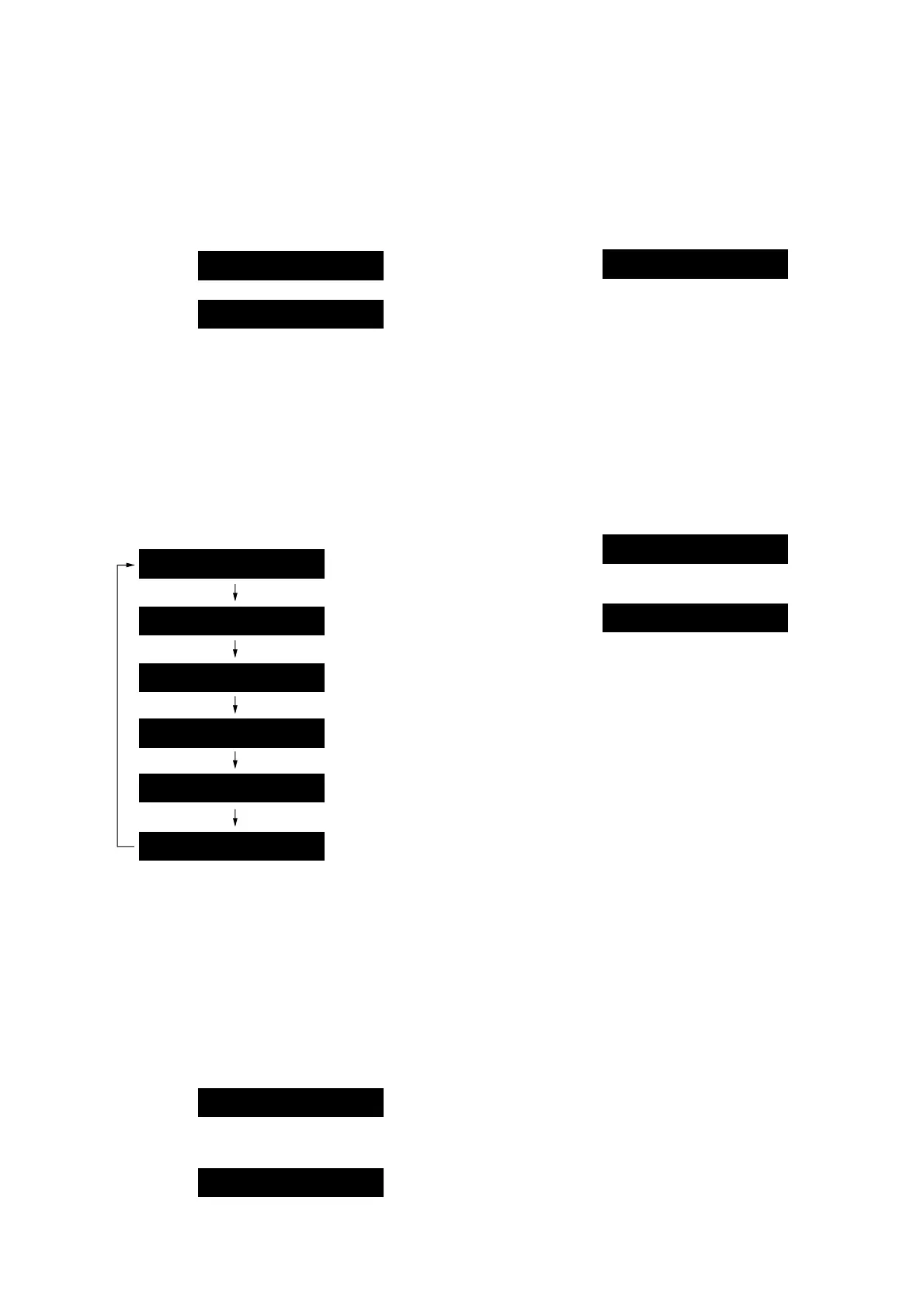
Each time the [DISPLAY MODE] button is pressed, the ver-
sion is switched in order as follows.
(Displayed characters/values in the following fi gure are ex-
ample)
Model name/
System controller
software version
Sub system controller
software version
Video system controller
software version
DSP serial flash
software version
M.A28 v1.01
SUB CCv1.00
Network processor
firmware version
NET vR1000
System software
version
SYS. v1.000
VIDEO v1.00
SFLASHv1.00
Releasing method:
Press the [
?/1
] button to turn off the main power.
SHIPMENT MODE
Initialize backup of EEPROM and Network and return to state of
the shipment.
Procedure:
1. While pressing the [TONE MODE] and [MOVIE/HD-D.C.S.]
buttons, press the [
?/1
] button to turn on the main power.
2. The message “CLEARING” appears and return to state of the
shipment.
(This operation takes about 2 minutes)
CLEARING
3. When done, the message “STANDBY” appears and turn off
the main power.
STANDBY
REBOX TEST MODE
Displayed the number of times of the power on after the shipment.
Procedure:
1. While pressing the [A.F.D.] and [SPEAKERS] buttons, press
the [
?/1
] button to turn on the main power.
2. The number of times of the power on after the shipment ap-
pears.
(Displayed values in the following fi gure are example)
REBOX- 02
Releasing method:
Press the [
?/1
] button to turn off the main power.
KEY CHECK MODE
Each buttons can be checked.
Procedure:
1. While pressing the [MEMORY/ENTER] and the [MOVIE/
HD-D.C.S.] buttons, press the [
?/1
] button to turn on the main
power.
2. Either the message “REST 13” appears.
Every pressing of any button other than the [
?/1
] counts down
the buttons.
(The buttons which are already counted once are not counted
again)
REST 13
3. When all buttons are pressed “REST 00” appears.
REST 00
Releasing method:
Pull out the AC power cord, or do not perform operation for 10
seconds.















 To Next Page