Version 5.2 Sourcefire 3D System Installation Guide 107
Setting Up a Sourcefire 3D System Appliance
Initial Setup Page: Defense Centers
Chapter 4
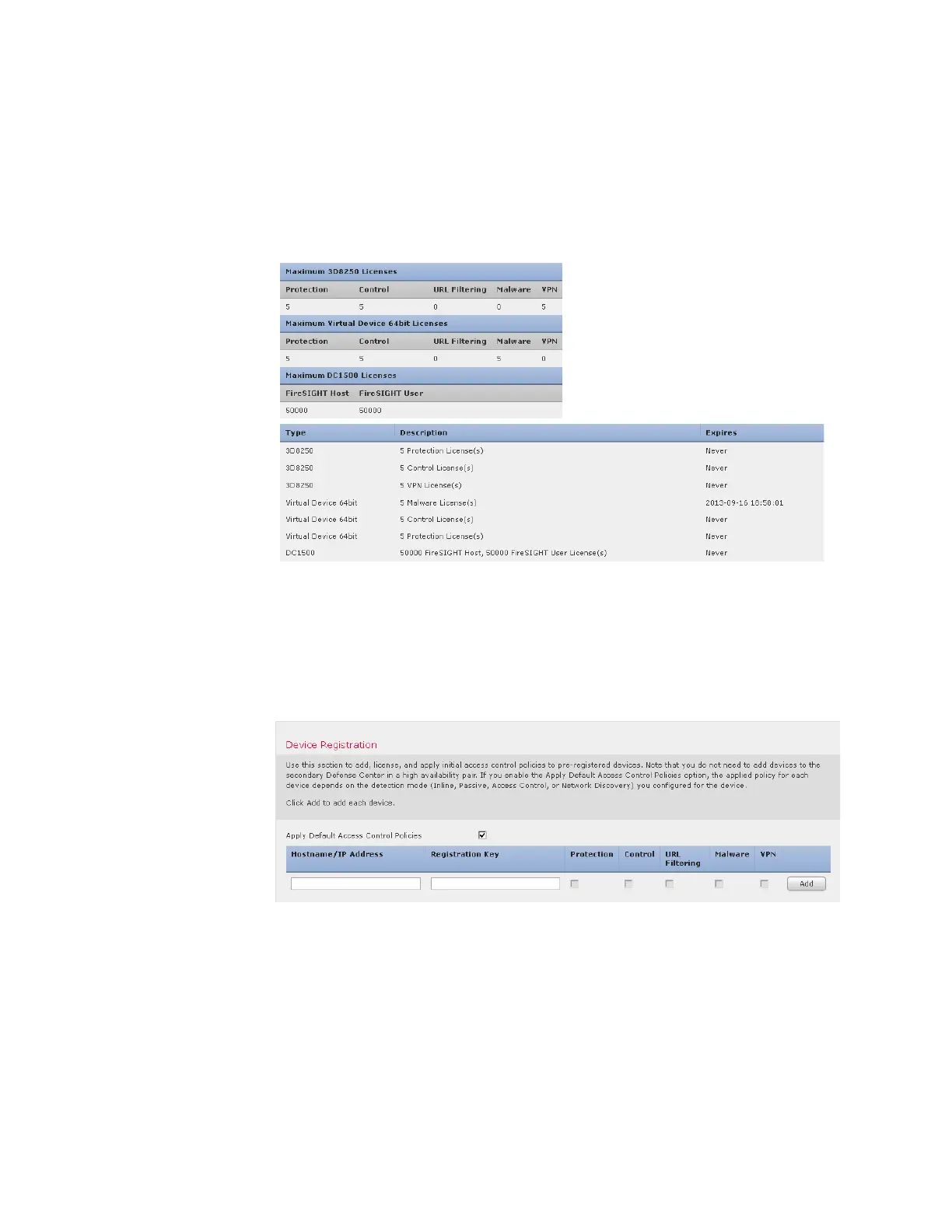
Add a license by pasting it into the text box and clicking Add/Verify. After you add a
valid license, the page updates so you can track which licenses you have added.
Add licenses one at a time.
Device Registration
A Defense Center can manage any device, physical or virtual, currently supported
by the Sourcefire 3D System. You can add most pre-registered devices (see
Remote Management on page 97) to the Defense Center during the initial setup
process. However, if a device and the Defense Center are separated by a NAT
device, you must add it after the setup process completes.
When registering devices, leave the Apply Default Access Control Policies check box
enabled if you want to automatically apply access control policies to devices upon
registration. Note that you cannot choose which policy the Defense Center
applies to each device, only whether to apply them. The policy that is applied to



 To Next Page