Version 5.2 Sourcefire 3D System User Guide 256
Inserting and Removing 8000 Series Modules
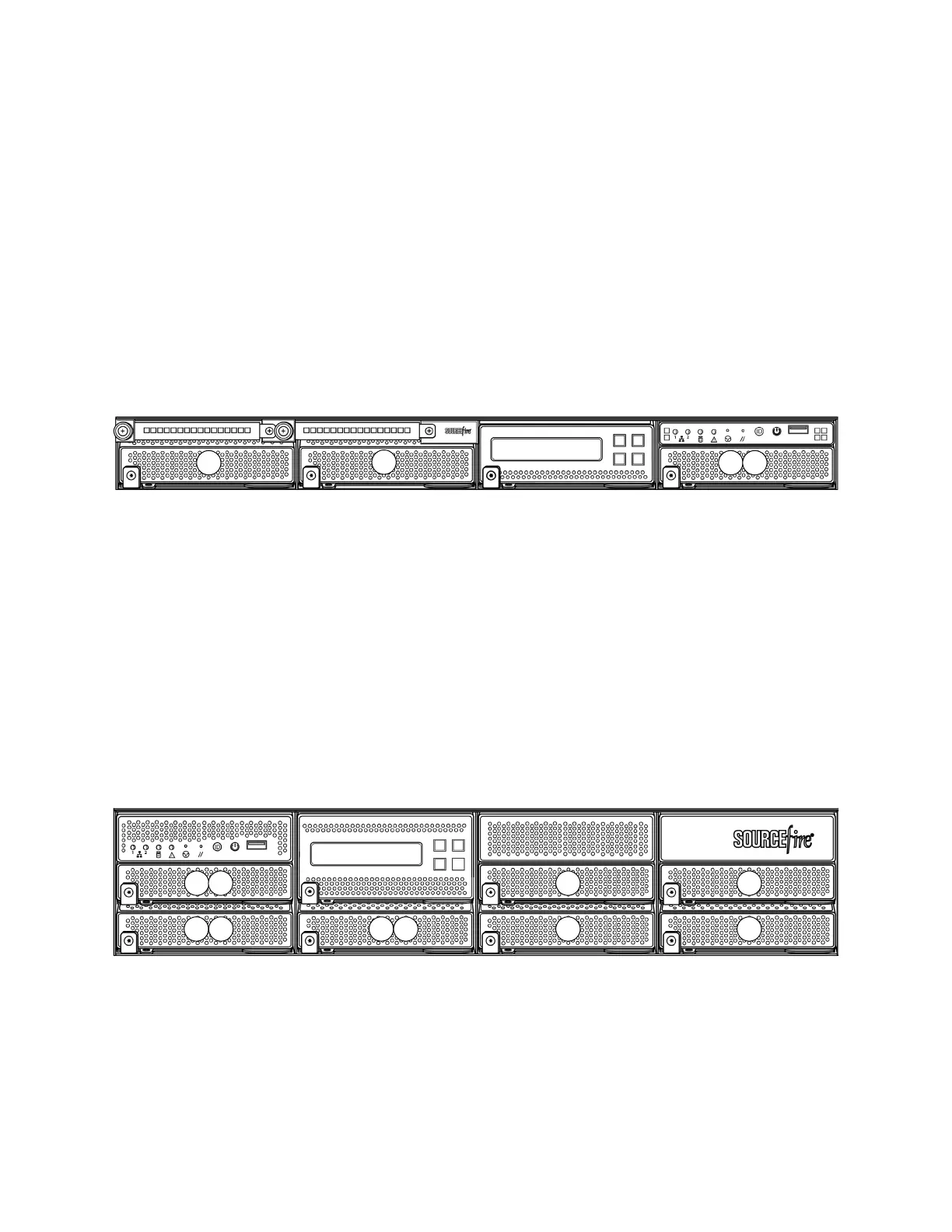
Module Slots on the 8000 Series Appliances
Appendix C
After you insert the modules into your appliance, see the following sections for
more information on using the modules:
• For information on configuring the sensing interfaces, see Identifying the
Sensing Interfaces on page 61.
• For information on using the stacking module, see Using Devices in a
Stacked Configuration on page 74.
81xx Family
The 81xx Family appliances can use the modules in the following slots:
Stacking Configuration Considerations
Configure the modules as follows for stacked devices:
• Install NetMods on the primary device only.
• Install one stacking module on the primary device and one stacking module
on the secondary device.
82xx Family
The 82xx Family appliances can use the modules in the following slots:
82xx Family Primary Device
1
2
3 S
Slots 1-3: NetMods
Slot S: Stacking module
1 2 3S
4
5 6
7
S S
Slots 1-7: NetMods
Slot S: Stacking modules



 To Next Page